iMyFone MirrorTo for Windows 10 - Full description
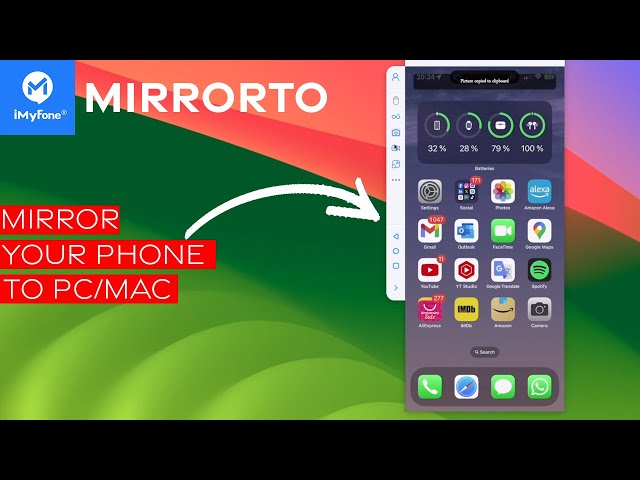
iMyFone MirrorTo is a screen-mirroring application for displaying Android or iOS phone content on a computer. It is intended for people who want to view mobile apps, games, videos, or presentation material on a larger screen, and can also help Android users interact with phone apps from the desktop. The computer acts as the viewing screen while the mobile device supplies the content.
After connecting a phone, MirrorTo presents its screen in real time on the computer. This makes mobile content easier to show to a group, follow during a demonstration, or watch at a desk without holding the phone. Mirroring is also useful for gaming: Android users can use a computer mouse and keyboard to control supported phone apps, offering an alternative to touch input. The degree of responsiveness depends on the device and connection, so demanding games and live demonstrations are best checked before an important session.
The software supports both Android and iOS devices, giving households or workplaces with different phones a common way to display mobile content on a computer. For Android, desktop control complements the mirrored view by allowing app interaction from the computer. The displayed image is intended to retain detail at high definition, though the practical result depends on the phone, computer display, and connection conditions. MirrorTo is focused on projecting and controlling a mobile screen rather than replacing the phone's apps or transferring their data.
Typical uses include demonstrating an app, showing photos or other mobile media to a group, following a video on a larger display, or playing a mobile game using computer input. Presenters can keep content on the phone while making it visible on a desktop monitor; casual users can use the same arrangement for viewing and app access. A stable connection is important for uninterrupted use, particularly during longer sessions or when timing matters.
MirrorTo is distributed as demo software, and some advanced functions may require a paid subscription. It runs on Windows 10 and Windows 11, as well as Windows 8 and Windows 7 in 32-bit and 64-bit editions. Phone support and available controls can vary by operating system and device, so users should confirm that their handset supports the connection method and features they need.