Internet Explorer 11 11.0.11 review by William L. Adams (Jan 27, 2023)

Have to Install? Somehow lost Internet Explorer 11 connection.

IE Tab is a browser extension for accessing Internet Explorer-only websites and legacy web applications from Chrome or Firefox. It opens content in a tab using the Internet Explorer rendering engine, and specific URLs can be configured to launch there automatically. The extension supports ActiveX controls, with options to restrict them to trusted sites, and includes settings for pop-ups, cookies and script debugging. It is intended for Windows 10 and Windows 11 and is offered as trialware.
| Author: | Blackfish Software |
| License: | Trialware |
| Price: | $39.00 |
| Released: | Oct 31, 2026 |
| File size: | 922 kB |
| Downloads: | 182835 |
| Keywords: | Internet Explorer 10, tab, windows 8, internet, windows, Platform Preview, open ie sites in chrome, explorer collection, windows 7, ie tab for firefox, legacy website browser, collection, web browsing, legacy support, activex browser extension, x64 software, windows vista, internet explorer tab, ie tab extension, Internet Explorer 11, Windows 10 compatible, browser, Microsoft |
| Author URL: | https://www.ietab.net/ |

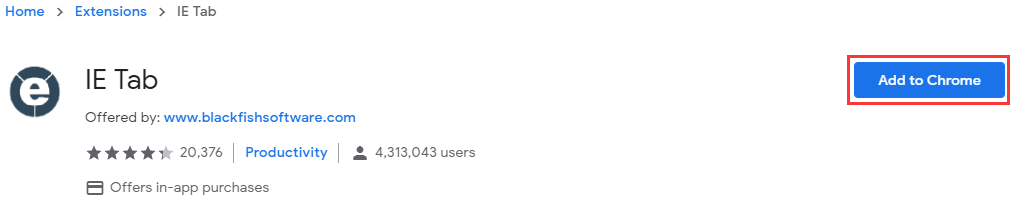
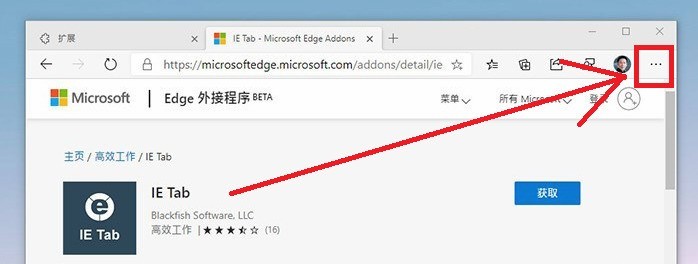


IE Tab is a browser extension for people who need to open websites built for Internet Explorer while working in Chrome or Firefox. It places Internet Explorer rendering inside a browser tab, which can help with older web applications and sites that do not behave correctly in a modern browser. Rather than switching between browsers for different tasks, users can keep legacy content alongside their regular browsing.
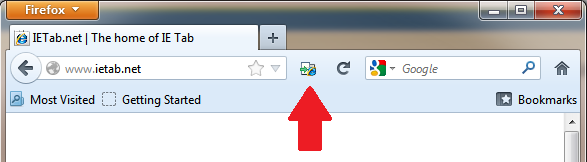
After installation, the IE Tab toolbar button opens a tab using the Internet Explorer engine. Users can also set particular URLs to open in IE Tab automatically, making it easier to return to business applications or other sites that depend on older browser behavior. This is especially useful in workplaces where a small number of legacy services remain part of everyday processes.
The extension supports ActiveX controls, which some older web applications require. Options to limit ActiveX use to trusted sites provide a way to restrict where this legacy functionality is available. Other settings cover pop-up blocking, cookie handling and script debugging, letting users adjust browser behavior for the needs of particular sites or troubleshooting tasks.
IE Tab is intended for compatibility rather than general-purpose web browsing. It can be used to access older internal portals, business tools and websites that expect Internet Explorer, while Chrome or Firefox remains the main browser for other work. Configuring specific addresses to open in the extension can make this split workflow more predictable, although site behavior depends on the requirements of each legacy application.
The software is offered as trialware and is intended for Windows 10 and Windows 11 systems. It works as an extension in Chrome or Firefox and is not a standalone Internet Explorer browser. ActiveX and other legacy browser features can carry security risks, so they should be enabled only when needed and restricted to trusted sites. The supplied download is a compact installer.
Have to Install? Somehow lost Internet Explorer 11 connection.
highly recommended browser
its good working well

Some websites don't open other than on Internet Explorer.
IT IS EXCELLENT SOFTWARE FOR OFFICIAL USE