Pale Moon x64
Pale Moon is a Firefox-derived web browser built for 64-bit ... memory by leaving out redundant or optional code. Pale Moon shares its underlying source with Firefox, but it ...

Pale Moon is an open-source browser built from Firefox source and optimized for performance on current processors. It aims to reduce memory use by removing redundant and optional code, while improving page drawing and script processing. It supports SVG and Canvas for websites with scalable graphics and interactive content. Its feature set differs from Firefox, and it does not include accessibility features or parental controls.
| Author: | Moonchild |
| License: | Open Source |
| Price: | FREE |
| Released: | Oct 27, 2026 |
| File size: | 29.80 MB |
| Downloads: | 2162 |
| Keywords: | browser with svg support, open source browser, viewer, Moonchild Productions, pale moon browser, Windows 10 Compatible, browser, browser with canvas support, optimized firefox browser, Efficient Browsing, portable browser, lightweight web browser, Open Source Software, Pale Moon Browser, firefox, Customizable Interface, optimized web browser |
| Author URL: | https://www.palemoon.org/ |



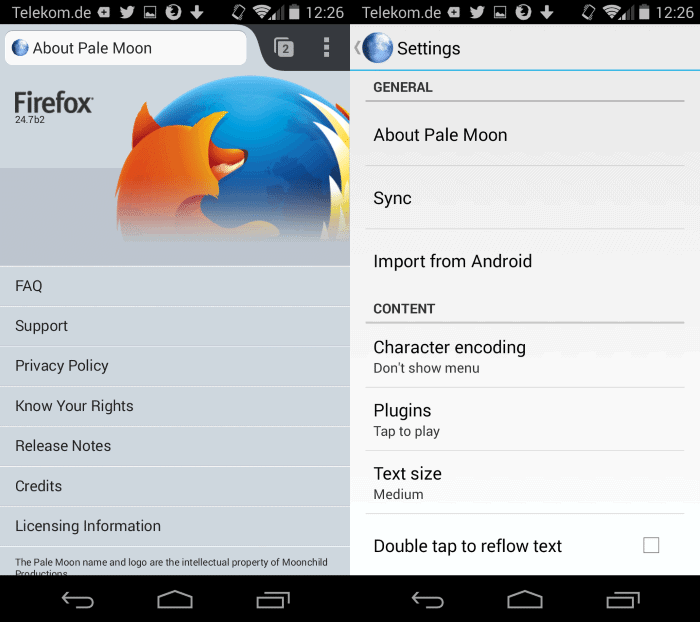
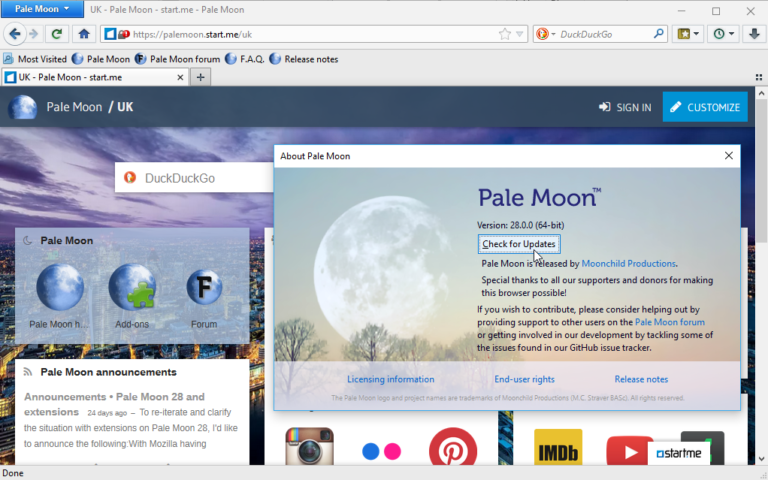


Pale Moon is an open-source web browser for Windows, built from Firefox source and tuned for performance on current processors. It is intended for people who want a browser with familiar web navigation and page rendering, while prioritizing efficient use of system resources over including every feature found in Firefox. Its selection of supported functions differs from Firefox, so it is best suited to users whose browsing needs fit the features it retains.
The browser’s optimization work focuses on how it is compiled and on reducing optional or redundant code. Pale Moon uses these choices to lower memory use and improve page drawing and script processing. In everyday browsing, that can help pages that rely on JavaScript or visual content load and respond more efficiently. Support for SVG and Canvas lets websites display scalable graphics and draw content directly in the browser, including interactive visual elements.
Pale Moon is sourced from Firefox, and its approach keeps core browser tasks—opening websites, rendering pages and running web content—at the center of the experience. Its feature set is deliberately selective: some functions available in Firefox are disabled when they are considered unnecessary or unrelated to how pages display and operate. This makes the browser a more focused option, but users should check whether a particular browser feature or site workflow is supported before switching. The project’s technical documentation can help clarify those differences.
The browser may suit people who browse a mix of text-heavy sites, web applications and pages with graphics or scripts, and who prefer a leaner feature set. It can also be considered on systems where memory use and responsiveness matter. It is not the right choice for users who depend on accessibility features or parental controls, which are not included; the standard Firefox browser is a more appropriate alternative for those needs. As with any browser, extensions and website behavior can vary, so essential tasks should be tested in advance.
Pale Moon is free and open source. It is available for Windows 10 and Windows 11, as well as earlier Windows releases. The Windows downloads support 32-bit and 64-bit systems where applicable. Its processor optimizations are intended for current hardware, while reduced optional code is part of its effort to keep resource use down. Users should choose the build that matches their Windows system and consult the project’s technical information for details about supported features.