Obi for Windows 10 - Full description
Obi is an audiobook authoring application from the DAISY Consortium for people and organizations producing accessible digital publications. It is designed to create DAISY-compliant audio books, which combine spoken content with a structure that listeners can navigate. The software can serve individual authors, educators, and production teams that need to make books or learning materials usable by people with print disabilities.
The authoring workflow brings recording, editing, and content organization into one project. Users can record narration and manage audio within the publication, then refine it with tools for trimming and splitting audio files. These edits help remove unwanted sections or divide a recording into manageable parts. Obi also supports synchronizing audio with text, so spoken narration can be associated with the corresponding written content rather than presented as an unstructured recording.
A publication can include navigational elements such as headings, subheadings, and page numbers. These markers let listeners move through a book by its sections or locate a particular page, which is especially useful for reference works, textbooks, and other material that readers may revisit. Obi's project structure supports more complex publications as well as simpler audio books, while its support for multiple audio formats gives authors options when working with sound files.
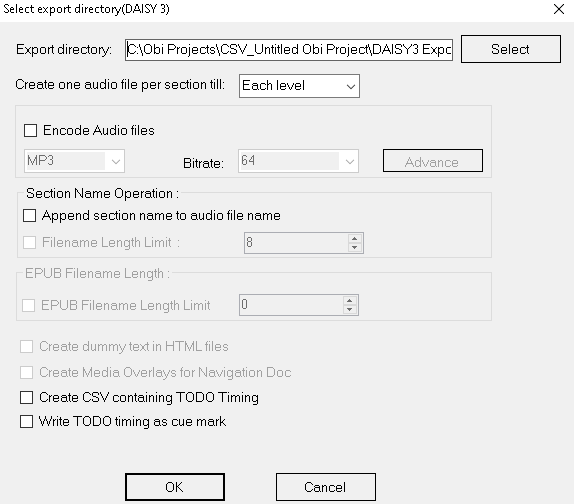
Projects can be imported and exported, making it possible to transfer work between users or continue editing in another workflow. This is useful for organizations in which recording, editing, and review are handled by different people; project exchange allows work to be handed off without treating the finished audio as the only deliverable. Obi also supports multiple languages and is designed to work with screen readers, aiding accessible use of the authoring software itself.
Obi is intended for creating accessible publications, not simply for playing audio books. It runs on Windows, including Windows 10 and Windows 11, and is also compatible with Windows 7 and Windows 8. Its combination of audio editing, text synchronization, and structured navigation makes it suitable for individuals and institutions preparing DAISY audio content for readers who benefit from accessible formats.