Portable OpenOffice.org
Portable OpenOffice.org is a portable office suite for people who ... functions are intended to resemble the standard desktop OpenOffice.org suite, so work does not depend on an ...

OpenOffice.org is an open-source office suite for creating text documents, spreadsheets, presentations, graphics, databases and mathematical formulas. Writer, Calc and Impress support everyday office tasks, while Draw, Base and Math cover visual, data-management and formula work. The suite uses OpenDocument Format and can also read and write files from other common office software. It is multilingual and free to use for personal, educational or commercial work.
| Author: | CollabNet, Inc |
| License: | Open Source |
| Price: | FREE |
| Released: | Jan 4, 2024 |
| File size: | 142.00 MB |
| Downloads: | 1120 |
| Keywords: | free microsoft word office, x64 OpenOffice performance, OpenOffice.org review, openoffice presentation software, open document format editor, free office software, power point, microsoft works, microsoft works word processor, OpenOffice features, download microsoft power point, openoffice spreadsheet program, Windows 10 compatibility, free microsoft word, openoffice writer download, CollabNet Inc software, openoffice office suite, openoffice.org, openoffice, OpenOffice user experience, open offi |
| Author URL: | https://www.openoffice.org/ |

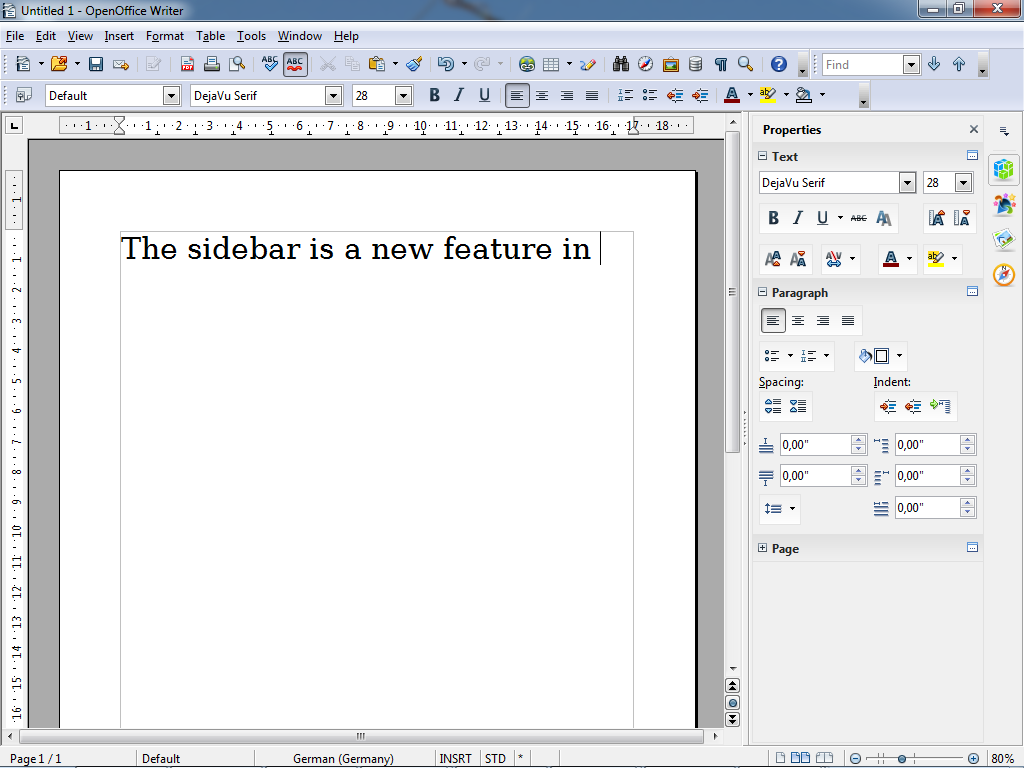


OpenOffice.org is an open-source office suite for people who need tools to create documents, work with data, prepare presentations and produce graphics. Its applications share a consistent interface and can be used together in a single suite, making it suitable for home, school, nonprofit and workplace tasks. It is available in multiple languages and is distributed at no charge for personal, educational, government or commercial use.
Writer handles letters, reports and other text documents, with tools for formatting paragraphs and pages, organizing longer files and checking spelling. Calc is the spreadsheet component: users can enter data in tables, apply formulas, sort and analyze information, and create charts to present results. Impress is used to build slide presentations, combining text and visual elements for lessons, briefings and talks. These applications cover common office work without requiring a separate program for each task.
Draw provides tools for diagrams, illustrations and other graphics, while Base is intended for creating and working with databases. Math helps users compose mathematical formulas for inclusion in documents. Because the suite brings these components together, content can be moved between applications as part of a broader workflow - for example, a chart prepared in Calc can support a report in Writer or a presentation in Impress.
The suite uses OpenDocument Format as its native document standard, supporting the exchange of files through an openly documented format. It can also read and write files used by other common office software, which is useful when collaborating with people who use different programs. Compatibility can vary with complex formatting or specialized features, so documents intended for sharing may benefit from a review in the recipient's software. OpenOffice.org can be used to create new files as well as open and edit existing work.
OpenOffice.org is open-source software and may be installed and used without license fees, including for commercial purposes. It is offered for Windows, Linux and Mac OS X, with multiple language options. Its range of writing, spreadsheet, presentation, graphics, database and formula tools makes it a practical choice for users seeking a general-purpose office suite based on open document standards.