OpenVPN for Windows 10 - Full description
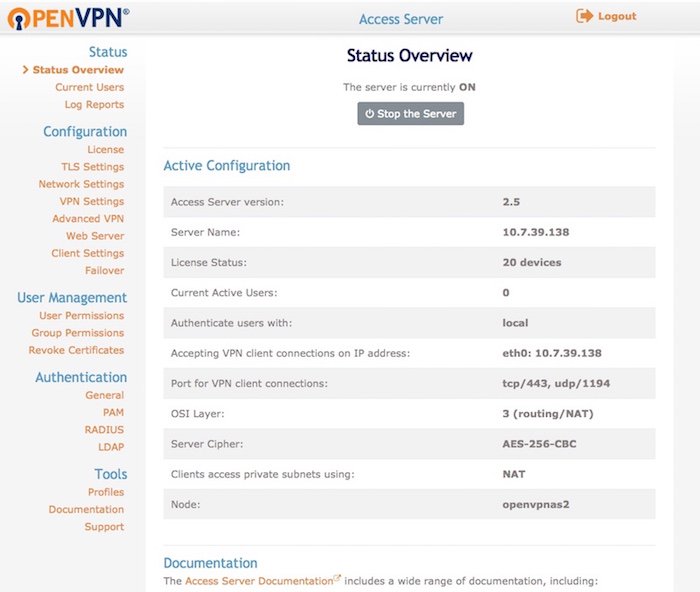
OpenVPN is VPN software for building encrypted connections between a Windows computer and a private network or remote server. It is intended for administrators, businesses and technically confident users who need control over how a VPN is hosted and configured, rather than a ready-made service with a provider's own servers. Connections require a server and matching configuration, so setup involves more than installing the client and pressing a connect button.
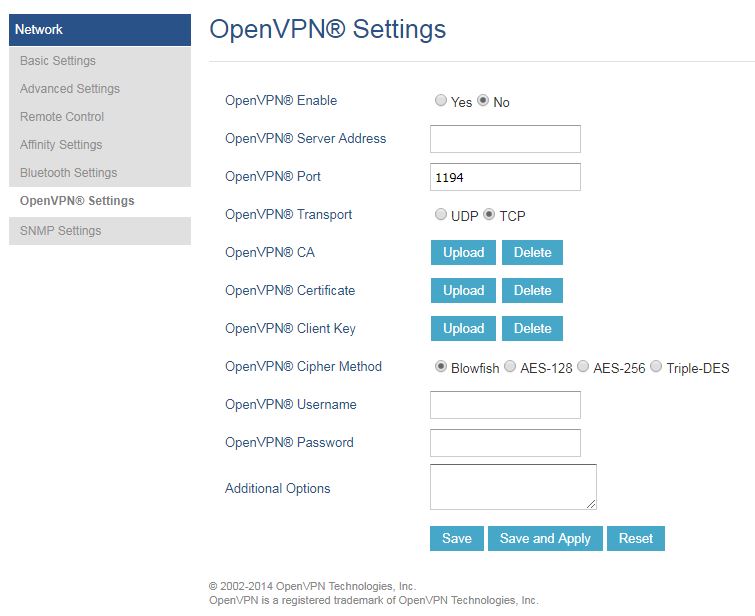
The software uses SSL/TLS to establish and protect VPN connections. Configuration files define the server address, connection options and authentication details; users import or select the appropriate profile to connect. Administrators can set up certificates or other supported authentication methods and choose encryption and key-exchange settings to suit their network's security policy. The client then provides an encrypted route for traffic between the connected device and the private network.
OpenVPN supports TCP and UDP transport and can be configured to use different network ports. These options let administrators adapt connections to network rules and firewall policies, although successful access depends on the server and intervening network being configured to allow the chosen traffic. Because the software relies on editable configuration rather than a fixed provider-managed setup, users can tailor routes and access to the resources their VPN is meant to reach.
Typical uses include securely accessing office systems from home, connecting remote staff to internal services, and linking separate networks in a site-to-site setup. It can also provide a private tunnel to a server that the user controls. The software does not supply a general-purpose network of VPN servers; the user or organization must arrange and maintain the server and its configuration.
OpenVPN is aimed at users comfortable with network setup and configuration files, and may require server administration knowledge to deploy. It is available for Windows 10 and Windows 11, including 32-bit and 64-bit Windows 10 systems, as well as Windows Server 2019, 2022 and 2025. A working connection depends on compatible client and server configurations and appropriate credentials.