PC Pitstop Exterminate for Windows 10 - Full description
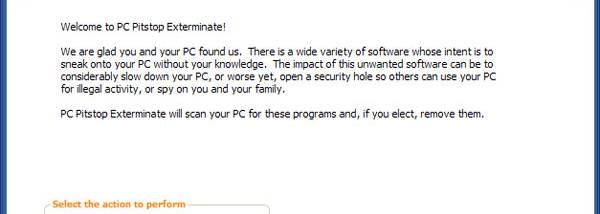
PC Pitstop Exterminate is an anti-malware utility for Windows PCs that scans for spyware, cookies, viruses and other potentially harmful software. It is intended for people who want to check a computer for threats, review what a scan finds and manage cleanup. Rather than presenting every detection as equally serious, Exterminate categorizes threats to help users assess their potential risk and decide what to address.
The program uses signature-based identification alongside heuristic and behavior analysis. These methods look for known malware as well as suspicious characteristics or activity that may indicate less familiar threats. After a scan, users can inspect the identified items and their categories before cleaning. The combination is meant to help detect malware that may evade a simple check against known signatures, while threat categorization gives context for reviewing the results.
Exterminate also keeps a record of its security work. Each scan or cleanup generates a report that is archived, making it possible to review earlier findings and actions rather than relying only on the latest scan. An optional email report can be sent after remote scanning or cleaning. A scheduler lets users arrange scans and cleanup for a later time, which is useful when maintenance should happen without someone sitting at the computer.
Remote management is a central part of the utility. From another PC, users can view the test results and security status of their computers, and schedule scans or cleanup remotely. This workflow is aimed particularly at people responsible for several PCs: they can check each machine and arrange maintenance without visiting it individually. Remote access also provides a way to diagnose a computer when its usual user is not available.
Exterminate is distributed as a demo. Its stated Windows compatibility covers Windows XP, Windows Vista, Windows 7 and Windows 8; compatibility with later Windows releases is not established here. The program's small installer is intended for use on a Windows PC, while its reports, scheduled tasks and remote management features support ongoing maintenance after installation.