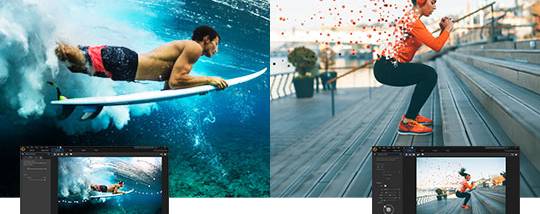
PhotoDirector for Windows 10 - Full description
PhotoDirector is a photo management and editing program for photographers who want to organize image collections and make detailed adjustments in one workflow. It imports photos into a library, where images can be sorted and annotated with keyword tags and copyright information. Face detection helps identify people in a collection so they can be tagged, making it easier to find portraits later.
Its editing tools cover routine corrections as well as more selective work. Crop and rotate images, correct white balance, exposure, color and sharpness, or use HDR adjustments to bring out detail in bright and dark areas. Noise, distortion, chromatic aberration, vignetting and keystone effects can also be corrected. Local adjustment brushes use edge detection to target parts of an image, while selection and gradient masks let editors apply different settings to specific areas without changing the rest of the photo. Multiple masks can be combined in a single image.
PhotoDirector keeps adjustments non-destructive: edits are previewed as instructions and applied when an image is produced, leaving the original file untouched during the editing process. Retouching tools handle red-eye, dust spots, blemishes and discoloration, with healing and cloning for repairing selected areas. Portrait tools can smooth skin, whiten teeth, reduce wrinkles and reshape bodies. Content-aware removal and other removal tools can erase unwanted objects or backgrounds; color effects and watermark templates provide additional finishing options.
The program also supports output beyond individual edited images. Users can create slideshows and export them as video, including Ultra HD 4K slideshow production, then share photos through Facebook or Flickr and upload slideshows to YouTube. Printing options include high-resolution single-image prints or layouts with several photos on a page. These features make it useful for managing personal photo libraries, preparing portraits, correcting camera flaws, producing polished images and assembling presentations from a shoot.
PhotoDirector is trialware and runs on Windows 10 and Windows 11, as well as several earlier Windows releases. Its library and editing workflow bring organization, correction, retouching and sharing together, while the non-destructive approach supports experimentation before final output.