Adobe Camera Raw 9.9 review by gerald (Mar 22, 2017)

i want to download a raw for my photoshop editing

Adobe Camera Raw is a Photoshop plug-in for developing raw photographs from many professional and midrange digital cameras, along with DNG files. Its adjustment tools let photographers refine exposure, white balance, color and image detail while preserving the original raw data. Images can then be opened in Photoshop for retouching and compositing. The plug-in also supports cropping and lens corrections, and can help maintain consistent edits across a group of photographs. It is intended for use with compatible Adobe software, not as a standalone editor.
| Author: | Adobe |
| License: | Freeware |
| Price: | FREE |
| Released: | Oct 13, 2026 |
| File size: | 1740.80 MB |
| Downloads: | 2983 |
| Keywords: | Windows 10 compatible, Adobe Systems, camera raw plugin, x64 software, adobe camera raw, raw file converter, graphic plugin, Photoshop, Adobe Camera Raw, raw image converter, image processing, plugin, Photoshop plugin, Camera Raw, dng photo editor, graphic, photoshop raw plugin, raw photo editor |
| Author URL: | https://acrobat.adobe.com/us/en/acrobat/pdf-reader.html |

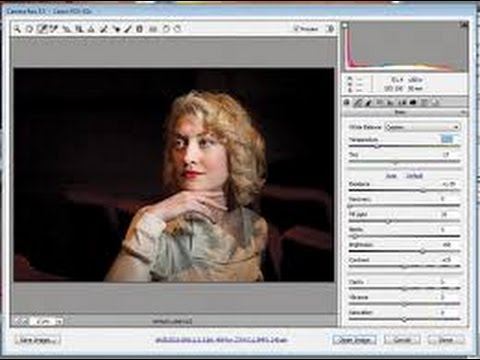
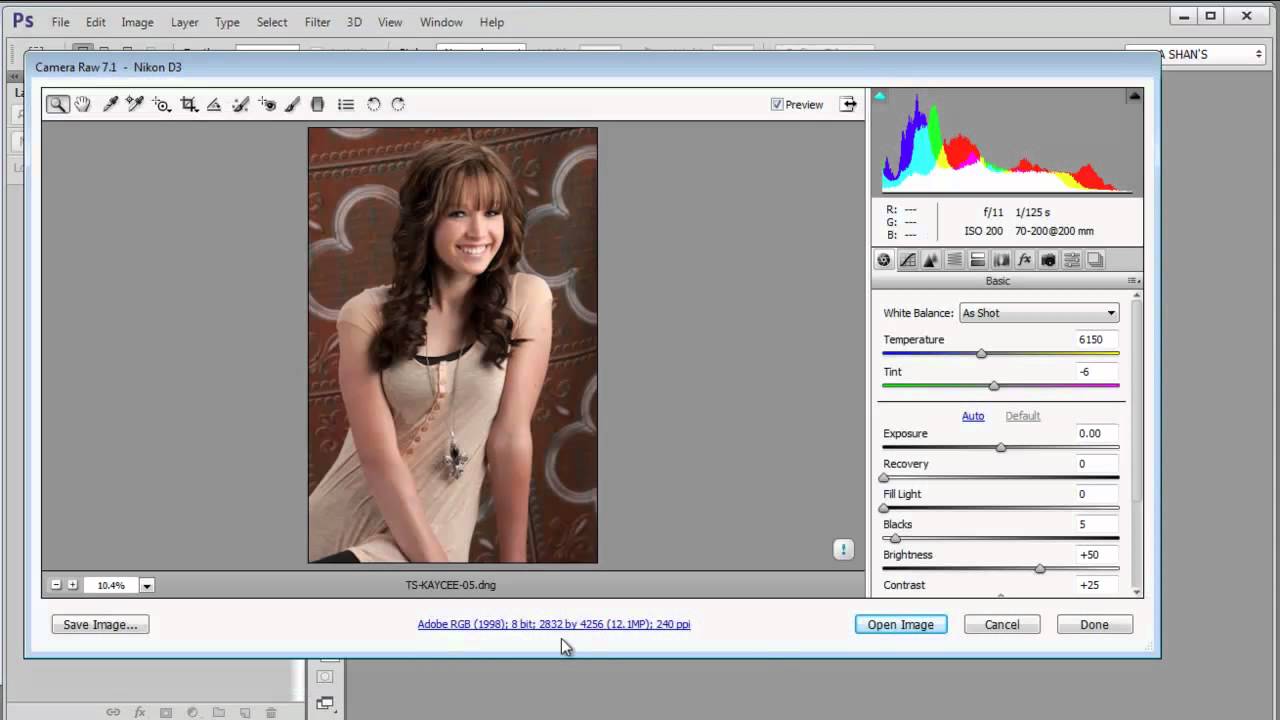




Adobe Camera Raw is an image-processing plug-in for Adobe Photoshop, designed for photographers who want to develop camera raw files before editing them in a full image editor. It reads raw formats from many professional and midrange digital cameras, as well as Adobe Digital Negative (DNG) files. A raw file preserves unprocessed image data, giving the photographer more room to adjust the result than a finished image typically allows. Camera Raw works on the source image through editable settings, so adjustments can be revised without replacing the original raw file.
Its development controls cover common tasks such as correcting exposure and white balance, recovering detail in bright or dark areas, and adjusting contrast and color. These controls are useful for handling mixed lighting, refining an underexposed shot or bringing color closer to the scene as it appeared. A photographer can make these changes in Camera Raw, then open the developed image in Photoshop for retouching, compositing or other pixel-level work. The raw workflow separates initial image development from later editing, while keeping the original capture available for further adjustments.
Camera Raw also provides tools for framing and correcting an image, including cropping, straightening and lens-related adjustments. These help address composition and common optical effects before detailed editing begins. The plug-in can be used to process individual photographs or to apply a consistent set of adjustments across a group of images, which is useful when developing a shoot with similar lighting and camera settings. Its raw processing technology is also used by Adobe Lightroom, giving photographers a related development workflow in that application.
The plug-in is suited to photographers who want greater control over exposure, color and detail than a camera-generated JPEG usually offers, as well as Photoshop users who need to open supported camera files directly in their editing workflow. DNG support lets it handle Adobe's publicly available raw file format alongside camera-specific formats. Adobe Camera Raw is freeware, but it is intended to work with compatible Adobe host software rather than as a standalone image editor. The supplied system requirements cover 64-bit editions of Windows 10 and Windows 11.
i want to download a raw for my photoshop editing