Portable Balabolka for Windows 10 - Full description
Portable Balabolka is a text-to-speech program for people who want to listen to documents, check written material by ear or create audio from text. Its portable design lets it run from a USB drive without a standard installation, making it practical for use on different computers. The program can open a range of document and ebook formats, so text does not need to be copied into a separate reader before it can be spoken.
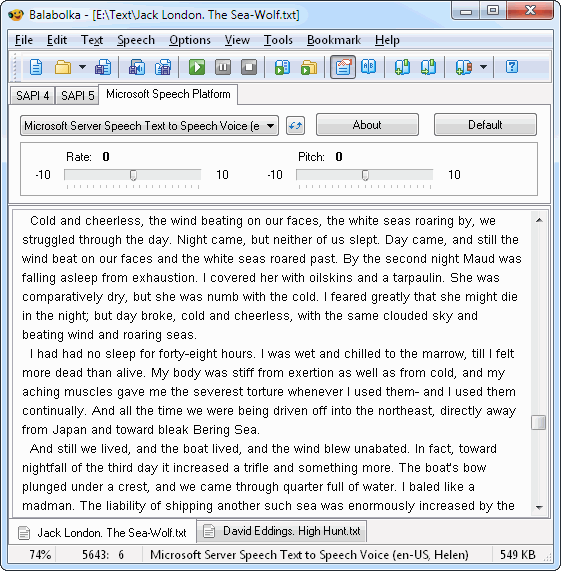
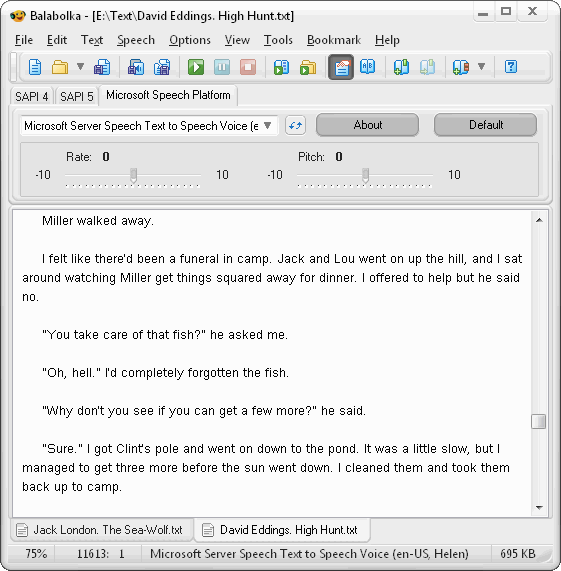
It can read text from DOCX, EPUB, HTML, MOBI, ODT, PDF and RTF files. Users can adjust speech rate, pitch and volume to suit the material or their listening preferences. Balabolka works with voices provided through the Microsoft Speech Platform and with compatible third-party text-to-speech engines; available voices depend on those installed on the computer. These controls make it possible to use a slower pace for language practice or longer documents, for example, and to select a different voice where one is available.
The program can save speech as MP3, WAV or OGG audio files. This is useful for making audio versions of documents to play later or for preparing spoken material for lessons and presentations. A pronunciation editor lets users refine how particular words are read, while a spell checker can help identify text errors before listening or exporting. Word highlighting follows the speech, allowing listeners to track the corresponding text as it is read aloud.
Balabolka suits a range of reading and audio workflows, including listening to ebooks and documents, proofreading drafts, studying languages and producing spoken files from written content. Its controls are available in a desktop interface, and the combination of adjustable voices, text highlighting and audio export supports both immediate playback and prepared listening materials. Portable operation is also useful when a user wants to keep the application and its working files on removable storage.
Portable Balabolka is shareware and is available for Windows 10 and Windows 11, as well as Windows 7 and 8 in 32-bit and 64-bit editions. Speech quality and voice selection depend on the speech engines and voices available on the system. The portable format avoids a conventional installation, but it does not by itself determine which voices are installed or available on a particular computer.