WinQuickLook
Discover the power of instant file previews with WinQuickLook, the innovative software developed by Tatsuro Shibamura. Designed for Windows 10, WinQuickLook enhances your productivity by allowing ...

QuickLook is an open-source Windows utility that previews files in a pop-up window without opening them in their usual applications. Select a file and press the spacebar to inspect images, videos, PDFs, text documents and other supported formats. Plugins can extend its preview capabilities, making it useful for browsing folders, checking downloads and sorting collections of files.
| Author: | Paddy Xu |
| License: | Open Source |
| Price: | FREE |
| Released: | Apr 14, 2026 |
| File size: | 57.20 MB |
| Downloads: | 199 |
| Keywords: | instant access, QuickLook free download, Windows 10, pdf preview app, Image Preview, spacebar file viewer, file preview, user-friendly, quicklook file preview, Viewer, windows file preview utility, open source file viewer, download QuickLook, productivity tool, image and video preview, open-source, Windows, OS X, Paddy Xu, QuickLook, Inspect, Quick Preview, Preview File, Preview, GitHub |
| Author URL: | https://github.com/QL-Win/QuickLook |
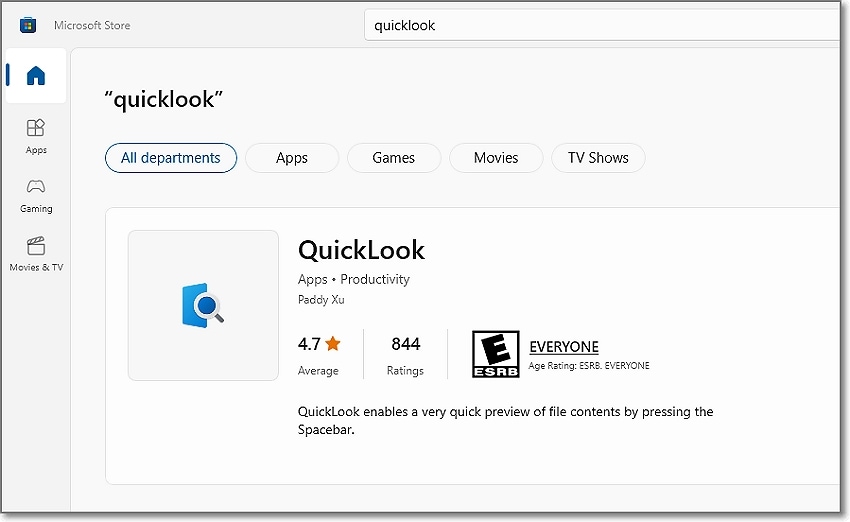
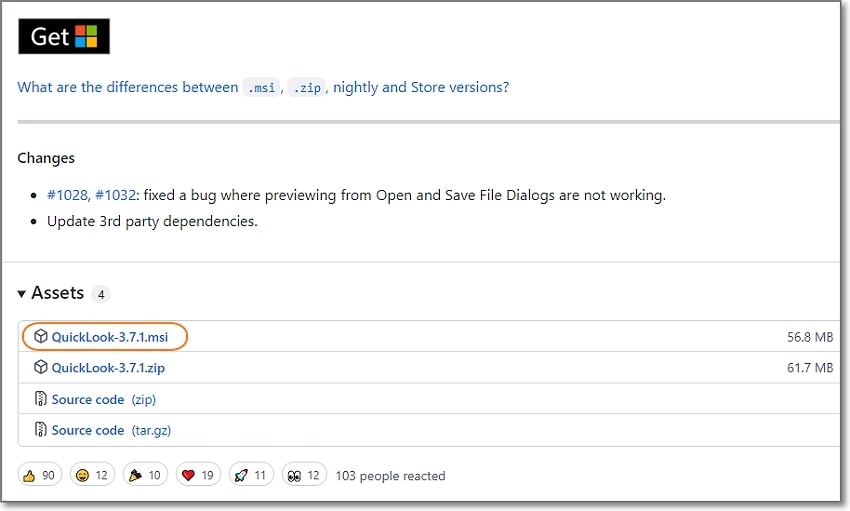
QuickLook is an open-source Windows utility for previewing files without opening them in their usual applications. It is useful for anyone who sorts, searches or reviews folders containing many different file types, including office workers checking documents, designers browsing images and developers inspecting project files. Select a file in File Explorer and press the spacebar to display its contents in a separate preview window; press the key again to dismiss it and return to the file list.
The preview window can show images, videos, PDFs and text documents, giving a quick way to check a file before deciding whether to open it in a full application. This is particularly handy when filenames are unclear or when several files need to be compared by their contents. For images, the preview provides a larger view than a folder thumbnail. For documents and text, it lets users inspect what is inside without switching to a dedicated editor or reader. Video previews make it possible to identify a clip before launching a media player.
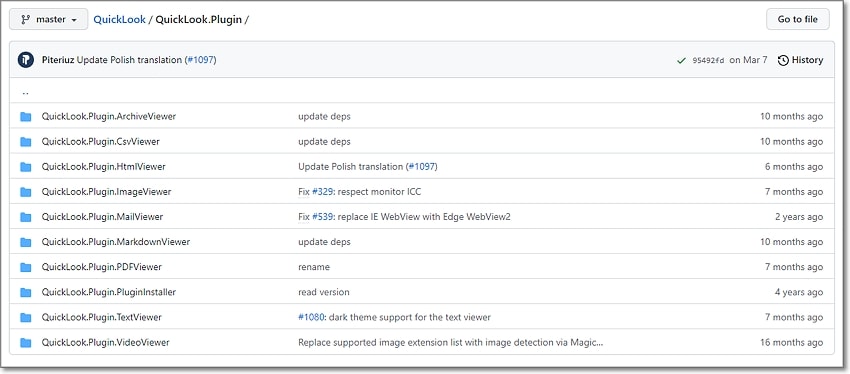
QuickLook supports plugins that extend the file types and preview capabilities available. Users can add the relevant plugins to tailor the utility to the formats they encounter, rather than relying solely on its built-in preview support. The preview window is designed to stay focused on the file itself, while keyboard operation helps keep common inspection tasks within the file-browsing workflow. This reduces the need to repeatedly open and close separate programs just to identify files.
The utility fits into routine file management: checking incoming downloads, reviewing image or video folders, scanning document collections, and finding a particular item among similarly named files. It can also help when working through folders where opening every item would interrupt sorting or selection. QuickLook provides a preview rather than replacing the applications used to edit, manage or fully play files, so users can still open a file normally when they need its full set of tools.
QuickLook is available for Windows 10 and Windows 11, including 32-bit and 64-bit Windows 10 systems. It is open source and free to use. Its spacebar-based preview workflow is intended for quick checks from the file browser, while plugin support offers a way to broaden the formats it can handle.