Portable Argente Utilities for Windows 10 - Full description
Portable Argente Utilities is a collection of Windows maintenance, optimization, security and utility tools for people who want to handle routine PC upkeep from one interface. Its portable edition runs without installation, so it can be kept on removable storage and opened when needed. The program also has a separate installer edition for users who prefer a regular setup on their computer.
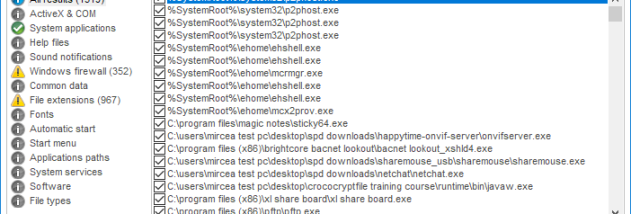
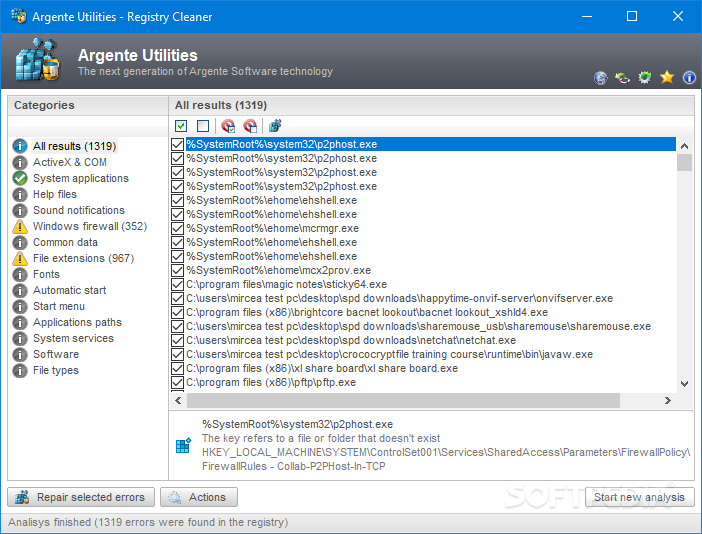
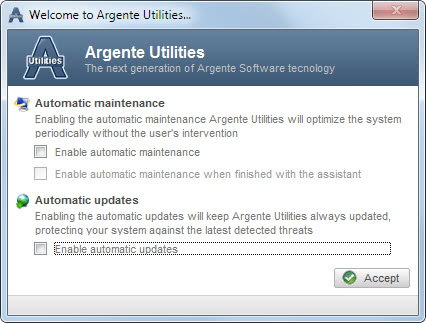
Maintenance features cover registry, disk and privacy cleaning, along with a one-click maintenance option. Before a cleaning task runs, the program displays the areas it will check, allowing users to review the scope and select what to include. A built-in scheduler can run scans and cleaning tasks on a recurring date, which helps automate routine maintenance rather than relying on manual checks.
Optimization tools focus on installed applications and startup behavior. Users can uninstall programs, manage which applications launch with Windows, and run a system optimizer. The security section includes a spyware cleaner and immunizer, plus backup creation and restoration tools. A system repair utility checks for common errors associated with malicious software and attempts repairs; these functions complement, rather than replace, dedicated antivirus and firewall software.
The collection also includes utilities for tasks beyond system maintenance. A password-protected organizer stores credentials, while a separate menu provides quick access to tools included with Windows. Other bundled functions include a file shredder, icon extractor, password generator, file encryption and image conversion. This range makes the application useful for occasional troubleshooting and housekeeping as well as for users who prefer to keep small utilities together in a portable toolkit.
Portable Argente Utilities is open-source software for Windows 11, Windows 10 and Windows 8, including 32-bit and 64-bit editions of Windows 10 and 8. Its portable operation is useful for technicians or users maintaining more than one PC, while scheduling and the installer edition suit regular upkeep on a single system. Cleaning and optimization options should be reviewed before use, particularly when removing files or changing startup settings.