Region to Share for Windows 10 - Full description
Region to Share is a lightweight Windows utility for presenting a selected part of the desktop during video calls. It is useful when a conferencing app can share only an entire display or a single application window, but a presentation needs to show just one area. Instead of exposing the whole desktop, the utility provides a window that can be selected as the shared source.
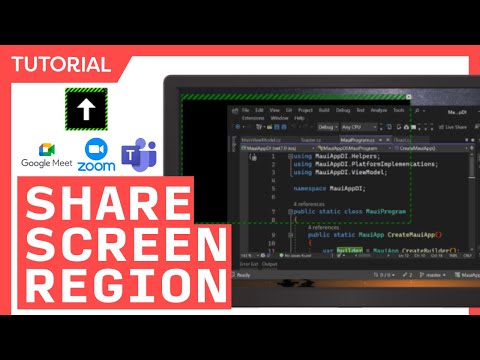
To define the area, the user resizes the Region to Share window to fit the portion of the desktop they want to present. Its graphic indicates the usable region, helping distinguish the area that will be shown from the rest of the screen. The setup requires no separate scene configuration: once the window is positioned and sized, the chosen desktop content can be arranged within its boundaries.
In the meeting software, the user selects the Region to Share window as the screen-sharing source. Content placed inside the designated region then appears to participants through that window, while areas outside it are not part of the selected view. If the presentation needs a larger or smaller area, the window can be resized during use, allowing the shared region to adapt as the material changes.
This approach can help presenters show a document, application section, or other desktop content without sharing the entire screen. It can also keep unrelated windows and desktop items out of the shared view. The utility works alongside conferencing software that can share an application window, including Teams and WebEx, rather than replacing the meeting app or providing its own call features.
Region to Share is open-source software for 64-bit Windows 10 and Windows 11. Its focused purpose and small footprint make it suitable for users who need a simple way to frame a desktop area for a video meeting. Sharing still depends on the conferencing app's window-sharing controls, and the selected region must remain visible within the utility's window for participants to see its contents.