RotorCrypt X-Files for Windows 10 - Full description
RotorCrypt X-Files is an offline encryption program for Windows that protects files and folders on a local computer. It is intended for people who want to keep private documents, archives or other data in an encrypted workspace without creating an account or sending content to a cloud service. Encryption and file handling take place on the device, so the Vault can be used without an internet connection.
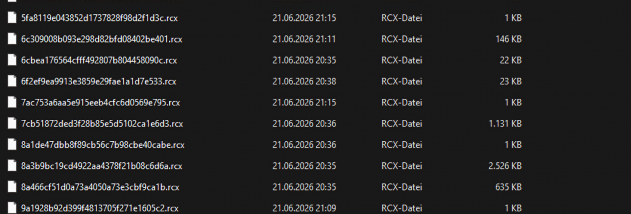
The program's main workspace is the Vault, where files and folders are encrypted automatically in three independent layers, with an optional fourth layer available. Within the Vault, items can be opened and edited much like files in a regular folder; RotorCrypt re-encrypts a file when it is closed. Randomized storage names help conceal file names, while an adjustable inactivity timer can lock the program automatically. A privacy screen provides a quick way to hide the Vault from view, and deletion uses a multi-pass wipe method.
A separate Password Vault stores website credentials in an encrypted table and includes a generator for passwords from 4 to 64 characters. For sharing, RCX files are designed to deliver an encrypted file to one confirmed contact. A contact handshake helps protect the exchange from man-in-the-middle attacks, and the program checks for tampering. Encrypted content can also be packaged as a self-extracting EXE for delivery. These packages can have an expiration date and can be configured to delete themselves after five failed attempts.
RotorCrypt X-Files uses Argon2id, AES-256-GCM, ChaCha20, SHA3-256 and ECDH over X25519, alongside classic rotor encryption. These are distinct components of its security toolkit; the program applies its layered protection within the Vault and provides separate options for credential storage and file delivery. The workflow is suited to keeping sensitive material organized locally, protecting login details, or preparing an encrypted file for a specific recipient.
The software requires 64-bit Windows 10 or Windows 11 and is available in English, German, Spanish, French, Italian, Portuguese, Russian, Chinese, Japanese and Arabic. It is shareware: it can be used free, but after 30 days without reminders it asks the user to purchase the full version. The developer also states that it is compatible with RotorCrypt X. No cloud account or external server is required for its encryption features.