x264Gui for Windows 10 - Full description
x264Gui is a graphical front end for the x264 video encoder, intended for users who want to encode video without composing encoder commands entirely by hand. It works from AviSynth scripts, which provide the input video and processing steps. x264 is an H.264 encoder commonly used to create compressed video, including high-definition output; x264Gui provides a place to configure its encoding options and run jobs.
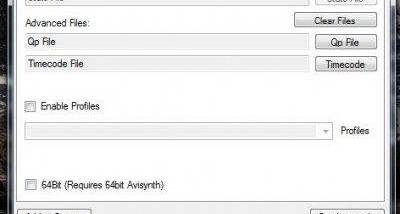
The interface lets users choose codec settings directly or select a saved profile. Profiles hold the command-line options used by x264, making it possible to reuse a configuration across encodes rather than rebuild it each time. Different profiles can be kept for different output needs, such as prioritizing compression or encoding speed, provided the user has created suitable settings for those purposes. The program does not replace AviSynth: the input script should be prepared separately and supplied as the source for an encode.
For repeated or lengthy work, x264Gui can organize encodes in a job queue. Multiple tasks can be set up and processed in sequence, reducing the need to start each encode manually. Users can also choose an operation to run after the queue finishes, including shutting down the computer. This can be useful when a batch is expected to take a long time and does not need supervision once it has started.
A tools menu provides shortcuts to external programs. A user can configure an application there, such as a demuxer or muxer for a particular container, then launch it from within x264Gui. This keeps related steps in a video workflow accessible alongside the encoding interface, though the external tools remain separate programs. Profiles are managed through XML files and can be edited with a text or XML editor.
x264Gui is open-source software distributed under the GNU General Public License. It is written in C# and requires the Microsoft .NET Framework 3.0 or later. Its documented Windows support covers older releases through Windows 8; compatibility with newer Windows versions should be checked before installation. It is best suited to users already working with AviSynth and familiar with video encoding settings, rather than people looking for an all-in-one converter with a built-in editing or transcoding workflow.