Clipster for Windows 10 - Full description
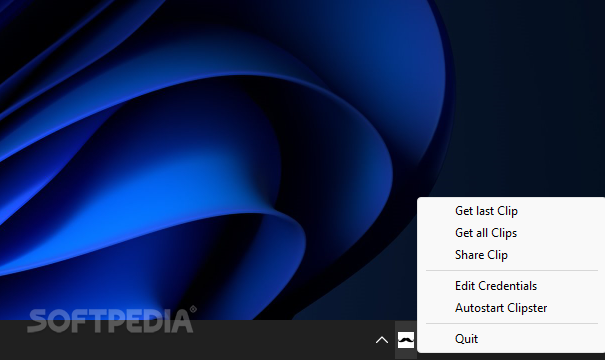
Clipster is an open-source clipboard synchronization app for people who move text and images between Windows computers and other devices. Its clients for Windows, Android, macOS and Linux use a server to make copied content available across devices, avoiding the need to transfer snippets manually or rely on a wired connection. On Windows, the portable app runs from its executable and keeps its controls in the system tray.
After starting Clipster, users can open its configuration panel and register or enter a synchronization account. Once signed in, they can share the current clipboard item from the app's context menu. Share Clip sends the text or image to the server, and a notification confirms the action. On another device, Get all Clips retrieves the five most recent entries, which can then be selected for use; text entries also allow specific words to be chosen.
The project offers a choice of server arrangements. Users can connect through the default server or, for greater control over where clipboard data is stored, install their own server using the available Linux installation script. The Windows client also provides account controls through its tray menu, making it possible to reopen the login panel and switch credentials, such as when using separate personal and work accounts.
Clipster is suited to transferring short text passages, copied information and screenshots between a phone, laptop and desktop. It can be useful when preparing notes on one device and using them on another, or when making a particular image available elsewhere without sending it through a separate messaging or file-sharing app. Synchronization is initiated from the client, so users choose which clipboard content to share rather than relying on an automatic transfer of every copied item.
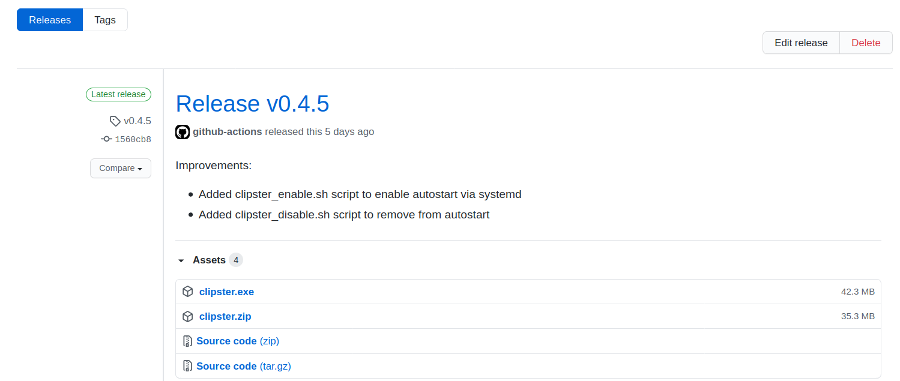
The Windows application is free and open source, and is available for Windows 10 and Windows 11 in 32-bit and 64-bit editions. Its portable executable does not require a conventional installation. The tray menu can also set Clipster to start with Windows, allowing it to remain available in the background. The cross-platform clients and server options make it relevant to mixed-device setups, while hosting a private server requires a Linux environment for the provided installation script.