Duplicate & Same Files Searcher
Duplicate & Same Files Searcher is a Windows utility ... is suited to users who want to inspect duplicate files across selected disks or folders and decide ...

CloneScan scans selected directories for duplicate files or folders, then groups the matches so they can be reviewed before cleanup. Users can add multiple locations, configure comparison criteria and masking options, and export scan results in an Excel-compatible format. It is useful for checking archives, backups, and other large file collections where repeated entries are difficult to find manually.
| Author: | TkoSoft |
| License: | Freeware |
| Price: | FREE |
| Released: | Oct 8, 2026 |
| File size: | 3.20 MB |
| Downloads: | 29 |
| Keywords: | CloneScan, duplicate file cleanup, duplicate file finder, duplicate folder finder, finder, duplicate directory scanner, dupe remover, remove duplicate files, dupe, dupe finder, scan for duplicate files, find duplicate, CloneScan free download, duplicate, download CloneScan, clone |
| Author URL: | https://www.tkosoft.com/products/filebricks |

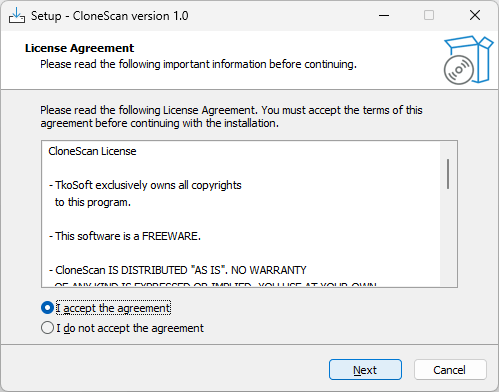
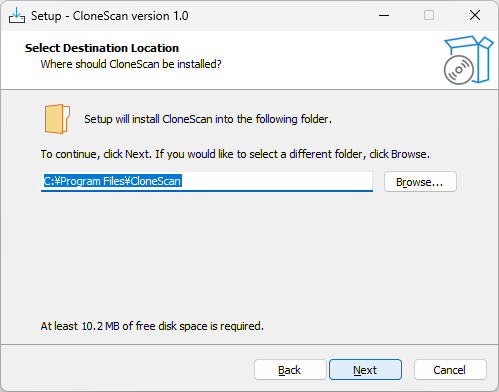
CloneScan is a duplicate-finding utility for people who need to check large collections of files or folders without comparing entries one by one. It scans selected directories, groups items it identifies as duplicates, and provides a review step before users decide what to remove. This makes it useful for organizing archives, shared work folders, backups, and other collections where repeated content can waste space or make it harder to locate the right item.
The scan can be configured to match the collection being checked. Users can choose whether CloneScan searches for duplicate files or duplicate folders, add multiple directories as scan locations, and adjust comparison criteria and other scanning parameters. These controls help tailor a search to the task: a broad scan can cover several locations, while a more focused setup can concentrate on particular entries or comparison rules. Masking options provide another way to shape which items are considered during the scan.
After scanning, CloneScan arranges detected duplicates into groups and presents the results for inspection. Grouping makes it easier to compare repeated entries and determine which copies belong together, rather than sorting through an unstructured list. The review stage gives users a chance to assess the findings before taking action. Results can also be exported in an Excel-compatible format, providing a saved report for later reference or for documenting the contents of a collection.
Typical uses include checking a folder of downloaded files, auditing a media or document archive, and finding repeated directory structures across several locations. Folder scanning is especially relevant when entire directory trees have been copied more than once; file-only searches can be used when the concern is repeated individual items. By separating scan configuration, result review, and removal decisions, the program supports a more deliberate cleanup workflow than manual browsing alone.
CloneScan is freeware from TkoSoft for Windows 10 and Windows 11, with support for 32-bit and 64-bit Windows 10 systems. Its purpose is focused on locating and reviewing duplicate files and folders; it does not replace a general file manager or an archival system. Users should inspect grouped results before removing entries, particularly when duplicates appear in folders used by applications or shared workflows, since identical-looking copies may serve different purposes.