FX Draw for Windows 10 - Full description
FX Draw is a mathematics-focused drawing program for teachers, students and others who need accurate geometric figures, diagrams or graphs. Its tools are designed for work where measurements and geometric properties matter, making it useful for preparing classroom materials, explaining mathematical ideas and creating illustrations for projects.
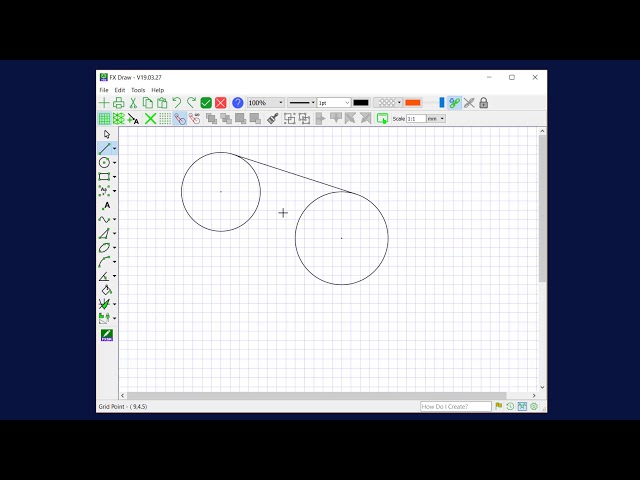
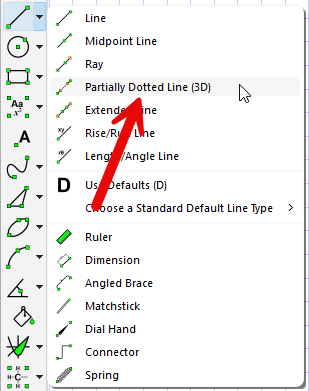
The drawing controls are organized on screen for quick access. Users can select tools for constructing shapes and objects, then edit their appearance and defining characteristics. This approach supports precise geometry work rather than freehand illustration alone, helping make figures clearer and more consistent. The available tools cover a range of mathematical drawing tasks, including geometry and graph creation.
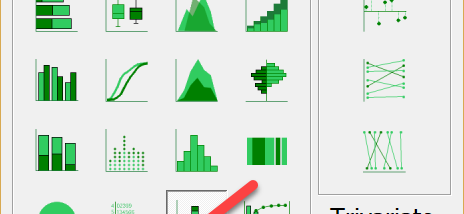
A broad settings area provides options for adjusting how the application behaves and how drawings are presented. Its configuration covers general preferences as well as graphing, statistics and font settings, allowing users to tailor the workspace and output to the task. These controls can be useful when preparing diagrams for different audiences or matching a particular document's style.
FX Draw can be used to build complex figures, illustrate mathematical concepts, prepare teaching resources or add diagrams and graphs to project work. The on-screen controls keep common drawing actions close at hand, while the settings allow more detailed adjustments when a task calls for them. It is intended for mathematical drawing rather than general-purpose image editing.
FX Draw is commercial software offered as a demo, and is available for Windows 10 and Windows 11, including 32-bit and 64-bit systems. Its specialized geometry and graphing tools are most relevant to users who regularly create precise mathematical visuals.