C2A
... both professional and amateur astronomers to explore the celestial sphere in an unprecedented way. C2A (Computer Aided ... It provides a detailed and high-quality display of celestial bodies, making it possible for users to delve ...

WinStars is a freeware planetarium for exploring stars, planets and deep-sky objects from a Windows computer. Its catalogue includes more than 2.5 million stars, thousands of deep-sky objects and detailed planetary maps. Users can simulate the sky for different locations and dates, inspect object information, follow guided tours and adjust the display. A VR viewing option is available with compatible hardware.
| Author: | Franck Richard |
| License: | Freeware |
| Price: | FREE |
| Released: | Oct 31, 2026 |
| File size: | 36.30 MB |
| Downloads: | 579 |
| Keywords: | planetarium software, Astronomy software, star chart software, x64 compatible software, virtual planetarium, Franck Richard, astronomy sky simulator, celestial, map, 3D universe exploration, Windows 10 application, interactive sky map, WinStars review, space, celestial vault, deep space, deep sky object viewer, 3d map |
| Author URL: | https://winstars.net/ |



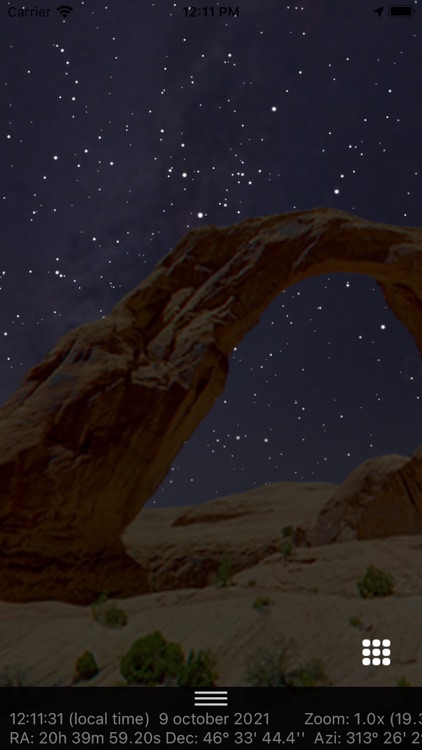
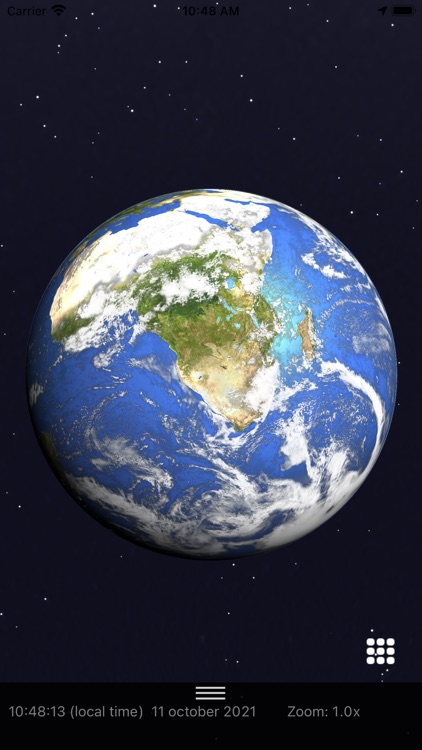


WinStars is planetarium software by Franck Richard for exploring the sky and learning about astronomy from a Windows computer. It displays stars, planets and other celestial objects in an interactive sky view, making it useful for casual exploration, classroom demonstrations and reference while planning observations. Its catalogue includes more than 2.5 million stars, thousands of deep-sky objects and detailed maps of planets, giving users a broad range of objects to examine.
The sky can be simulated for a chosen place on Earth and a selected time. This lets users see how the sky appears from different locations, preview what will be visible on a particular night or revisit earlier dates to examine past astronomical events. Real-time updates help keep the displayed sky aligned with current astronomical information. Rather than relying only on a fixed chart, users can change the viewing time and location to investigate how celestial positions shift.
WinStars presents objects with high-resolution textures and 3D models, and provides information about their physical characteristics, history and mythology. These details give context to an object selected in the sky view, supporting both independent study and explanations for groups. Guided tours and tutorials offer structured ways to explore astronomical subjects, while display settings and adjustable detail levels let users tailor the view to their interests and the task at hand.
The software can serve as a visual aid for lessons, a way to familiarize oneself with constellations and planets, or a desktop resource for astronomy enthusiasts preparing an observing session. Its range of objects and adjustable presentation supports both introductory exploration and more focused browsing of the sky. A virtual reality viewing option is also available for compatible hardware, offering an alternative way to view the celestial scene.
WinStars is freeware and is available for Windows, including Windows 10 and Windows 11, as well as earlier Windows versions. It can be used without purchasing a license. The VR option depends on compatible equipment; the standard planetarium features provide a way to explore the sky directly on a computer.