Image for Windows 10 - Full description
Image for Windows is a disk-imaging utility for creating backups of hard-drive partitions and restoring them after data loss, system failure or disk replacement. It is intended for home users and administrators who need a recoverable copy of a Windows system or other supported partition. Although the program runs in Windows, it can back up and restore partitions from operating systems including DOS and Linux, making it useful for mixed-system setups as well as Windows PCs.
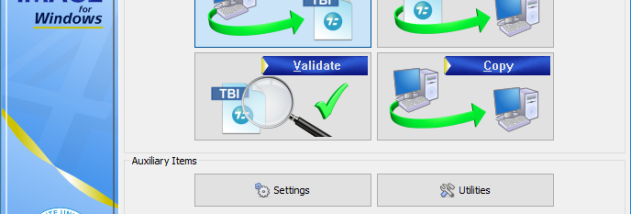
A wizard-guided workflow helps users select partitions, choose a destination and create an image file. Backups can be stored on local or network drives, or written directly to supported CD and DVD drives. When saving to optical media, the resulting disc is bootable for recovery. Images can be restored to return a partition to its saved state, which is useful after a failed update, malware damage or an accidental change. For file-level recovery, the optional TBIView add-on can open an image so individual files and folders can be retrieved without restoring the whole partition.
Image for Windows can create a snapshot of a partition while Windows is running. Its PHYLock add-on keeps the backup tied to a point in time, allowing normal computer use during the operation while helping avoid inconsistencies in a partition that is being changed. The program can also verify backed-up data, giving users a way to check image integrity. Compression is applied by default to reduce image size, while disabling compression provides an option when backup speed matters more than storage space.
The utility supports imaging to and restoring from drive letters, including network locations, and can work with a range of file systems, including FAT16, FAT32, NTFS, Ext2, Ext3, ReiserFS and XFS. Its images are compatible with TeraByte Unlimited disk-imaging products that share the same major version, which can help when recovery must be performed with another compatible tool. These capabilities suit routine system protection, partition migration and disaster recovery, including cases where Windows cannot start.
Image for Windows is trialware and supports Windows 10 and Windows 11, as well as several earlier Windows releases. The program is designed to run from Windows; the accompanying Image for DOS and Image for Linux provide imaging options that do not require a working Windows installation. A licensed copy of the TeraByte OS Deployment Tool Suite is also included with a purchase, for tasks such as deploying Windows to different hardware. As with any imaging tool, users should keep backup files on storage separate from the partition being protected and confirm that recovery media and images are accessible before they are needed.