TrayStatus Pro Portable
... into their keyboard and mouse status. Developed by Binary Fortress Software, this innovative software provides a sleek, unobtrusive way to monitor your Caps Lock, Num Lock, and Scroll Lock ...

Portable ClipboardFusion is a clipboard manager that saves a history of copied items, including text, images, and files, so they can be found and reused later. Search and filtering help locate entries, while custom macros can automate repetitive text changes such as formatting or string replacement. Keyboard shortcuts provide quick access to clipboard tools, and the portable design supports use without a standard installation on compatible Windows computers.
| Author: | Binary Fortress Software |
| License: | Demo |
| Price: | $19.00 |
| Released: | Oct 16, 2026 |
| File size: | 30.80 MB |
| Downloads: | 391 |
| Keywords: | Monitor, Clipboard Viewer, Clipboard, clipboard history, Clear Clipboard, clipboard macros, portable clipboard tool, clipboard manager, Clipboard Monitor, Viewer, copy paste history, clipboard management, Windows 10 compatible, Portable ClipboardFusion, Binary Fortress Software, hotkey functionality, text scrubbing, clipboard viewer |
| Author URL: | https://www.binaryfortress.com/ |
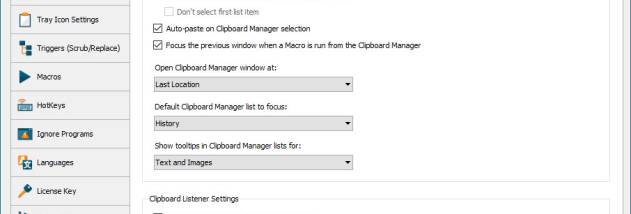


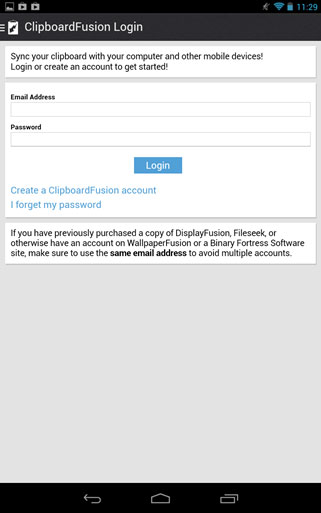

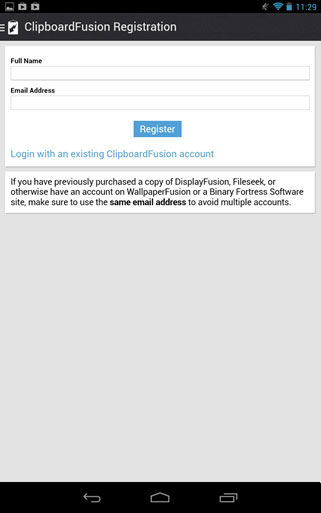

Portable ClipboardFusion is a clipboard manager for people who regularly copy and reuse text, images, files, and other content. It keeps a history of clipboard entries so users can return to material that would otherwise be replaced by the next copy operation. Its portable format is intended for use without a standard installation, including when carrying the program on removable storage for use on compatible Windows computers.
Clipboard history provides a way to revisit earlier copied items and paste them again when needed. Instead of switching back to the original document or application, users can browse saved entries and select the content they want. Search and filtering help locate a particular item in a larger history, which can be useful when handling repeated snippets, links, or reference material throughout the day.
Custom macros can automate recurring clipboard tasks. For example, a macro can apply a formatting change or replace selected text strings, reducing manual edits when similar content is copied repeatedly. The built-in macro editor is used to create and adjust these actions. Customizable keyboard shortcuts provide access to clipboard functions without requiring users to leave the application they are working in, while clipboard clearing and history retention settings help manage stored content.
The program suits office and administrative work, research, writing, and other tasks involving frequent copy-and-paste. A history can help recover a previously copied address or passage, while macros can standardize text that needs repeated cleanup. Its portable design also makes it an option for users who move between supported computers and prefer to carry a clipboard tool with them rather than install it on each machine.
Portable ClipboardFusion is published by Binary Fortress Software and is offered as a demo. It supports 64-bit Windows 10 and Windows 11, as well as Windows Server 2016, 2019, and 2022. Clipboard histories can contain sensitive information, so users should consider what they copy and how long entries are retained, particularly on shared computers.