RightClickTools for Windows 10 - Full description
RightClickTools is a Windows utility for adding useful commands and shortcuts to the right-click context menu. It is aimed at people who want to reach applications, scripts, file operations and system utilities from the menus they already use, rather than opening separate tools or navigating through multiple folders. This can suit everyday users who repeat the same actions as well as IT professionals who need quick access to routine commands.
The program lets users add, remove and modify context-menu entries to match their workflow. A custom entry can provide a direct route to a frequently used application or script, while other entries can launch file operations or commands. Once configured, these actions are available from the context menu, reducing the steps needed to start a task. The menu can be adjusted as needs change, so shortcuts that are no longer useful can be removed and new ones added.
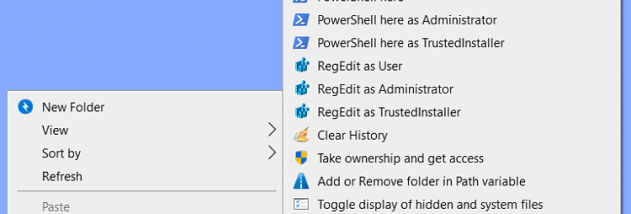
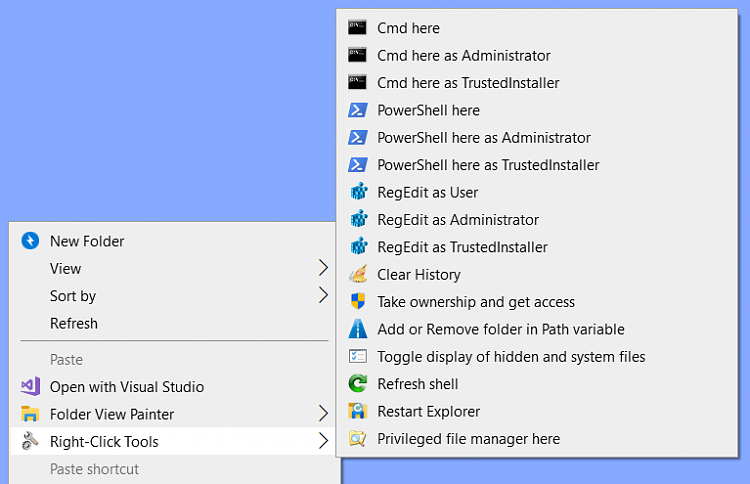
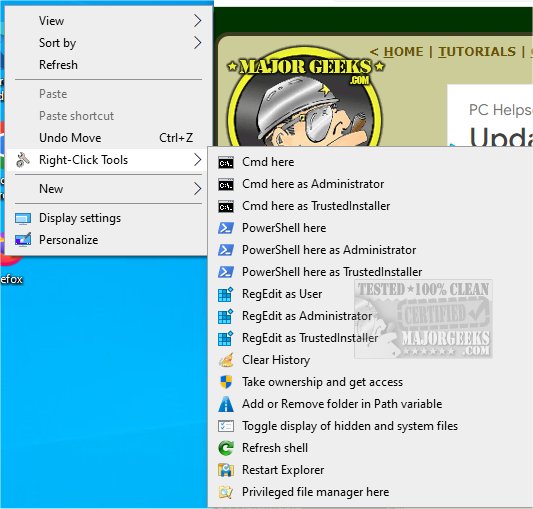
RightClickTools also includes preconfigured options for common tasks, including access to system tools, file management functions and network utilities. These options make it useful for people who regularly work with Windows settings or manage files and network-related tasks. The interface provides a way to manage menu items without editing context-menu settings manually, making basic customization more approachable while still serving users who want a tailored set of commands. The utility is designed to remain lightweight, so it can sit alongside other everyday software without demanding substantial system resources.
In practice, the tool can help shorten routine workflows: a user might open an application from a context menu, run a script, or access a system or network utility without searching for it in the Start menu or elsewhere. Administrators and support staff can use custom entries to make frequently performed actions easier to reach, while other users can keep only the shortcuts relevant to their own work. Its focus is on convenient access rather than replacing the applications and Windows tools those shortcuts launch.
RightClickTools is open-source software from LesFerch and is available at no cost. It supports Windows 10 and Windows 11, including 32-bit and 64-bit Windows 10 installations. The software is also listed for earlier Windows releases, but its context-menu customization is intended for Windows environments. Users should review commands before adding them, particularly when an entry runs a script or performs a file operation, so that each shortcut behaves as expected.