Undelete Plus
Undelete Plus is a Windows file-recovery utility for home users ... a long time or lie in damaged sectors. Undelete Plus works with hard drives, SSDs, USB flash drives ...

Undelete Plus helps recover deleted files from hard drives, SSDs, USB drives and memory cards. It supports FAT, NTFS and exFAT, and can scan formatted drives or damaged partitions. Users can preview recoverable files, restore folders and directory structures, and create disk images for recovery work. Its guided workflow serves home users, while deep scans and imaging options support more involved recovery tasks.
| Author: | R-Tools Technology Inc. |
| License: | Demo |
| Price: | $54.99 |
| Released: | Feb 25, 2026 |
| File size: | 69.70 MB |
| Downloads: | 197 |
| Keywords: | download R-Undelete, data recovery tool, file recovery, uneraser, user-friendly interface, undelete, usb file recovery, recovery, Windows 10, R-Undelete free download, R-Tools Technology, software, R-tools technology, file restoration, undelete files, file recovery software, data recovery, R-Undelete, file uneraser, file undeleter, Undelete Plus, unerase, Windows, recover formatted drive, recover deleted files |
| Author URL: | https://www.r-tt.com/ |

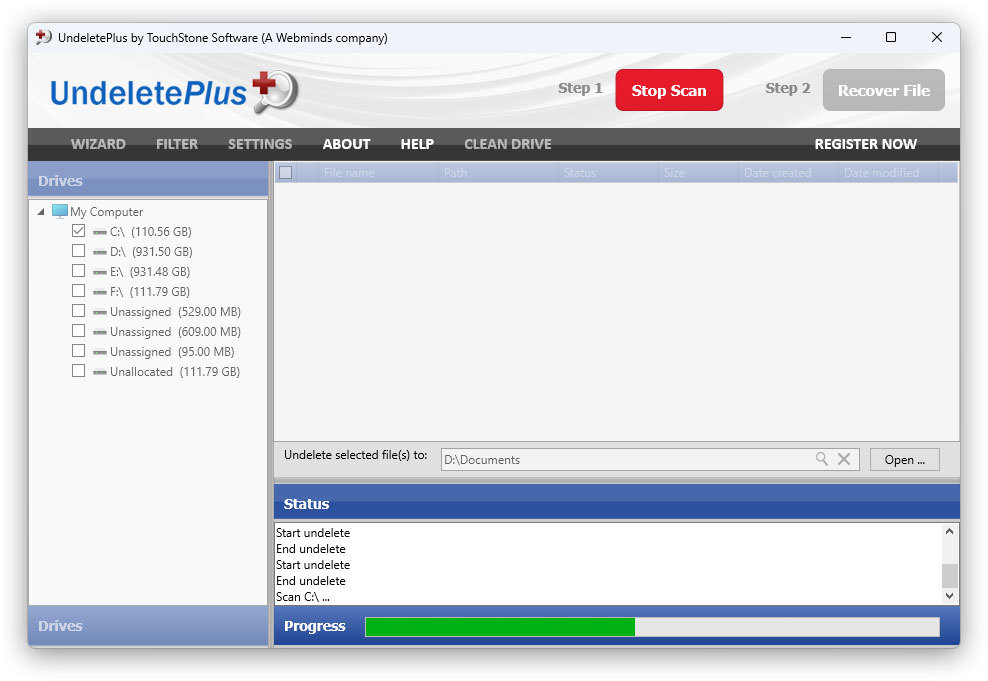



Undelete Plus is a file recovery utility for home users and IT professionals who need to retrieve deleted files or recover data from formatted drives and damaged partitions. It scans supported storage media for recoverable content and provides a guided workflow for selecting files to restore. Its interface is intended to make common recovery tasks accessible without excluding users who need more control over the process.
The program works with FAT, NTFS and exFAT file systems and can scan hard drives, SSDs, USB flash drives and memory cards. A scan searches the selected media for files that may still be recoverable after deletion, formatting or partition damage. For more thorough searches, deep scanning examines storage beyond the information available through normal directory records, which can help locate files that are no longer represented in the original folder structure.
Before recovery, users can preview supported files to help identify the items they want to restore. The utility can recover individual files as well as folders and directory structures, preserving organization where possible. Advanced users can create disk images and scan those images instead of repeatedly working on the original media. This approach can reduce additional activity on a drive during recovery and is useful when the storage device may be damaged or unstable.
Typical uses include retrieving accidentally deleted photos, documents and other personal files, restoring folders after a formatting mistake, and attempting recovery from corrupted partitions. The wizard-based process suits occasional home recovery, while scanning and imaging options provide additional tools for more involved troubleshooting. Recovery results depend on the condition of the storage device and whether deleted data has been overwritten; recovered files should be saved to a different drive or device where possible to avoid overwriting other data that may still be recoverable.
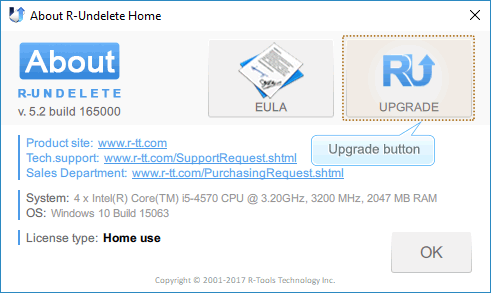
Undelete Plus is offered as demo software. It supports Windows 10 and Windows 11, as well as earlier Windows versions, and is available for 32-bit and 64-bit systems where stated. As with other recovery utilities, it cannot guarantee that every deleted or damaged file can be restored. For best results, users should stop writing new data to the affected storage as soon as data loss is noticed.