SMDR+
Welcome to the download page for SMDR+, an exceptional Windows 10 software developed by the talented Steve Baxter. SMDR+ is ...

Unlockit iPhone Screen Unlocker is a Windows utility for owners who cannot access an iPhone or iPad because of a forgotten passcode or a disabled device. It guides users through supported removal tasks for four- and six-digit passcodes, custom numeric codes, Face ID and Touch ID. The program also provides Apple ID and iCloud account-removal functions for eligible devices. Users connect the device to a computer and follow the on-screen steps. Compatibility depends on the device and its security state; screen passcode removal may require erasing the device, so data should not be assumed to remain intact.
| Author: | Foneazy Studio |
| License: | Shareware |
| Price: | FREE |
| Released: | Oct 30, 2024 |
| File size: | 59.00 MB |
| Downloads: | 205 |
| Keywords: | remove iphone screen lock, Unlockit iPhone Screen Unlocker, page, Unlockit, Windows 10 software, review, iphone face id unlock, Foneazy Studio, bypass MDM, ipad passcode removal, unlock disabled iphone, iphone passcode unlocker, x64, remove remote device management, apple id removal tool |
| Author URL: | https://www.foneazy.com/unlockit-iphone-screen-unlocker/ |

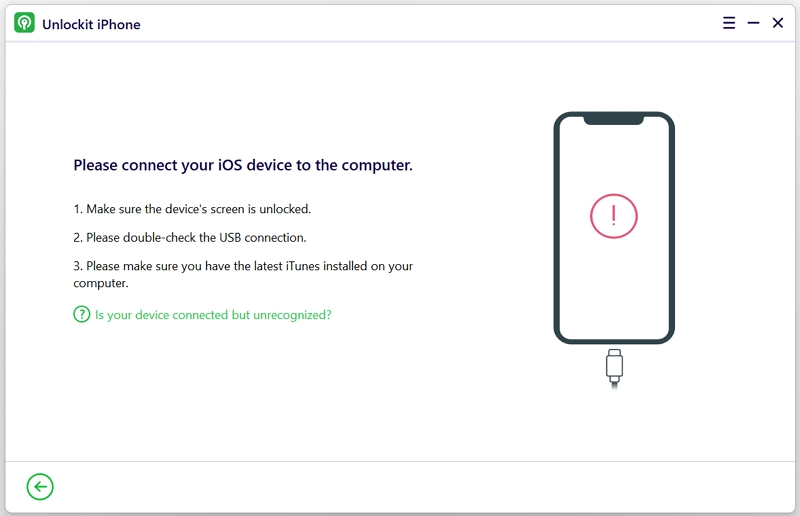

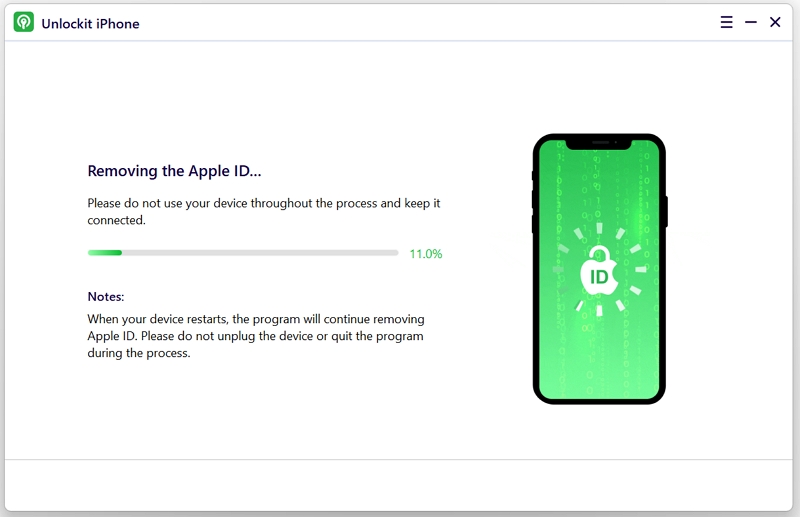

Unlockit iPhone Screen Unlocker is a Windows utility from Foneazy Studio for people who cannot access an iPhone or iPad because of a forgotten screen passcode or a disabled device. It provides a guided way to work through supported lock-removal tasks from a computer, without requiring users to operate the device's settings. The software is intended for owners or authorized users who need to regain access to a device.
The main function addresses screen locks, including four-digit and six-digit passcodes, custom numeric codes, Face ID and Touch ID. The user connects the iPhone or iPad to the computer and follows the instructions displayed in Unlockit. This guided workflow is designed to make the process manageable for people without specialist repair experience. Device and iOS support can vary, so users should check that their particular model and system are supported before starting.
Unlockit also includes functions for removing Apple ID and iCloud accounts from devices. These options may be relevant when preparing a device for a new setup, such as after acquiring a second-hand iPhone or iPad. Account access and device ownership protections are separate from the screen passcode, and the availability of account-removal functions depends on the device and its security state. Users should proceed only with devices they own or are authorized to manage.
A typical workflow involves installing the program on a Windows computer, connecting the locked device, selecting the relevant unlocking function and completing the on-screen steps. The computer-based interface keeps the instructions and process controls in one place, which can be useful when the device itself cannot be navigated. Before beginning, users should review the prompts carefully and understand that removing a screen passcode may require erasing and restoring the device; data retention should not be assumed. An Apple account password or other ownership verification may also be required for setup afterward.
Unlockit is shareware and is available for Windows 11, Windows 10, Windows 8 and Windows 7, including 32-bit and 64-bit editions where stated. It is suited to users who need a guided desktop tool for supported iPhone and iPad lock issues, rather than a general-purpose device manager. Compatibility and results depend on the model, iOS configuration and type of lock, so checking those details before connecting a device can help avoid an unsuitable procedure.