Screenshot Captor Portable
Screenshot Captor Portable is a Windows screenshot utility for people who need to capture, review and edit many images without repeatedly setting up each capture. Its portable form can be run without a ...

WebShot captures web pages as full-size images or thumbnails in JPG, GIF, PNG, or BMP format. It can calculate page and frame dimensions for full-page captures, set browser dimensions, and wait for content to load. Batch tools include multithreaded processing, CSV results with page metadata, repeated captures, custom user agents, and HTTP authentication settings.
| Author: | Nathan Moinvaziri |
| License: | Freeware |
| Price: | FREE |
| Released: | Jan 7, 2014 |
| File size: | 17.80 MB |
| Downloads: | 389 |
| Keywords: | capture screen, website screenshot, capture, WebShot, full page screenshot, screenshot, web page capture, website screenshot tool, website screenshots, x64 application, screenshot to jpg png, web page thumbnail maker, take screenshot, website capture tool, Windows 10 software, batch website screenshots, Web Shot, Nathan Moinvaziri |
| Author URL: | https://www.websitescreenshots.com/ |

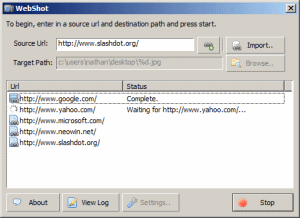
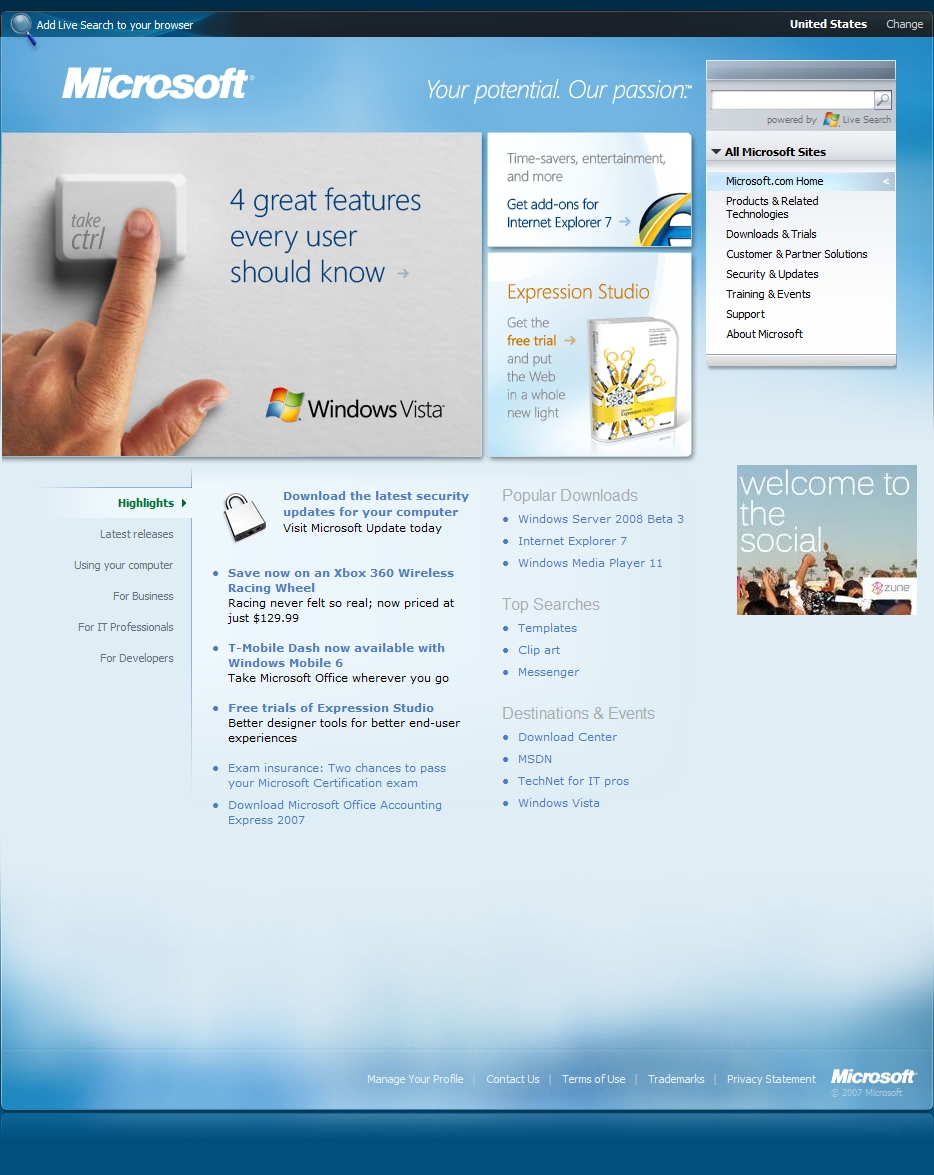

WebShot is a Windows utility for capturing web pages as image files, useful for archiving pages, preparing visual references, and collecting screenshots across a set of URLs. It can save a full-page capture or a thumbnail in JPG, GIF, PNG, or BMP format. Rather than relying only on the visible browser window, WebShot can determine a page's dimensions and calculate frame sizes to capture content that extends beyond the initial viewport.
Capture dimensions can be set to cover an entire page or a selected browser-sized area. When creating smaller previews, its thumbnail option reduces the output image for easier storage or review. Image quality controls help balance file size and appearance for JPG and GIF output, while color quantization can produce GIF images with reduced storage needs. A configurable delay gives page content time to load before capture, including pages that depend on ActiveX controls.
For batch work, WebShot can process multiple screenshots using several threads, avoiding the need to run separate instances for each capture. It can save results to CSV, making capture outputs easier to parse, and can also record page titles, meta keywords, and descriptions. Multiple captures of the same URL can be taken a few seconds apart to document changes over time. Custom user-agent settings, HTTP POST data, and authentication credentials help with pages that respond differently to browsers or require a login. Popup blocking and automated handling of Internet Explorer message boxes reduce interruptions during unattended runs; the program can also clear Internet Explorer's cache.
These tools suit users who need visual records of web pages for reference, site reviews, or repeatable capture tasks. The freeware edition includes a demonstration of the command-line interface; command-line use for streamlining captures across whole websites is offered separately. A server edition provides a DLL and example source code for integrating WebShot's capture technology into other applications. WebShot supports Chromium as well as Internet Explorer-based capture features, and saves images in four common formats. It is freeware for Windows, with the supplied operating-system information covering Windows XP through Windows 10.