Codec
Codec is a Windows multimedia codec pack for users who need additional components to play ... formats in compatible media players. It brings together video codecs, audio decoders and DirectShow filters that handle formats ...

Windows Essentials Codec Pack adds audio and video codecs to Windows so compatible media players can handle a wider range of files, including AVI, MKV, MP4 and FLV. Installation provides easy and expert modes, with recommended settings for a basic setup and configurable options for experienced users. It also includes subtitle support, audio and video configuration, and audio-track switching. The freeware is supported by adware.
| Author: | Cole Williams |
| License: | Adware |
| Price: | FREE |
| Released: | Feb 15, 2025 |
| File size: | 52.40 MB |
| Downloads: | 1046 |
| Keywords: | seamless media experience, play mkv files, collection, media format support, pack, windows codec pack, Windows Essentials Codec Pack, codec pack, audio video codecs, audio codecs, codec collection, video codec, video playback enhancement, subtitle playback, MediaCodec.Org, x64 software, codec, avi codec pack |
| Author URL: | https://www.mediaplayercodecpack.com/ |
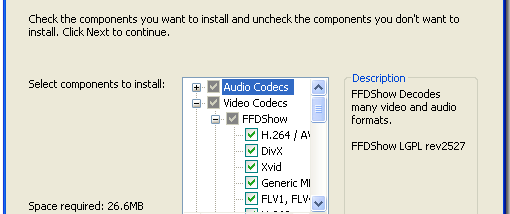

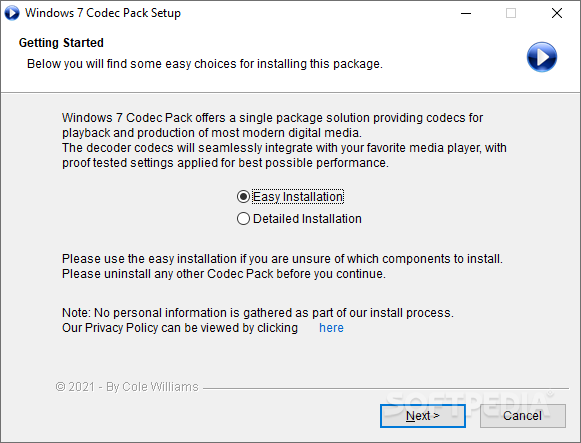
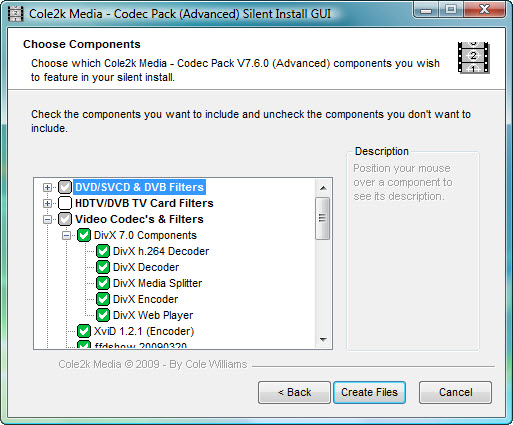
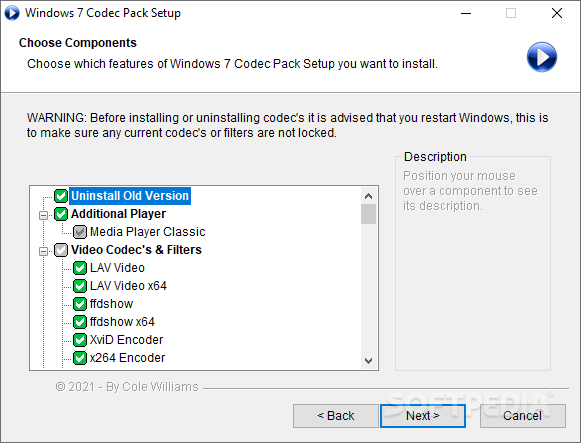
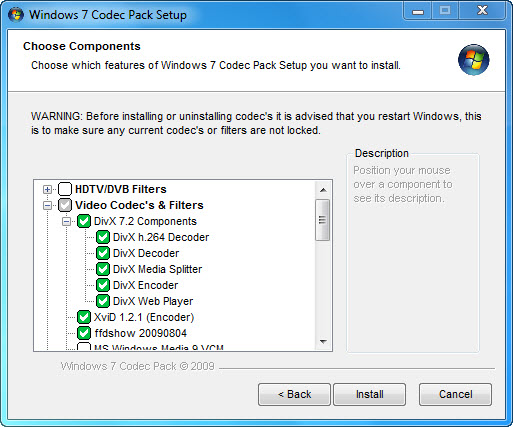

Windows Essentials Codec Pack is a collection of audio and video codecs and filters for Windows computers. It is intended for people whose media player cannot open certain files with its built-in support, and for users who encounter a variety of formats in downloaded or locally stored media. The pack adds format support so compatible players can handle more video and audio without requiring a separate application for every file type.
The pack covers common video formats such as AVI, MKV, MP4 and FLV, along with other media formats. Once installed, its codecs can be used by supported media players to decode files they might otherwise fail to play. This is useful when a file has no picture, no sound or cannot be opened because the required codec is missing. The pack integrates with popular players rather than acting as a standalone media player.
Installation offers easy and expert modes. Easy mode applies recommended settings for a simpler setup, while expert mode gives experienced users more control over codec configuration. Additional options include subtitle support, audio and video configuration, and switching between audio tracks where a media file contains more than one. These controls can help when choosing a soundtrack, setting up playback or adjusting how a file is handled by a compatible player.
The pack is suited to home media playback and to users who regularly work with files in different containers or encoding formats. Its range of codecs can reduce the need to search for individual components when a player encounters an unsupported file. The package is designed to keep resource use low, making it relevant to systems where playback efficiency matters, including older hardware. Actual format support depends on the codecs included and the media player being used.
Windows Essentials Codec Pack is freeware supported by adware. It is available for Windows 10 and Windows 11, as well as several earlier Windows releases and Windows Server editions. Users should review installation options and any bundled offers during setup. The pack is a system-level addition for multimedia playback, so it is most useful when a preferred player needs broader codec support rather than when a new player is required.