MediaPortal
... Windows PC into a hub for television, movies, music and other personal media. It suits home theater setups as well as desktop systems, bringing playback and library browsing together in an interface that ...

XMPlay is a lightweight audio player for Windows, designed for listeners who want straightforward playback with support for a wide range of music formats. It plays MP3, WAV, OGG, FLAC and MOD files, and includes playlist management, a music library and internet radio support. An equalizer, reverb, gapless playback and crossfading provide options for shaping and sequencing audio. Skins, visualizations and plugins allow further customization.
| Author: | UN4Seen |
| License: | Freeware |
| Price: | FREE |
| Released: | Apr 24, 2026 |
| File size: | 328 kB |
| Downloads: | 493 |
| Keywords: | player, Un4seen Developments, lightweight software, stream, flac music player, XMPlay, xmplay music player, audio player with gapless playback, Windows 10 compatible, music, internet radio player, high-quality sound, audio player, play, audio player with playlists, xmplay audio player, song |
| Author URL: | https://www.un4seen.com/ |

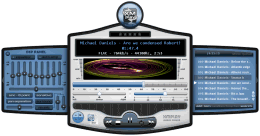
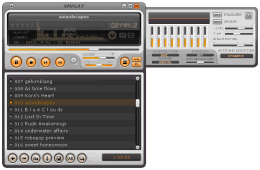
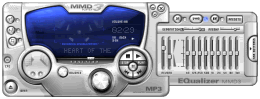
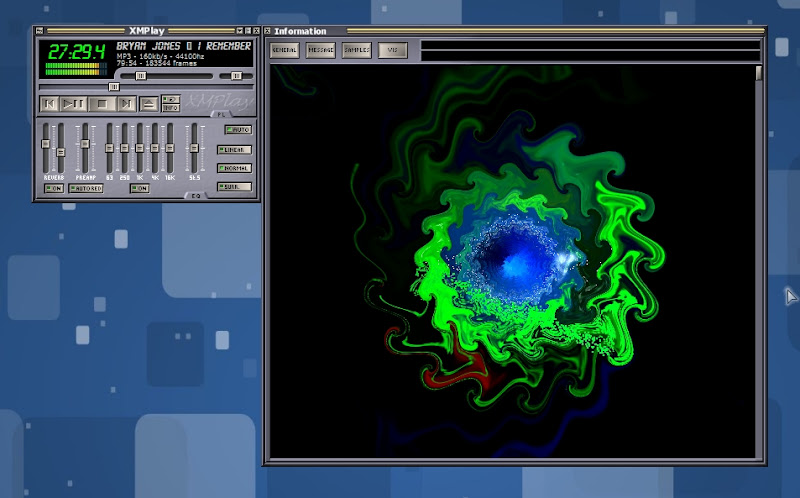
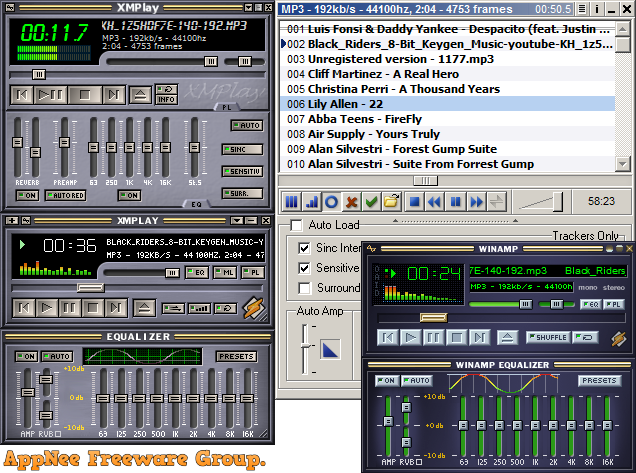
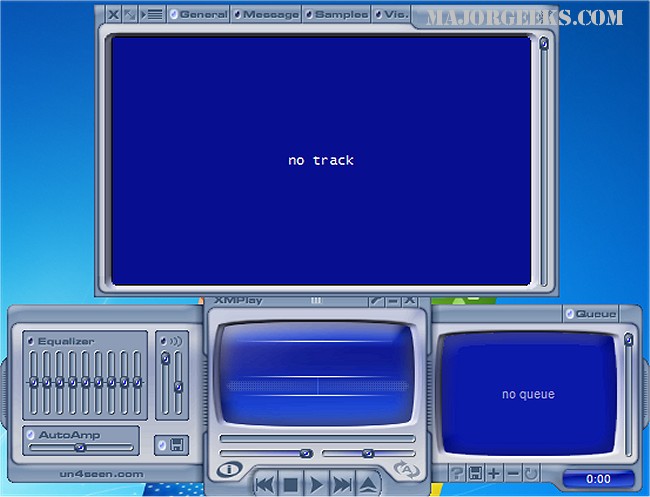
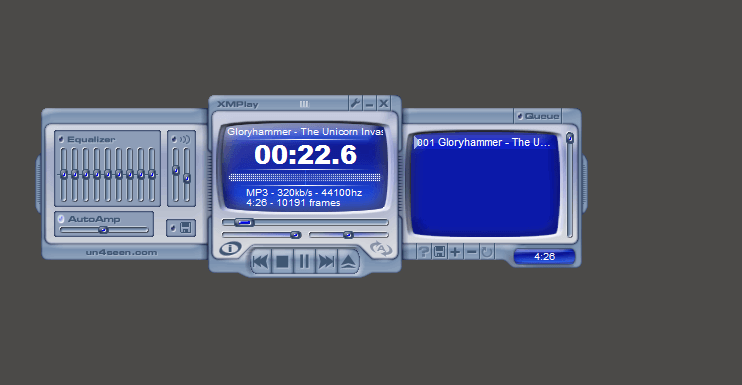

XMPlay is a compact audio player from UN4Seen for listening to music collections and internet radio on Windows. Its small footprint suits users who want a dedicated playback tool without a large media-management suite, while its format support and customization options also appeal to listeners with varied libraries and audio preferences.
The player handles common formats such as MP3 and WAV alongside OGG, FLAC and MOD. This range lets listeners play compressed tracks, lossless audio and module music in one application. Playlist tools support creating, editing and saving collections, including M3U and PLS files, so a playlist can be organized for a particular mood or session and reopened later. A music library feature provides another way to organize and access a collection.
XMPlay includes an equalizer and audio processing effects such as reverb, which can be adjusted to shape playback. Gapless playback avoids pauses between compatible tracks, while crossfading transitions between songs with an overlap. Skins change the appearance of the interface, and visualizations add a visual element during playback. Plugin support can extend the player with additional formats or visualization options, letting users add capabilities without replacing the core application.
Internet radio support brings streamed stations into the same player as local audio. Tag-editing tools help maintain track information, making collections easier to identify and organize. These features make XMPlay useful both for straightforward listening and for managing playback across saved playlists, local files and radio streams. Its lightweight design is intended to keep resource use modest, including on less powerful computers.
XMPlay is freeware and is available for Windows 10 and Windows 11, as well as older Windows releases. The download is small, making it a practical option for users who prefer a lean player. Its interface is customizable, but listeners seeking a broader media library system or video playback should note that XMPlay is focused on audio.