7+ Taskbar Tweaker for Windows 10 - Full description
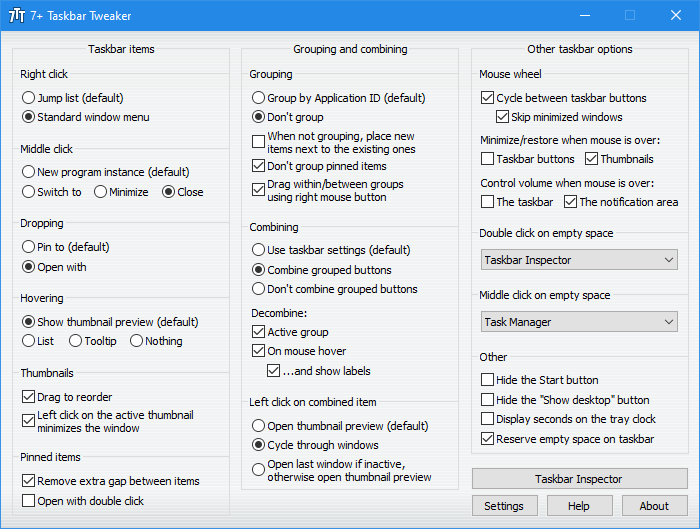
7+ Taskbar Tweaker is a free, open-source utility for people who want to change how the Windows taskbar behaves beyond the options available in Windows settings. It provides controls for taskbar buttons, notification-area icons, menus and other desktop interactions, making it useful for users who manage many open applications or prefer a particular taskbar workflow. Its settings are presented in a compact interface and can be adjusted without replacing the taskbar itself.
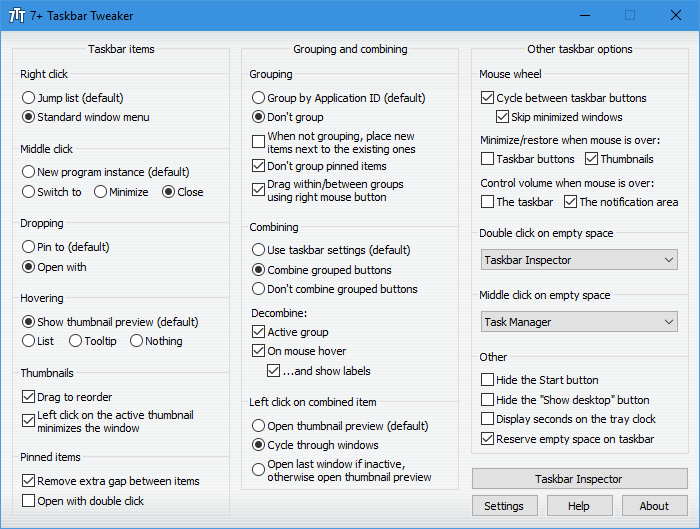
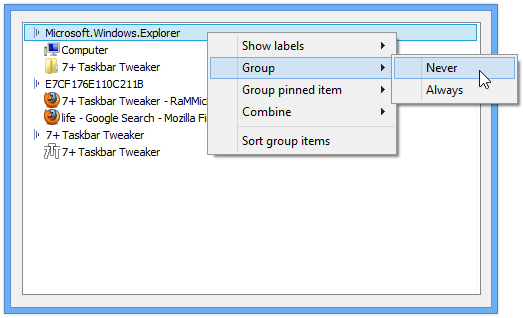
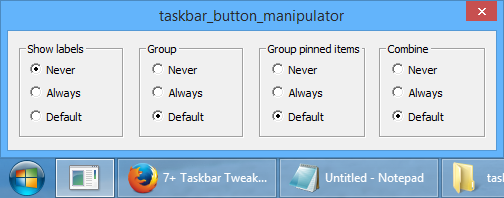
The utility can change how taskbar buttons are grouped and combined, giving users a choice of how separate windows appear when several instances of an application are open. It also offers options for button and thumbnail behavior, along with spacing adjustments for taskbar icons. These controls help users arrange a busy taskbar to suit their habits, whether they prefer grouped application windows or want individual buttons to remain visible.
Other settings affect common taskbar actions. The right-click behavior can be customized, and drag-and-drop interactions can be changed. Users can also configure aspects of the notification area, including the visibility and order of icons, and turn off balloon notifications to reduce interruptions. Additional controls cover the Show Desktop button and the taskbar volume-control interface, letting users adjust details that are not usually exposed together in Windows' standard settings.
These options can be useful on desktops where the taskbar is a central part of switching between work applications, or for anyone who finds the default grouping, menus or notification behavior distracting. Rather than adding a separate launcher or changing the desktop shell, 7+ Taskbar Tweaker focuses on modifying existing taskbar features. Its lightweight design supports running it alongside everyday applications, while its range of controls allows both small interface changes and more involved behavior adjustments.
7+ Taskbar Tweaker is developed by RaMMicHaeL and distributed as open-source freeware. The provided compatibility information covers 32-bit and 64-bit editions of Windows 7, Windows 8 and Windows 10, as well as Windows Server 2022; Windows 11 is not included in that information. The download is approximately 1.8 MB. Users should check compatibility with their Windows installation before relying on taskbar modifications, particularly in managed or server environments.