Advanced System Optimizer
Advanced System Optimizer is a Windows maintenance suite from Systweak Inc. It brings system cleanup, startup management, privacy tools and security utilities into one interface for ...

Advanced SystemCare Professional combines Windows cleaning, optimization, monitoring and privacy tools in one maintenance suite. It can scan for unnecessary files, clean the registry, defragment drives, clear browsing data and automatically free RAM. Scheduled care, a real-time system monitor and a program updater support routine upkeep, while security features include spyware removal, threat detection and malicious-link blocking. Scans can run through a guided workflow or be tailored in its settings.
| Author: | IObit |
| License: | Shareware |
| Price: | $11.99 |
| Released: | Oct 16, 2026 |
| File size: | 58.30 MB |
| Downloads: | 864 |
| Keywords: | free registry cleaner, computer repair, registry clean, windows maintenance suite, pc cleaner, system cleaning utility, system optimization software, Advanced SystemCare Professional, startup, ram cleaner, privacy, performance tune-up, tweaker, IObit software, clean, real-time system protection, system clean, spyware, optimize, speed up, cleaner, Windows 10 optimization, privacy protection tool, adware, PC performance enhancement, privacy protection, optimizer, registry, registry cleaner |
| Author URL: | http://www.iobit.com/ |
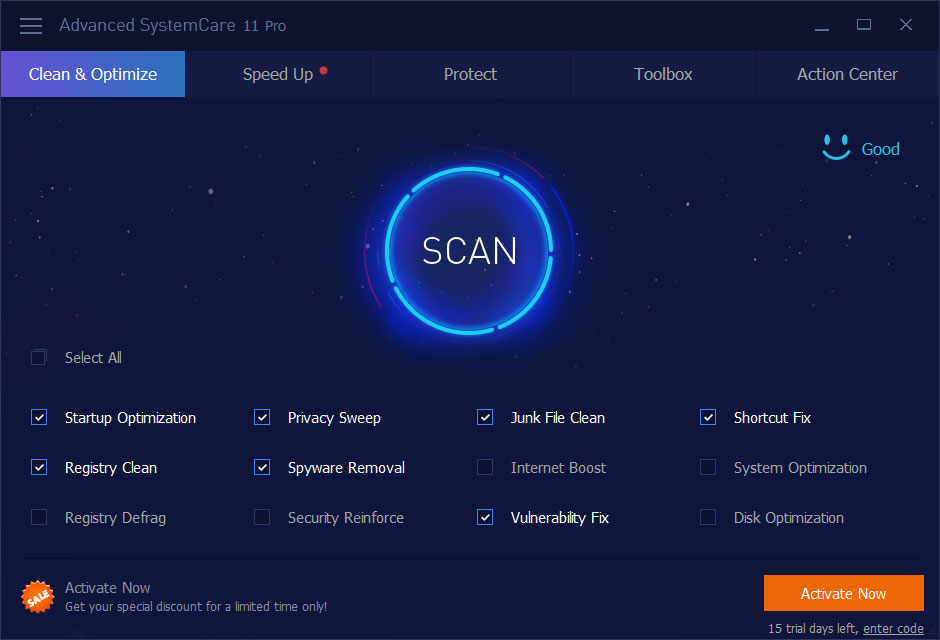
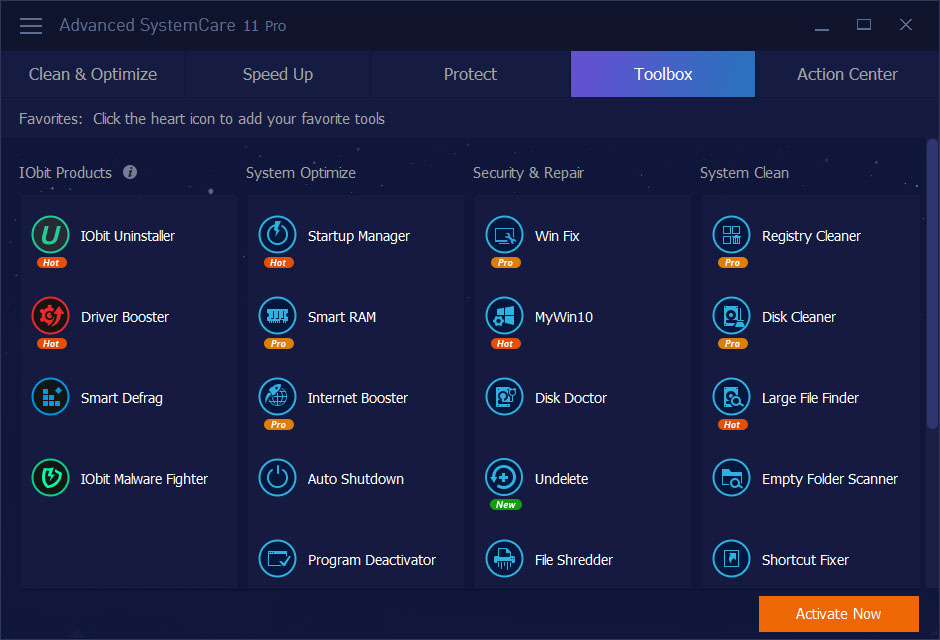
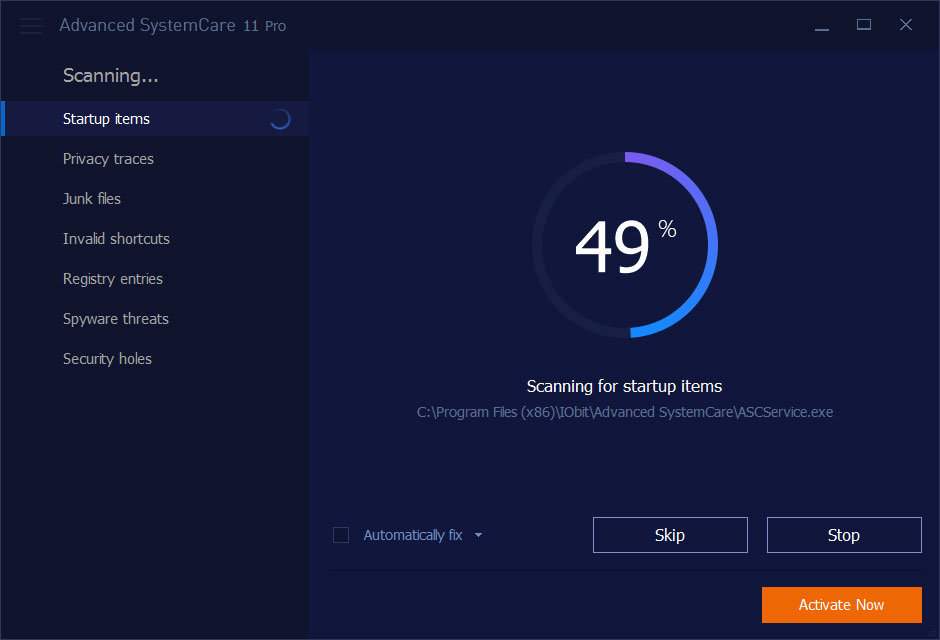

Advanced SystemCare Professional is a Windows maintenance suite for people who want to clean, tune and monitor a PC from one application. It combines routine system care with tools for privacy and security, offering a simplified scan-and-fix workflow as well as settings for users who want more control over what the program checks and changes.
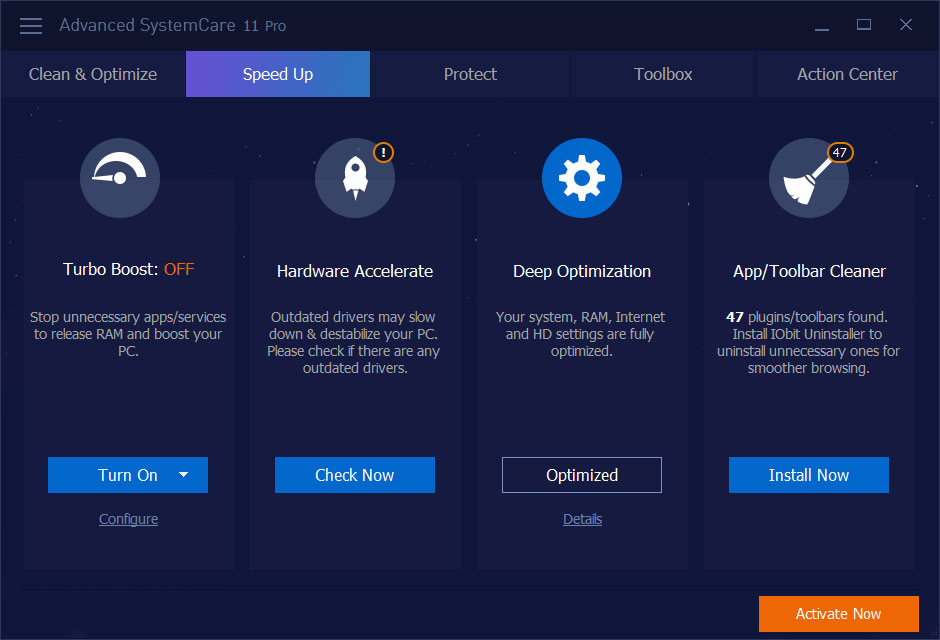
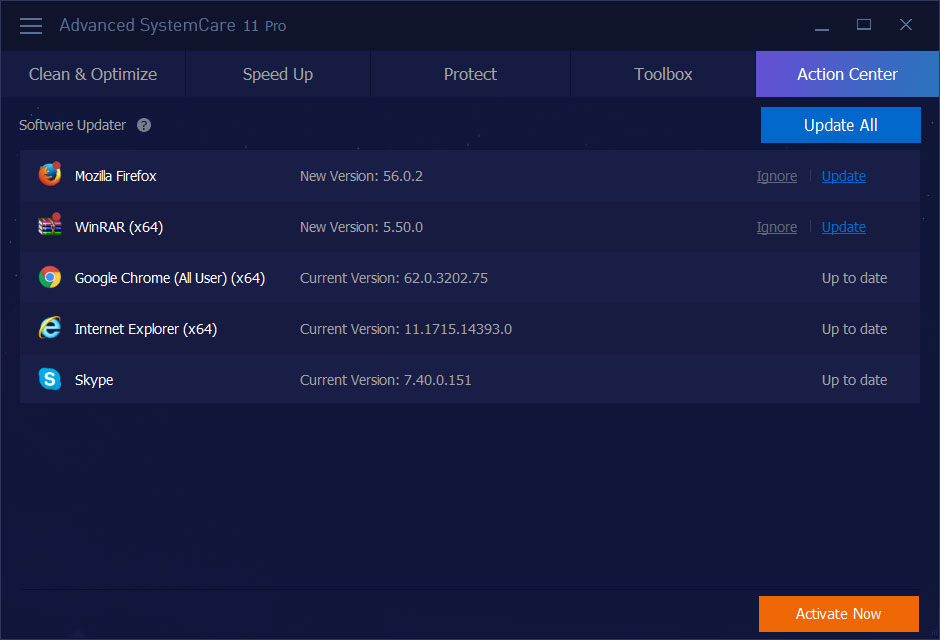
Its cleaning and optimization tools scan for unnecessary files and other common maintenance issues, then provide options to remove or address them. Registry cleaning, disk defragmentation and automatic RAM cleanup are among the included functions. A user can run a scan when needed, choose particular areas in the Care section, or schedule automatic PC care for recurring maintenance. A real-time system monitor offers a way to keep an eye on system activity between scans, while program updating helps check installed software for available updates.
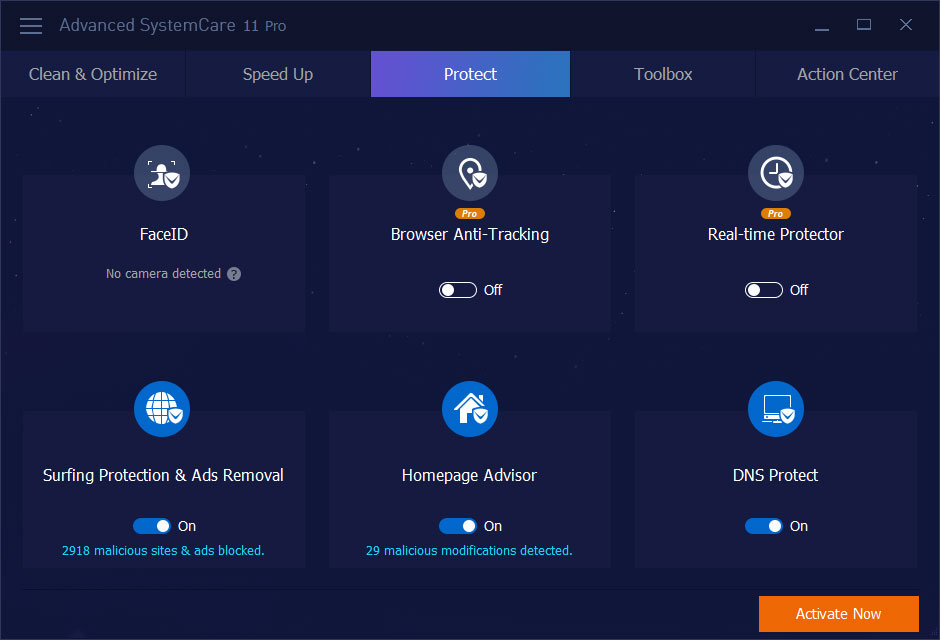
The suite also includes privacy and protection features. Its tools cover spyware removal, browsing-data cleanup and protection against tracking, alongside functions intended to identify security threats and block malicious links. FaceID is included as an access-protection feature, and the program can help restrict untrusted apps and data. These capabilities sit alongside the maintenance tools, so users can run cleaning and protection tasks from the same interface rather than switching between several utilities.
Advanced SystemCare Professional is suited to home users who want regular PC upkeep with limited manual effort, as well as more experienced users who prefer to choose settings and modules themselves. Beginners can use its semi-automatic scans and guided workflow; users who want a tailored setup can adjust the detailed options and select which areas to include. Typical tasks include clearing accumulated files and browsing traces, reviewing system performance, scheduling maintenance and running privacy or security checks.
The software is shareware and is intended for Windows PCs. It supports Windows 10 and Windows 11, as well as older Windows releases. Because cleaning and optimization tools can change system files and settings, users should review scan results and options before applying changes, particularly when handling registry entries. Individual tools may be useful selectively, depending on the PC and the maintenance task.