Portable Balabolka
Portable Balabolka is a text-to-speech program for people who want ... to suit the material or their listening preferences. Balabolka works with voices provided through the Microsoft Speech ...

Balabolka is a Windows text-to-speech program that reads typed text and imported documents aloud. Users can adjust voice rate, pitch, and volume, correct pronunciation, and process text by formatting it, finding homographs, or replacing numbers with words. Clipboard Watch reads copied text, while a timer can stop playback or shut down the computer. Speech can be saved in formats such as MP3, WAV, and MPEG-4, with options to split longer text into portions.
| Author: | Ilya Morozov |
| License: | Shareware |
| Price: | $50.00 |
| Released: | Oct 10, 2026 |
| File size: | 31.40 MB |
| Downloads: | 941 |
| Keywords: | Ilya Morozov, clipboard text reader, Document Reader Software, read, clipboard, text to audio converter, ogg, Multilingual TTS, save, Text-to-Speech Software, pitch, Voice Synthesis, wma, wav, rate, Balabolka Review, balabolka text to speech, mp3, text-to-speech, voice, speech pronunciation correction, read documents aloud, text to speech reader, file, SAPI |
| Author URL: | https://www.cross-plus-a.com/ |
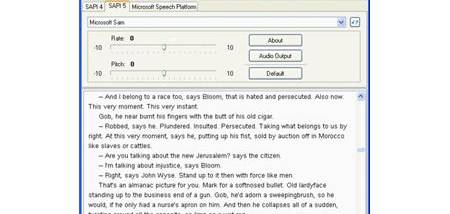

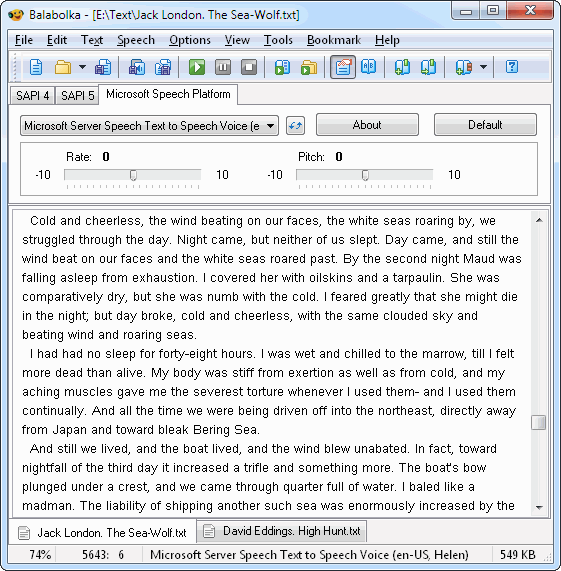
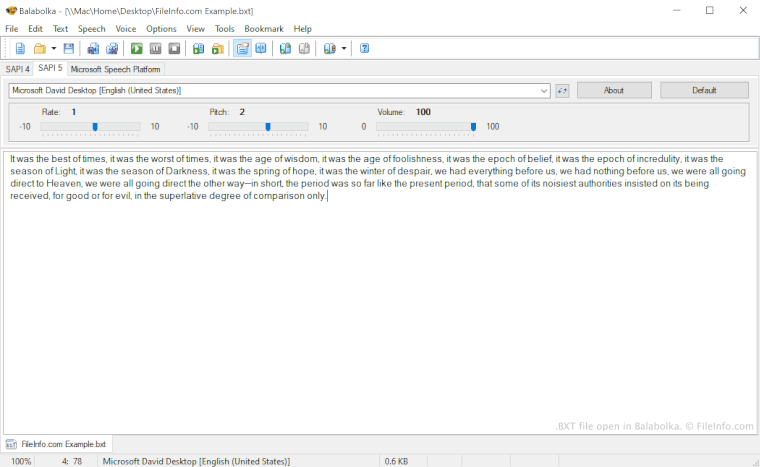
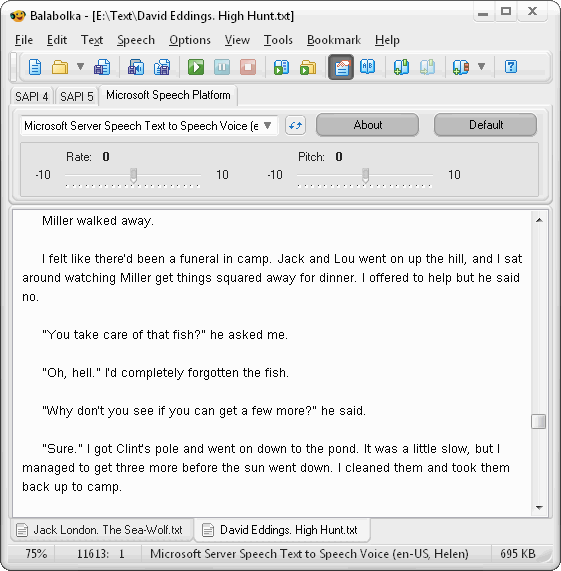

Balabolka is a Windows text-to-speech program for people who want written material spoken aloud or saved as audio. It can read text entered or pasted into its editor, as well as content imported from documents. The adjustable voice controls and text-processing options make it useful for listening to articles, checking pronunciation, reviewing documents, or following written material while doing other tasks.
The voice settings let users change speech rate, pitch, and volume to suit the content or their listening preferences. Balabolka can use available male and female voices, and its pronunciation correction feature helps address words that a voice may pronounce incorrectly. Text options include formatting, finding homographs, and replacing numbers with words, which can make passages easier to hear and understand. These controls are useful when preparing material for listening rather than simply reading it on screen.
Document import extends the program beyond text typed directly into its editor. Supported content includes TXT, DOC, HTML, PPT, PDF, and ZIP files, as well as spreadsheets and email messages. Clipboard Watch can read copied text aloud, so users can listen to snippets from other applications without manually transferring them into the editor. A timer can limit a reading session and trigger an action afterward, such as stopping playback or shutting down the computer.
Balabolka can also save speech as audio for later playback. It supports formats including MP3, WAV, and MPEG-4, and can split longer text into portions for conversion. This makes it practical to prepare spoken versions of documents for listening away from the editor, or to create separate audio files from selected sections. Its combination of document handling, playback controls, and audio export supports both quick listening and more deliberate preparation of spoken material.
The program is suited to students, language learners, writers, and anyone who prefers listening to some kinds of written content. It can help with pronunciation practice, proofreading by ear, reviewing long passages, or listening to copied text. Balabolka is shareware and is offered for Windows 11, Windows 10, Windows 8, and Windows 7, with 32-bit and 64-bit support listed for Windows 10, 8, and 7. The voices available depend on those installed on the computer.