Core Temp 64bit
... displays live core temperatures, making it possible to compare readings across a processor and watch them change as workloads rise or fall. This can help ...

CrcCheckCopy is a command-line utility for calculating CRC32 checksums and comparing files, folders, or drives. It saves a text file listing scanned files and their checksum values, which can be used to verify copied content. Comparisons identify files that are missing from a destination or have different contents. The open-source program runs from Command Prompt without installation.
| Author: | StarMessage software |
| License: | Open Source |
| Price: | FREE |
| Released: | Oct 7, 2026 |
| File size: | 686 kB |
| Downloads: | 18 |
| Keywords: | chkcopy, compare two file, CrcCheckCopy, command-line utility, command line checksum, drive integrity check, CrcCheckCopy free download, checksum comparison, crc32, folder checksum tool, generate file crc32, file verification, compare, CRC32 checksum, download CrcCheckCopy, system mainte, checksum, verify copied files, crc32 checksum utility, compare file checksums, calculate file checksum |
| Author URL: | https://www.starmessagesoftware.com/checkcopy |


CrcCheckCopy is a command-line utility for calculating and comparing CRC32 checksums. It is intended for users who need to check whether files have changed or whether copied content matches its source. Rather than working only with individual files, it can scan a file, an entire folder, or a drive, making it useful for checking collections of data as well as single items. The program runs from Command Prompt and does not require an installation.
A checksum scan creates CRC values from file contents. CrcCheckCopy saves a list of the scanned files and their checksum values in the program folder. This gives users a record to use for later comparison, such as checking a destination folder against the original files. The amount of time required for a scan depends on the size and complexity of the selected files or storage location.
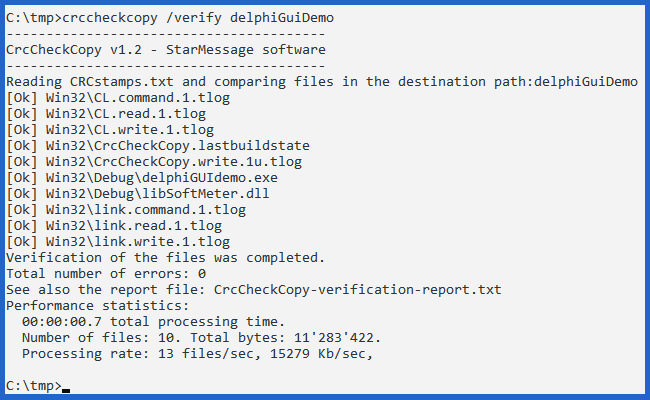
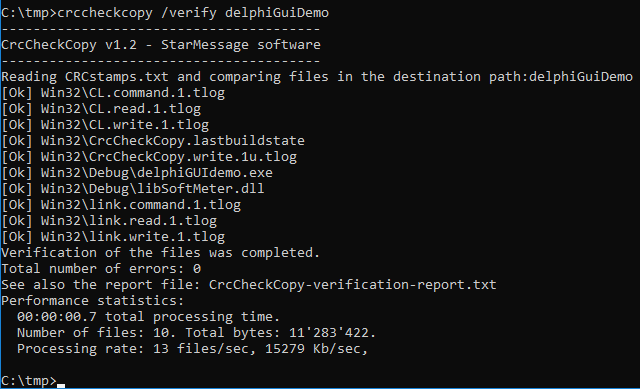
For verification, the saved checksum information is compared with another file, folder, or drive. The results help identify files that are missing from the destination and files whose contents differ. Because the comparison covers multiple files, it can help locate problems across a copied directory or drive without checking each item individually. The checksum list is saved as a text file, so it can also be opened and reviewed with a text editor.
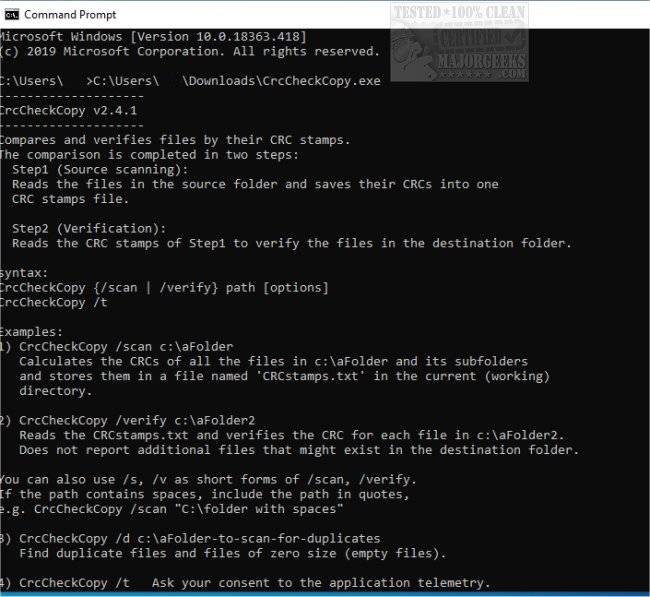
CrcCheckCopy's command-line workflow suits users comfortable with entering commands in Windows Command Prompt, including people checking backups, transferred files, or the integrity of downloaded data. Running the utility without arguments displays usage instructions, offering a starting point for learning its available commands. Its focus is checksum creation and comparison rather than file management or copying; it reports differences for verification.
The utility is open source and is available for Windows, including Windows 10 and Windows 11, as well as older Windows releases. Its small download and lack of an installation step make it straightforward to keep alongside files or use when needed. CRC32 values are useful for detecting accidental changes during storage or transfer, though a CRC checksum is not a cryptographic method for proving that a file is authentic or secure.