Portable FastCopy
Portable FastCopy is a Windows file-copying utility for users who ... as backing up a folder to another drive. FastCopy is built specifically for file transfers, rather than ...

FastCopy is a Windows utility for copying, moving, synchronizing and backing up files. Its Diff (Size/date) mode copies items that differ by size or modification date, while Sync (Size/date) brings a destination into line with a source. Asynchronous input/output, transfer verification and error handling help manage large jobs. It supports NTFS, FAT and exFAT, offers command-line operation and can run portably from removable storage.
| Author: | SHIROUZU Hiroaki |
| License: | Demo |
| Price: | $9.99 |
| Released: | May 19, 2026 |
| File size: | 5.00 MB |
| Downloads: | 813 |
| Keywords: | data transfer, File Copying, Copy file, File copy, copy large files, fast file copier, file copying speed, Free copy software, Copy tool, Copying Files, SHIROUZU Hiroaki, Windows 10 utility, Copy software, file backup software, secure file deletion, disk writing optimization, FastCopy, file synchronization utility, Fast copy, command line file copier |
| Author URL: | https://ipmsg.org/en/ |
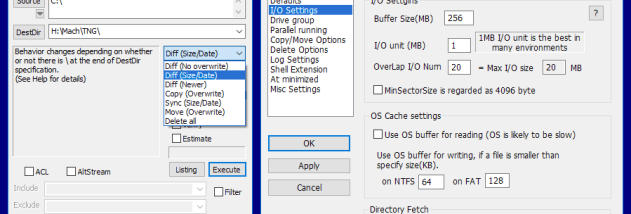
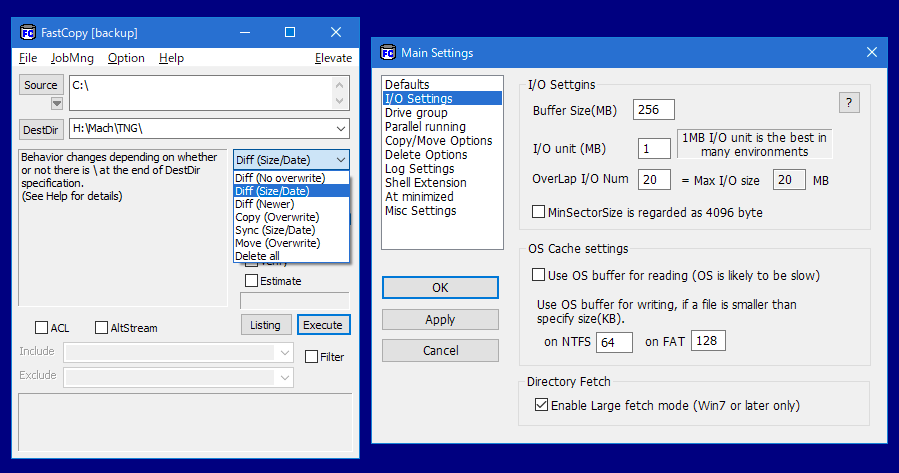
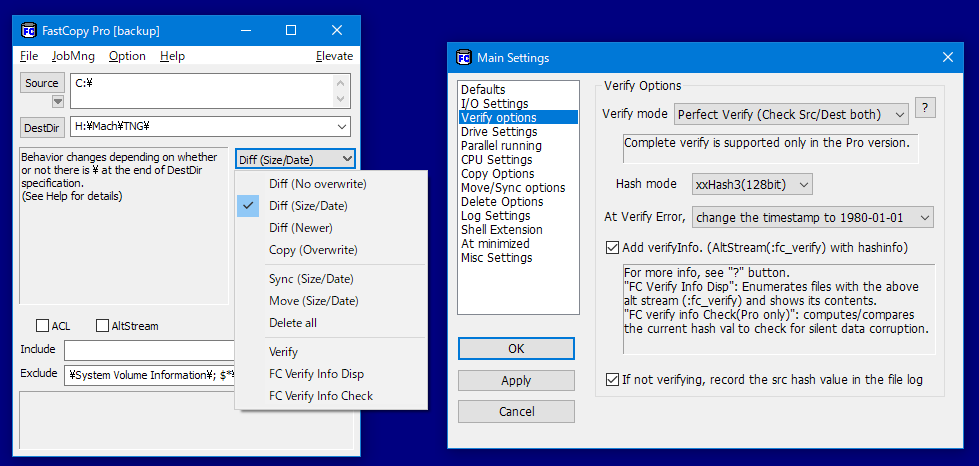



FastCopy is a Windows utility for copying, moving, synchronizing and backing up files. It is suited to everyday file management as well as transfers involving large folders or datasets, where a dedicated tool can provide more control over the operation than a basic drag-and-drop workflow. Its interface centers on selecting source and destination paths, choosing a copy mode and starting the task, while command-line support lets experienced users incorporate transfers into scripts.
The program provides modes including Diff (Size/date) and Sync (Size/date). Diff copies items whose size or modification date differs, which can be useful for updating a destination without recopying every unchanged file. Sync compares the same properties to bring the destination into line with the source, making it suitable for repeatable backup or mirror-style jobs. These modes give users a way to select transfer behavior according to whether they want to copy changed files or synchronize locations.
FastCopy uses asynchronous input/output, reading from the source while writing to the destination to make effective use of available transfer throughput. It also includes error handling and verification mechanisms intended to help detect problems and check transfer integrity. Support for NTFS, FAT and exFAT makes it useful across common Windows storage formats, including internal drives and removable media. The utility adjusts its operation in response to system load, helping keep file transfers from monopolizing system resources.
The program can also securely delete files, a function intended to make deleted data harder to recover than with an ordinary deletion. Its portable operation allows it to run from removable storage without a conventional installation, while command-line options support repeatable tasks and automation. Typical uses include moving large media collections, copying project folders to another drive, refreshing backup copies and managing files across storage devices.
FastCopy is developed by SHIROUZU Hiroaki and is offered under a demo license. It is a Windows desktop utility, with compatibility spanning Windows 7 through Windows 11 and several Windows Server releases. The feature set ranges from straightforward manual transfers to scripted workflows, so users can choose a simple copy operation or configure more targeted synchronization and backup tasks.