Folder Colorizer 2 for Windows 10 - Full description
Folder Colorizer 2 is a Windows utility for people who want to organize folders with visual cues as well as names. It changes a folder's color in File Explorer, making it easier to distinguish project directories, work areas, and personal files when many folders appear together. The approach suits users who prefer a quick visual system over renaming folders or moving them into a new hierarchy.
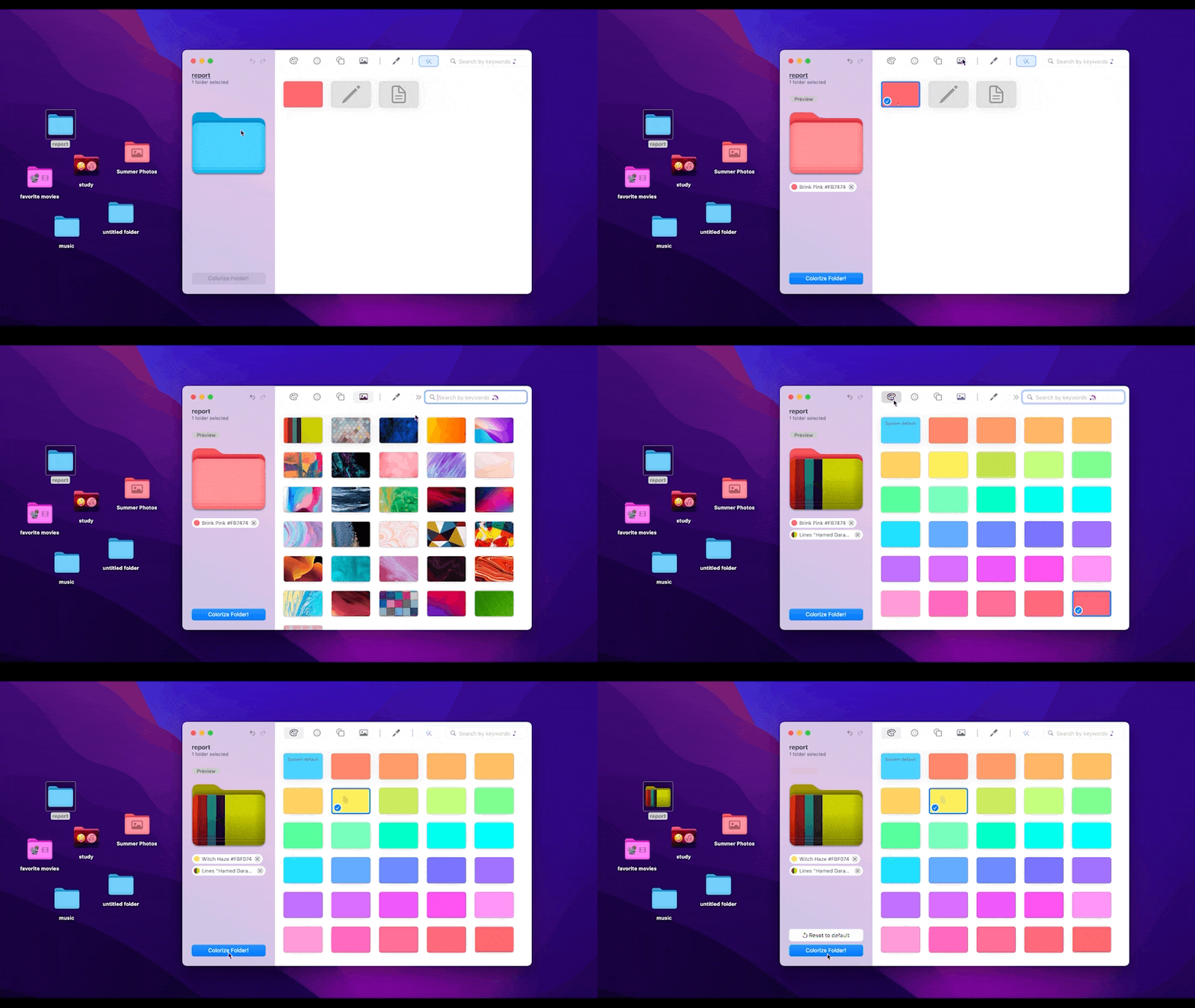
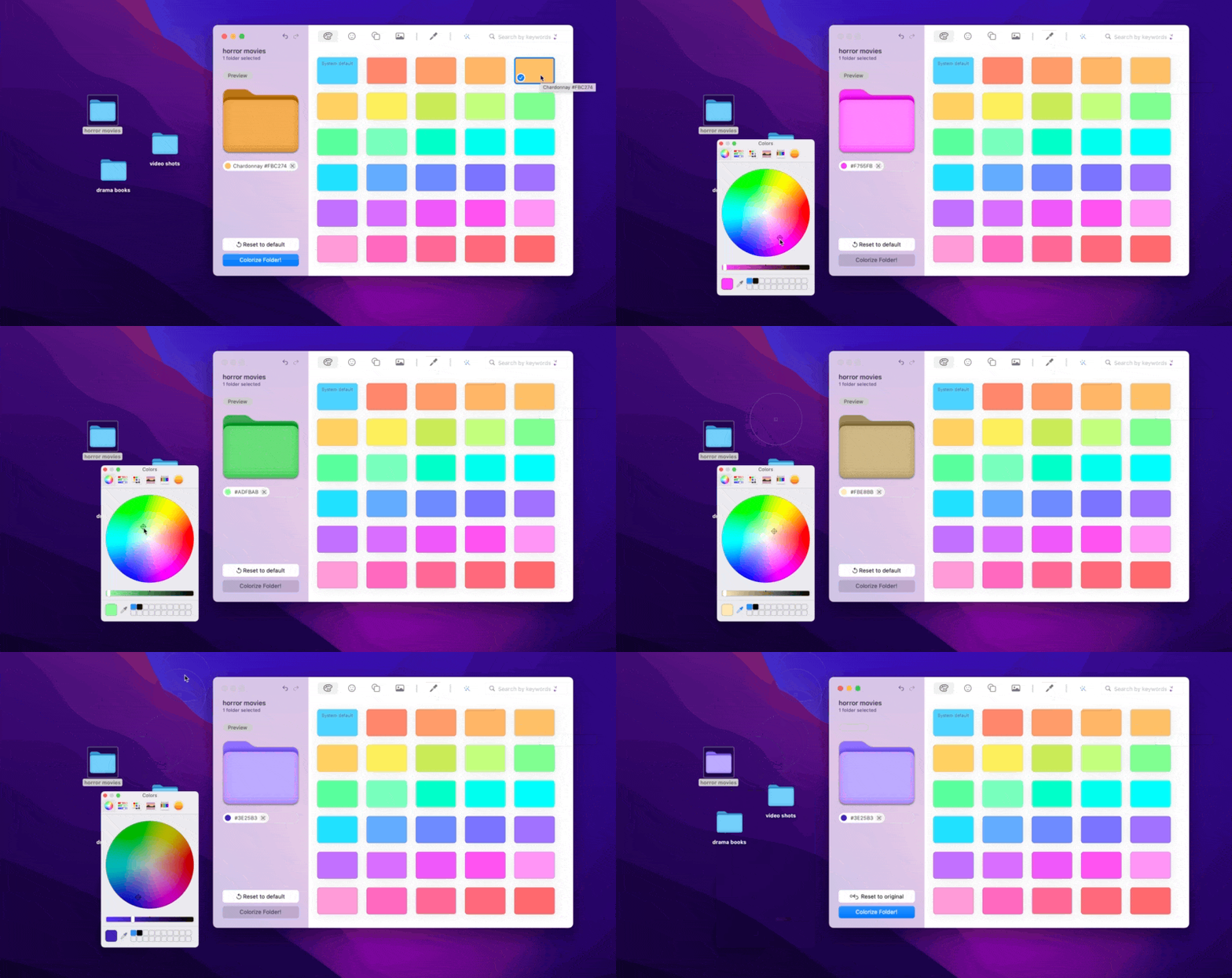
The main controls are available from the folder's right-click context menu. After selecting a folder, the user can choose a color or apply a custom hue, then return to File Explorer and identify that folder by its appearance. This keeps the task close to the files being organized and avoids a separate, multi-step process for each change. Colors can be assigned according to a user's own categories, such as priority, project, client, or file type.
The color scheme can be adjusted as folders and priorities change, so it can support both temporary project sorting and longer-term organization. A distinctive color can mark a folder that needs attention, while consistent colors can make related directories easier to scan. The utility adds a visual layer to the existing folder structure rather than replacing it: folder names and locations continue to provide the underlying organization, with color serving as an additional cue.
Folder Colorizer 2 can be useful at home, in school, or in an office, particularly for people who regularly browse a crowded collection of directories. Creative workers might distinguish active projects from archived work, while students could separate course materials and personal files. It can also help teams or individuals who use a consistent color convention across their own Windows file management, although folder colors do not replace shared naming or filing practices.
The program is trialware and is intended for Windows 11, Windows 10, Windows 8, and Windows 7, with support for both 32-bit and 64-bit editions of the latter three systems. Its compact installer is about 2.5 MB. Folder Colorizer 2 works through File Explorer's context-menu workflow, making it a focused customization tool rather than a replacement file manager.