GeoGebra for Windows 10 - Full description
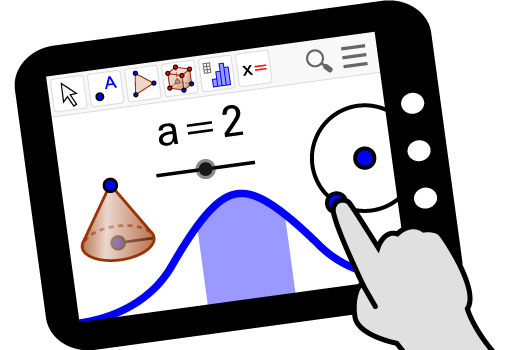
GeoGebra is interactive mathematics software for students, teachers and anyone exploring relationships between algebra, geometry and calculus. It connects symbolic expressions with visual representations, so a change made in one part of a construction can be examined in another. This makes it useful for learning concepts, preparing classroom demonstrations and investigating mathematical problems independently.
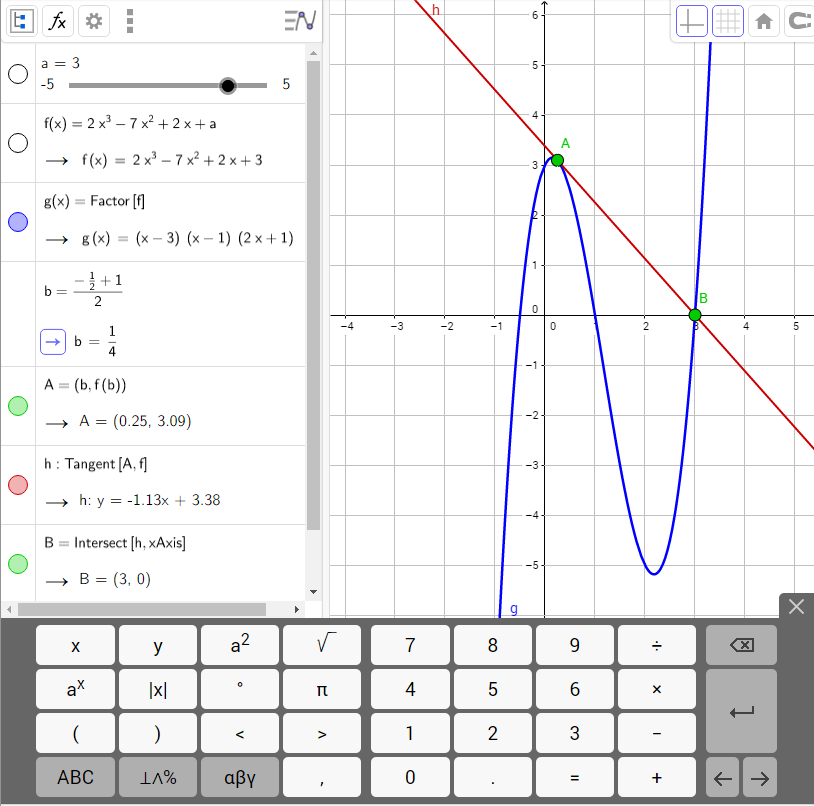
In the geometry workspace, users can create points, lines, segments, polygons, circles and other objects, then build constructions from them. Objects can be dragged to test which properties remain true as their positions change. In the algebra view, equations and coordinates appear alongside the construction, helping users see how a geometric change affects its mathematical description. This interactive approach makes it possible to explore a result rather than relying only on a static diagram.
GeoGebra also plots functions and supports work with equations, vectors and calculus topics such as derivatives and integrals. Sliders can be attached to values or parameters, allowing a graph or construction to update as those values move. Users can enter expressions directly or use construction tools, and can combine both methods when developing a model. The linked views help connect a formula to its graph or geometric interpretation, while adjustable objects make it easier to compare cases and test conjectures.
The software suits lessons, homework and individual study across a range of mathematical topics. Teachers can use it to illustrate a theorem, demonstrate how a parameter changes a graph, or present a construction that students can manipulate. Students can use the same tools to check relationships, explore examples and build visual explanations. More advanced users can represent abstract ideas with constructions and expressions, making GeoGebra useful beyond introductory geometry.
GeoGebra is freeware and runs on Windows. Its range of tools can take time to learn, particularly for users new to mathematical software, but working with a few objects at a time provides a practical way to get started. The program is intended for mathematical exploration and visualization; it complements written reasoning rather than replacing the steps needed to justify a result.