Parted Magic for Windows 10 - Full description
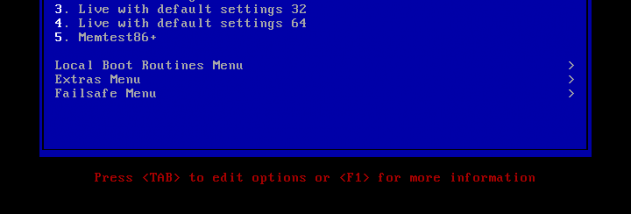
Parted Magic is a bootable Linux-based toolkit for managing disks and partitions without relying on the operating system installed on a computer. It is intended for users who need to prepare drives, adjust partition layouts, inspect storage problems or recover data. The system starts from bootable media, making it useful when a computer cannot boot normally or when its disks should be worked on outside the installed system.
Its partitioning tools include GParted and Parted, which provide a graphical way to create, delete, resize, move and copy partitions. These operations help with tasks such as making room for another operating system or reorganizing a drive. The toolkit also includes command-line utilities such as fdisk and sfdisk for users who prefer direct control over partition tables. Changes to disk layouts can affect stored data, so important files should be backed up before modifying partitions.
Parted Magic includes tools for copying, imaging and recovering disks. Partition Image can save and restore partition images, while dd and ddrescue support low-level copying, including recovery work on damaged media. TestDisk is available for investigating lost partitions and certain filesystem problems. The included documentation helps users identify the purpose of these utilities and choose an appropriate procedure for common disk tasks.
The system supports a broad selection of filesystems, including ext2, ext3, ext4, FAT16, FAT32, HFS, HFS+, JFS, Linux swap, NTFS, ReiserFS, Reiser4 and XFS. That range makes it useful for working with drives from different operating systems, rather than only disks formatted for one platform. It can serve technicians maintaining PCs, advanced users preparing drives, and people attempting basic storage recovery.
Parted Magic is a standalone operating environment, not a conventional Windows application: it must be booted separately from the computer's installed Windows system. The stated minimum is an i586-compatible processor and 256 MB of RAM, or 128 MB for live mode. Its tools can make substantial changes to disk contents, so users should verify the selected drive and understand the intended operation before proceeding. The provided license information identifies the software as freeware.