Photo-Brush for Windows 10 - Full description
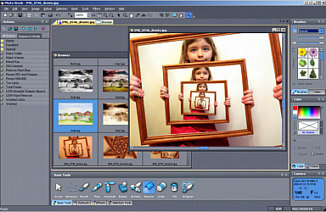
Photo-Brush is a Windows image editor for photographers and other users who need to adjust, retouch, or creatively alter pictures. It combines common photo corrections with painting tools, image effects, RAW image browsing, and support for Photoshop plug-ins, making it useful for both routine image cleanup and more specialized edits.
For everyday corrections, Photo-Brush provides controls for exposure, levels, hue, saturation, and luminance, along with sharpening and cloning tools. These can be used to improve tonal balance, adjust color, bring out detail, or cover unwanted areas by copying nearby image content. More specialized correction tools address chromatic aberration, barrel and pincushion distortion, and perspective, which can help fix color fringing, lens distortion, or skewed lines in a photograph.
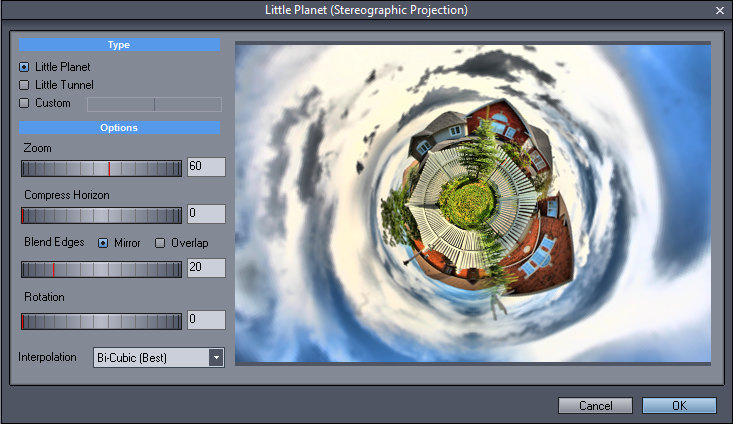
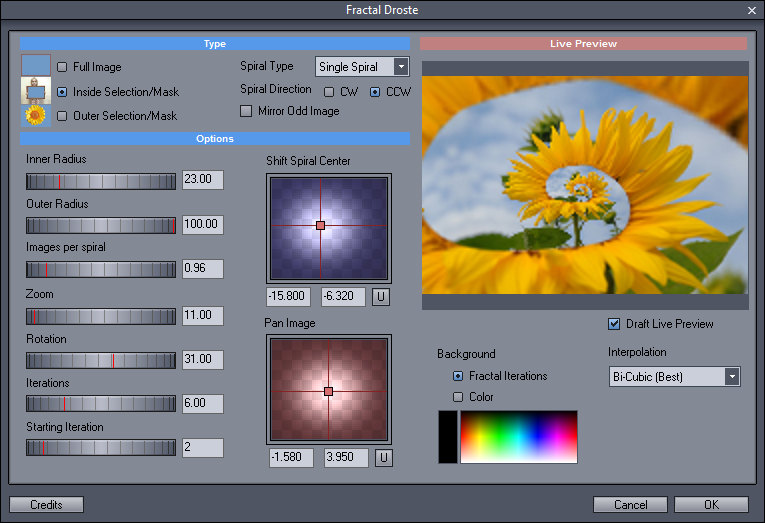
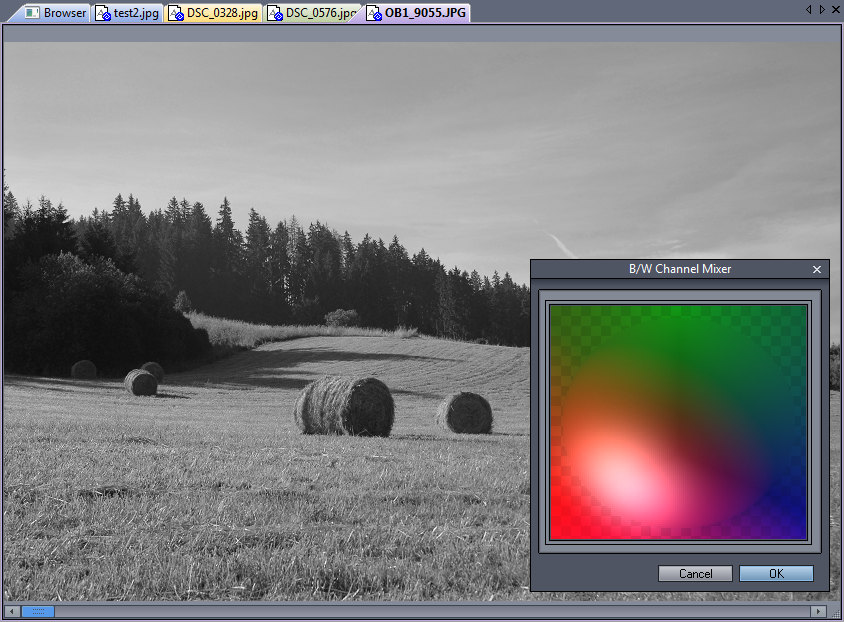
The editor works with RGB, HSL, YCb/Cr, and mask channels, giving users different ways to manage color and isolate parts of an image. Its Color Lab uses an LRGBY color space for making vivid adjustments. Creative effects include Liquid Warp for reshaping image areas, Little Planet for stereographic projections, and a Fractal Droste effect that creates image-within-image patterns. Painting features extend its use beyond conventional photo correction, while Photoshop plug-in support allows compatible effects to be used within the application.
Photo-Brush can also browse RAW images and read EXIF information from digital camera files. This makes it suitable for reviewing camera images, checking embedded capture details, and carrying out edits in the same program. Watermarking and rotation are among the tasks associated with the software, alongside its broader retouching and enhancement tools.
Photo-Brush is proprietary trialware from MediaChance. Its stated Windows support includes systems through Windows 10; Windows 11 support is not established here. It is intended for users who want a compact desktop editor with both standard adjustments and less common image effects, rather than a tool limited to viewing or organizing photos.