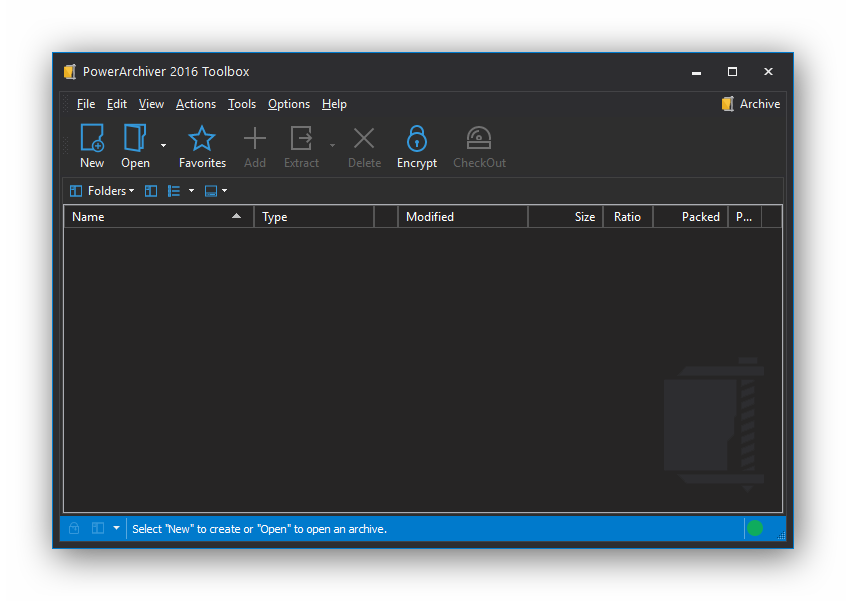
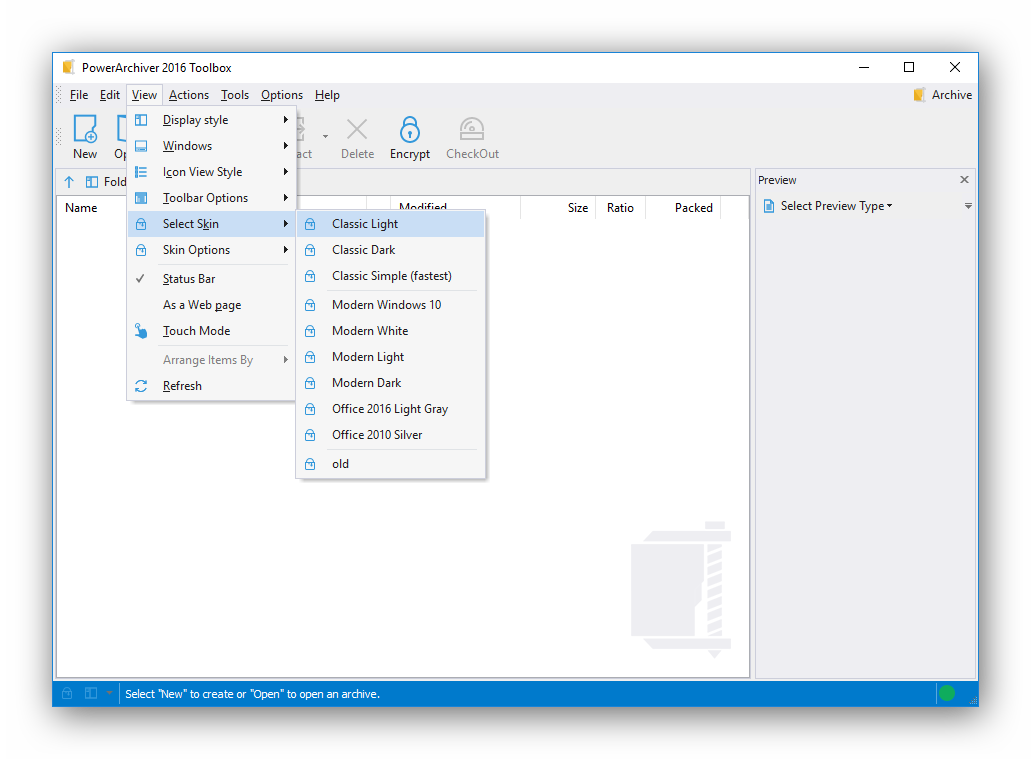
PowerArchiver 2018 for Windows 10 - Full description
PowerArchiver is a file compression and archive-management utility for Windows users who need to create, extract, convert, encrypt and exchange compressed files. It handles common archive formats as well as disk images and backup-related tasks, making it useful for organizing files locally or preparing them to send to colleagues and partners.
The program creates ZIP and ZIPX archives, alongside formats such as 7z, ISO, CAB and TAR. ZIP and ZIPX compression can use multiple processor cores, while ZIPX supports methods including LZMA, JPEG, PPMd, BZIP2 and WavPack. When compatibility matters, users can create standard ZIP files; for other workflows, they can choose a format or compression method suited to the task. PowerArchiver also opens more than 30 formats, including RAR archives, and supports RAR extraction.
Encryption options are available for ZIP, ZIPX, 7z and PAE archives. The software supports 256-bit AES encryption, OpenPGP and FIPS 140-2-validated encryption, giving users ways to protect files before storage or transfer. It can also convert archives, so files can be repackaged in a different format without treating the original archive as a permanent endpoint. An Outlook add-in supports sending compressed files from email workflows, and secure FTP tools provide another way to transfer files.
Alongside archive management, PowerArchiver includes a standalone backup application with scheduling and logging-related tools, plus support for VSS. Volume Shadow Copy Service can help the software access files that are in use, such as Outlook data files or databases, during compression or backup operations. Windows User Account Control elevation helps when a task needs administrator permissions to read or write in a protected folder. These tools make the program suitable for routine file exchange as well as more involved backup and data-handling tasks.
PowerArchiver is trialware from ConeXware Inc. It supports Windows 10, including 64-bit systems, and is available in English, German, French, Spanish, Italian, Brazilian Portuguese, Russian, Ukrainian, Belarusian and Polish. Its range of archive formats and encryption options suits users who work with files from different sources, while the backup, VSS and transfer features extend its role beyond basic compression.