PTGui Pro for Mac OS X
PTGui Pro is a desktop application for creating panoramic ... can be adjusted to refine transitions between images. PTGui Pro can also use multi-core processors and GPU ...

PTGui stitches overlapping photographs into panoramas, with support for JPEG, TIFF, and RAW files. Automatic alignment provides a fast starting point, while editable control points, blending settings, and lens-distortion correction offer more control. It also handles HDR panoramas, gigapixel images, and cylindrical, spherical, and rectilinear projections.
| Author: | New House Internet Services B. |
| License: | Demo |
| Price: | $175.00 |
| Released: | Jun 4, 2026 |
| File size: | 69.80 MB |
| Downloads: | 279 |
| Keywords: | x64 architecture, panorama projection tool, High-resolution images, gigapixel panorama creator, hdr panorama software, creator, stitch photos, stitch overlapping photos, Panorama stitching, panorama, New House Internet Services B.V., create panorama, create, Windows 10 compatible, panorama creator, panorama stitching software, photo panorama maker, PTGui software |
| Author URL: | https://www.ptgui.com/ |

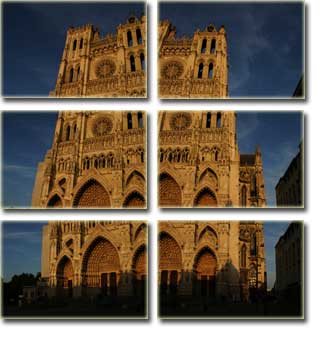
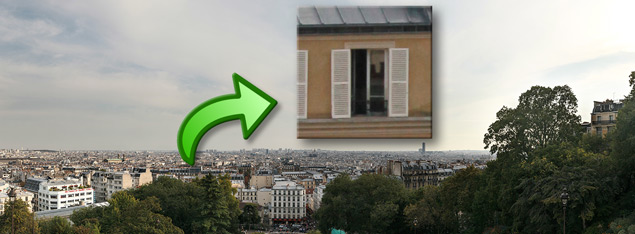
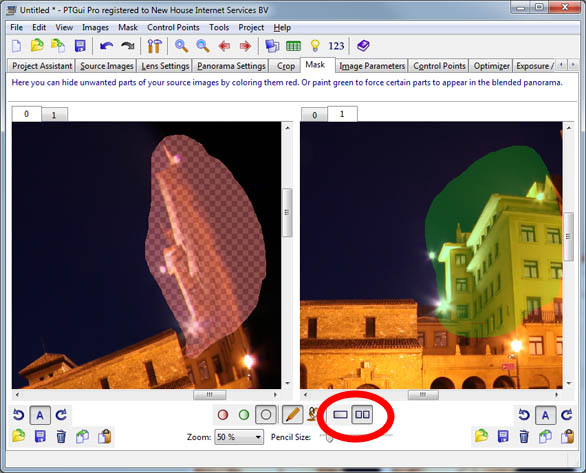
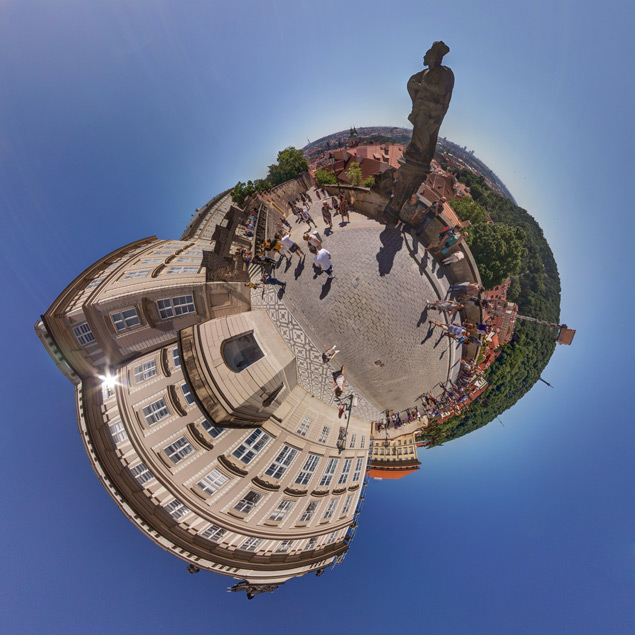

PTGui is a desktop application for stitching overlapping photographs into panoramic images. It is suited to photographers who want to combine a set of shots into a wide view, as well as users working on detailed panoramas for landscapes, architecture, or virtual tours. It accepts JPEG, TIFF, and RAW images, giving photographers options for working from finished images or camera files.
For a quick result, PTGui can automatically align and stitch a group of photos. When the automatic result needs adjustment, users can edit control points that define how images correspond, refine blending settings, and correct lens distortion. These tools help address visible seams and alignment issues, and provide a way to fine-tune the panorama rather than relying solely on automatic processing. PTGui can also create gigapixel panoramas from large collections of source images.
The software supports HDR panorama workflows, combining bracketed exposures so that the stitched image can retain detail across bright and dark areas. Its projection options include cylindrical, spherical, and rectilinear formats. The choice affects how the panorama represents the scene, making the different projections useful for wide landscape views, immersive imagery, or architectural subjects where straight lines matter.
PTGui is designed to use multi-core processors, and GPU acceleration can further speed up processing on supported hardware. A typical workflow is to import overlapping images, let the software align them, review the result, make any necessary control-point or blending adjustments, and render the finished panorama. Manual controls suit photographers who need to correct difficult joins, while automatic stitching can shorten work on more straightforward sets.
PTGui is available for 64-bit Windows 10 and Windows 11. It is distributed as demo software, so users can evaluate it before deciding whether it fits their panorama workflow. The range of input formats and adjustment tools makes it useful for both routine photo stitching and projects that require more precise alignment, exposure blending, or projection choices.