Scite for Windows 10 - Full description
SciTE is a lightweight text editor for programmers who want a focused workspace for writing and editing source code. Built on the Scintilla editing component, it combines language-aware editing features with a compact interface, making it suitable for scripting, web files and general programming without the overhead of a large integrated development environment.
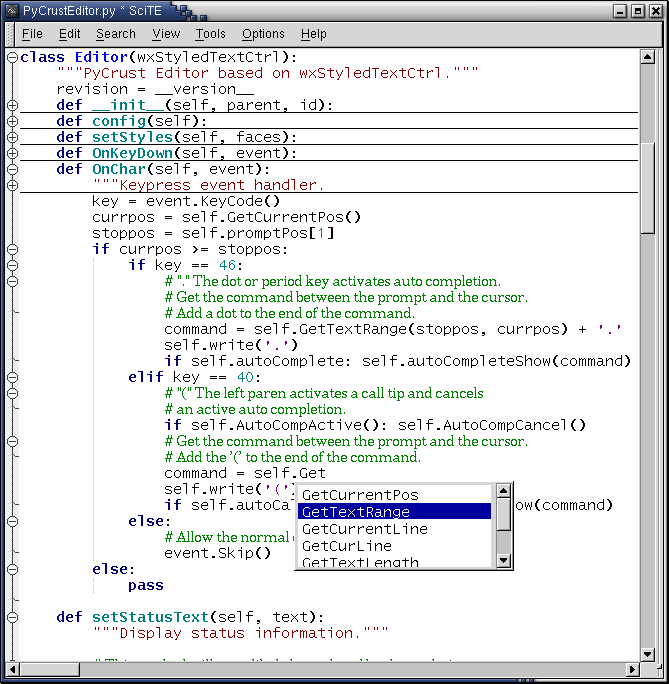
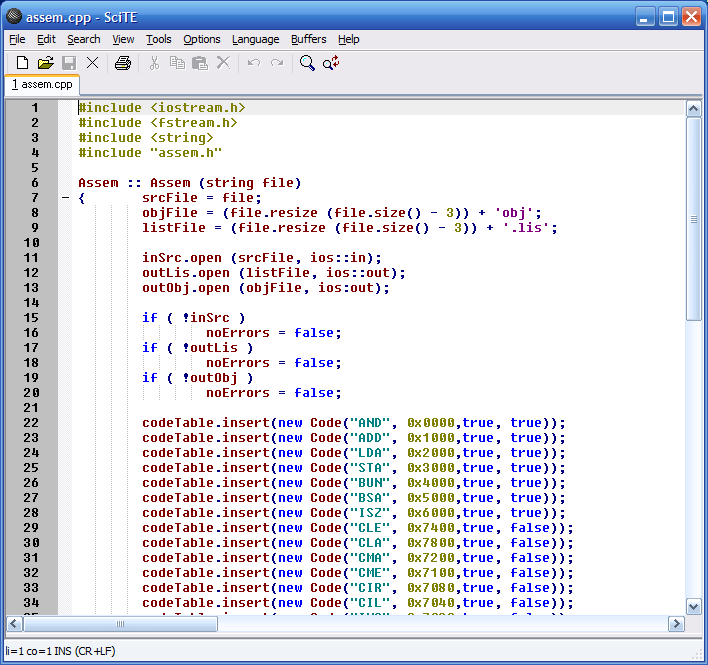
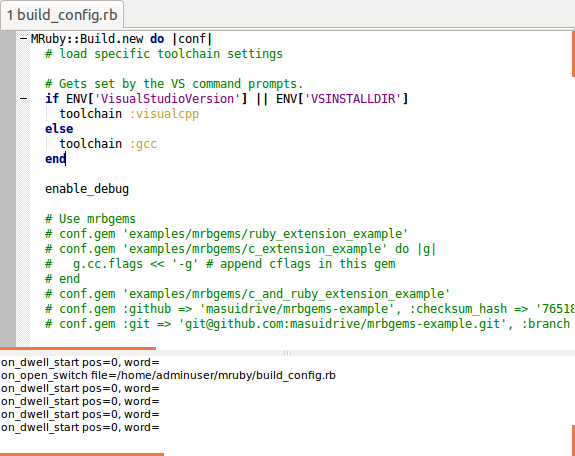
Syntax highlighting helps distinguish language elements in files such as C++, Python, Java and HTML, making code easier to scan and edit. The editor also supports code folding, so sections of a file can be collapsed while working on another area. Auto-completion can assist with entering code, while regular-expression search and replace helps locate or change patterns across text. These features are available within the editor and can support both small scripts and longer source files.
SciTE is configurable through text-based settings, including options for appearance and editor behavior. Users can adjust colors, fonts and command settings, then keep those preferences in configuration files. External tools and scripts can be connected to the editing workflow, allowing the editor to work alongside other development utilities. Its emphasis is on core editing tasks rather than a large collection of extensions, which keeps the interface relatively uncluttered.
The editor can be used for coding, modifying configuration files, editing markup and handling other plain-text tasks. Developers who prefer a fast, straightforward editor can use it as a focused coding environment or alongside a separate compiler and debugging tools. Syntax highlighting and folding are especially useful when navigating structured source code, while search and replace can help with repetitive edits.
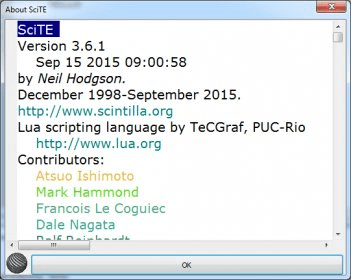
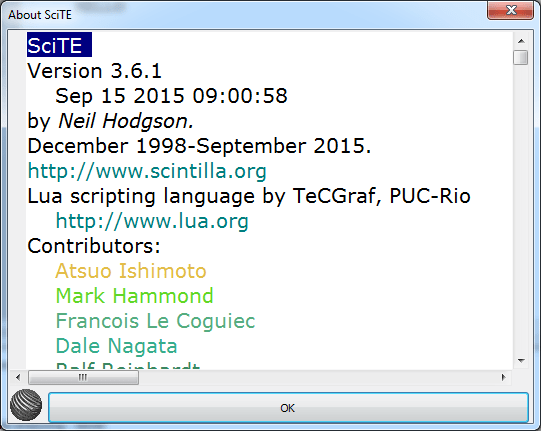
SciTE is open-source software from Neil Hodgson. The Windows download supports Windows 10 and Windows 11, as well as earlier Windows releases. Its small footprint and direct configuration make it a practical option for users who want an adaptable editor without relying on a heavyweight IDE. It is an editor rather than a compiler, so building and running projects may require separate tools.