Shardana Antivirus Rescue Disk Utility for Windows 10 - Full description
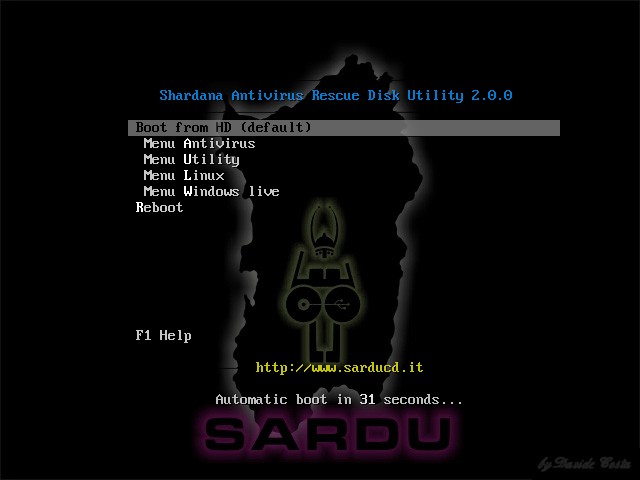
SARDU is a Windows utility for building multiboot USB drives and ISO images that combine operating systems, antivirus rescue disks and other bootable tools. It is intended for IT professionals, system administrators and technically minded users who need to carry several installation, recovery or diagnostic options on one device. Instead of preparing a separate USB drive for every task, they can assemble a selection of bootable resources in a single menu.
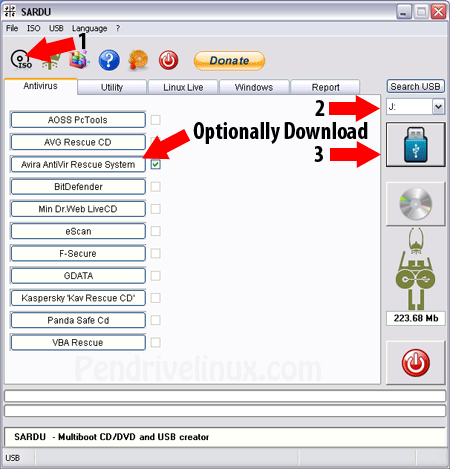
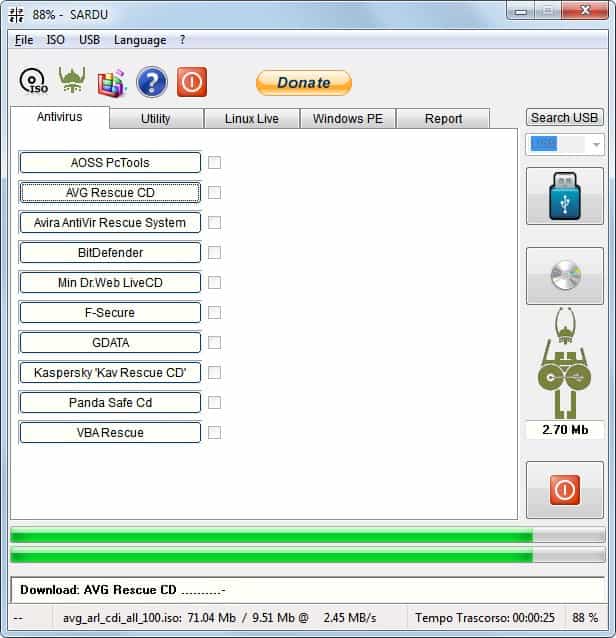
The program supports adding antivirus rescue disks and other ISO files to a multiboot project. This lets technicians prepare a USB drive with recovery tools for scanning or repairing computers that cannot start normally, alongside operating system installers and utilities. SARDU can also create an ISO image, providing a disk-image alternative to writing the collection directly to USB.
Users can customize a project by adding their own ISO files and configuring boot parameters. Custom menus help organize the available options, so the bootable device can be arranged for a particular set of machines or support tasks. These controls are useful when a standard collection of recovery tools is not enough, or when a technician wants installation and troubleshooting resources available from the same boot menu.
A prepared multiboot drive can support tasks such as diagnosing an infected or unbootable computer, running recovery tools, installing an operating system, or keeping frequently used utilities together for field work. The workflow centers on selecting the desired bootable images, setting up the menu and output, then creating the USB drive or ISO. The resulting device is intended to start on the target computer; its usefulness depends on that computer supporting booting from the chosen media and images.
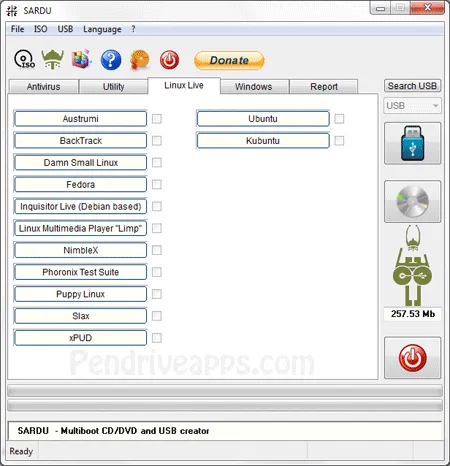
SARDU is a demo utility by Davide Costa for Windows 10 and Windows 11, with support for 32-bit and 64-bit Windows. Its multiboot projects can include Linux distributions and Windows installation media, as well as rescue and utility images. Compatibility with individual images and target computers can vary, so users should check that each image is suitable for the systems they need to service.