Video Snapshots Genius for Windows 10 - Full description
Video Snapshots Genius is a Windows utility for extracting still images from video files. It is suited to home-video owners, video catalog creators and anyone who needs individual frames or a contact-sheet-style gallery without taking screenshots in a separate media player. Videos can be previewed inside the program, so users can find scenes and capture them from one interface.
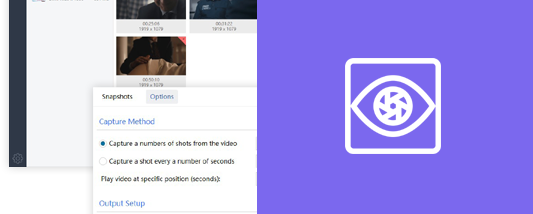
Frames can be captured manually by browsing through a movie and selecting particular moments. For a broader overview, automatic capture takes snapshots at user-defined time intervals, with the number of images adjustable to suit the task. This can produce a sequence of representative frames from a longer clip or a set of images from a short video without selecting each frame individually.
The output workflow includes controls for image dimensions, destination folder and filename prefixes for automatically named files. Captures can be saved as BMP, JPEG, GIF, PNG or TIFF. The built-in Picture Editor provides basic brightness and contrast adjustments, while Picture Viewer lets users inspect the results. The program can also assemble snapshots into thumbnail galleries and add timestamps to captured images.
These tools are useful for making photo selections from family recordings, preparing stills for video catalogs, presentations and web pages, or gathering scene images for custom DVD menus. A sequence of captures can also provide source images for an animated banner. Since images are saved as ordinary graphics files, they can be edited or placed in other applications after capture.
Video Snapshots Genius opens formats including MPEG, AVI, WMV, DivX, Flash video, RealMedia, QuickTime and DVD video, and includes preview playback without requiring another player. It is trialware. Its stated Windows support includes Windows 7, Windows 8 and Windows 10, including 64-bit editions; Windows 11 support is not established here.