SSuite Mac Dock for PC
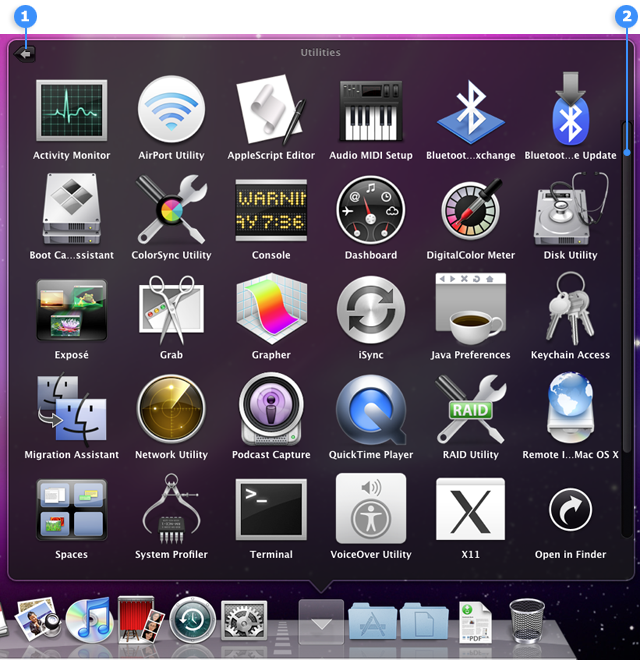
Welcome to the home of SSuite Mac Dock for PC, a revolutionary software developed by the ... your Windows 10 experience by introducing a Mac-style dock on your PC. It is a seamless blend ...

Winstep Nexus is a customizable dock and application launcher for Windows. It organizes program and file shortcuts across multiple docks and sub-docks, with drag-and-drop editing, themes, colors and transparency controls. It can also show running applications and system tray items, while widgets provide quick access to information such as the time, weather and CPU activity.
| Author: | Winstep Software Technologies |
| License: | Shareware |
| Price: | $29.95 |
| Released: | Jan 28, 2026 |
| File size: | 40.00 MB |
| Downloads: | 161 |
| Keywords: | customization, productivity, taskbar alternative, Winstep Nexus, desktop customization, dock, download Winstep Nexus, dock application, deploy, Winstep Nexus free download, user interface, application launcher, launch, Windows dock, dock with widgets, windows dock, desktop dock launcher, aesthetics, software download, user-friendly, Winstep Software Technologies, dock bar, customizable dock, multitasking, launcher |
| Author URL: | http://www.winstep.net/ |


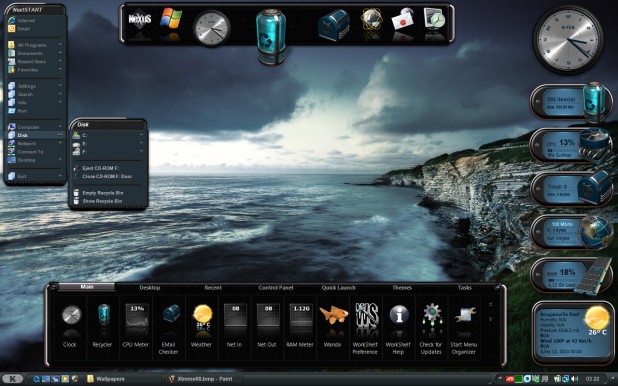
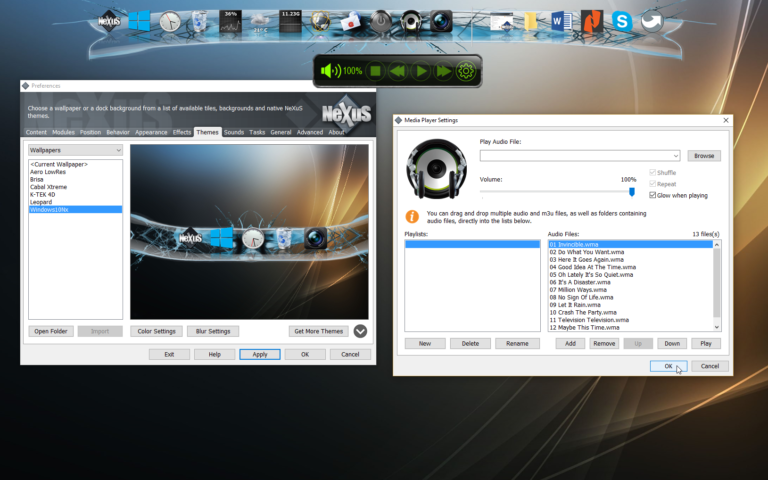
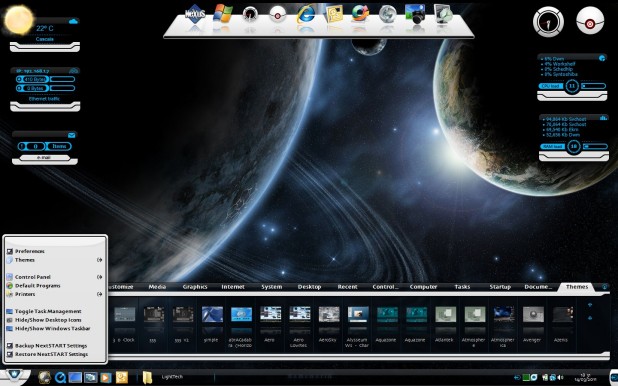

Winstep Nexus is a customizable dock and application launcher for Windows, offering an alternative way to access programs, files and desktop tools. It is suited to people who want frequently used items close at hand or prefer to organize shortcuts outside the standard taskbar. The dock can be styled to fit a desktop and arranged around different workflows, from a compact launcher to a more prominent desktop hub.
Multiple docks and sub-docks let users group shortcuts by purpose, such as work, media or system tools. Items can be added, removed and rearranged with drag and drop, making it straightforward to update a layout as needs change. Separate docks and nested groups can keep a large collection of shortcuts organized without placing every icon in one row. Themes, colors and transparency settings provide control over the dock's appearance, while mouse-over effects and animations adjust how it responds to pointer movement.
Nexus also handles more than static shortcuts. It can show running applications and provide system tray support, bringing active programs and tray items into the dock-based desktop workflow. Live icon reflections add a visual effect to icons, and built-in widgets can display information such as the time, weather and CPU activity. These elements allow the dock to serve both as a launch point and as a place to check selected system information.
The combination of grouped shortcuts, running-app indicators and desktop widgets can help users who prefer a personalized desktop or want to reduce reliance on taskbar navigation. A casual user might keep a small set of common programs in view, while someone managing many applications can use multiple docks and sub-docks to separate categories. Appearance and interaction options can be adjusted independently to create a less prominent dock or one with more visible animations.
Winstep Nexus is shareware from Winstep Software Technologies. It supports Windows 10 and Windows 11, as well as Windows 7 and Windows 8 in 32-bit and 64-bit editions. The dock is intended for desktop use, and its shortcut-based organization works alongside installed Windows applications and files.