Adobe Illustrator CS6 16.0.5 review by omar hasrat (Dec 12, 2016)

great designing app.

Adobe Illustrator CS6 is a vector graphics editor for creating and refining scalable artwork such as logos, icons, illustrations and patterns. Image Trace converts raster images into editable vectors, while pattern tools build repeatable tiles and gradient controls style strokes. Inline panel editing, improved color sampling and typography controls support everyday design work. The Windows edition includes native 64-bit support and is offered as trialware.
| Author: | Adobe Systems |
| License: | Trialware |
| Price: | $599.00 |
| Released: | May 13, 2014 |
| File size: | 2.40 MB |
| Downloads: | 7999 |
| Keywords: | Adobe Illustrator CS6, vector graphics editor, photo, photo brush, Creative Cloud, image to vector converter, Adobe Systems, adobe photoshop, vector illustration software, photoshop, adobe illustrator, photoshop cs5, microsoft paint, professional illustration tool, vector editing, illustrator, photo filter, graphic design software, vector pattern maker, illustrator cs3, adobe, space, logo design software, adobe illustrator cs5 me, gradient stroke editor |
| Author URL: | https://www.adobe.com/ |


Adobe Illustrator CS6 is a vector graphics editor for illustrators, designers and other creators who need to build artwork that stays editable at different sizes. It is suited to logos, icons, illustrations, diagrams and other designs made from paths, shapes and text. Its tools support precise drawing and editing, while the performance system is designed to keep work with large, complex files responsive.
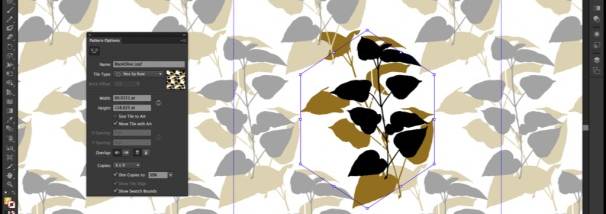
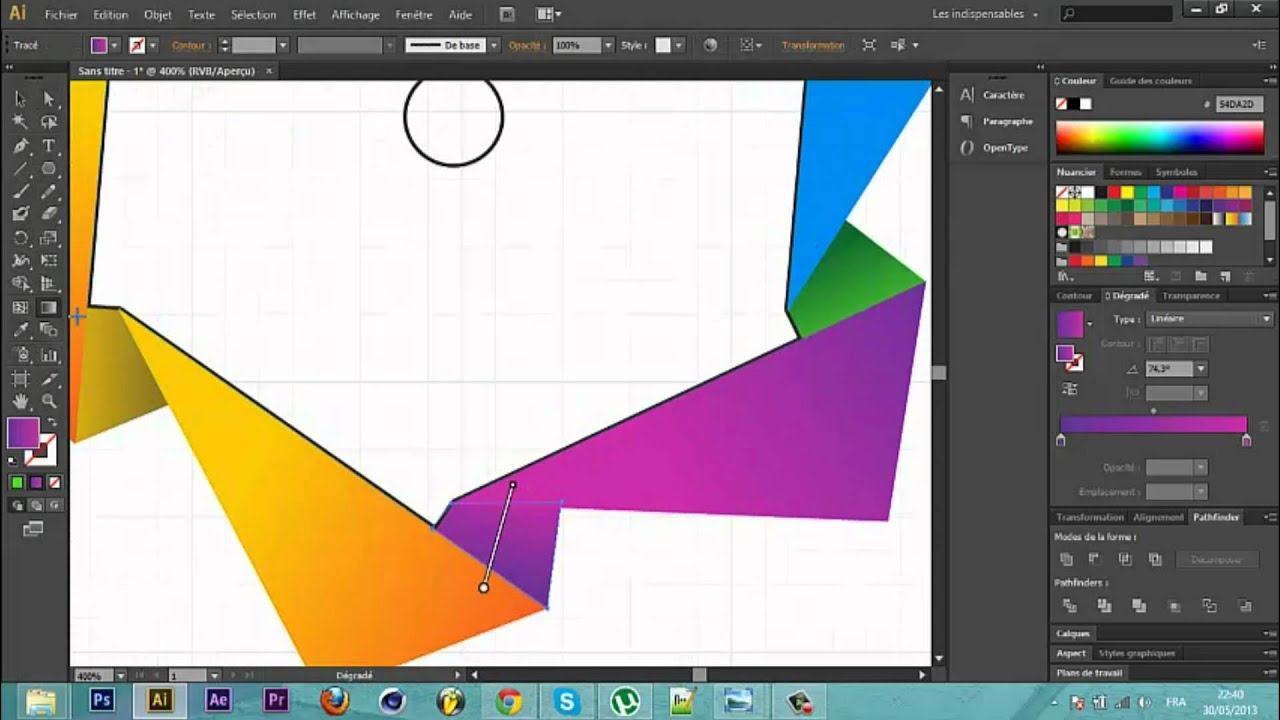
The Image Trace tool converts raster images into editable vector artwork. It can help turn a scanned sketch or other bitmap into paths that can be refined with Illustrator’s drawing and selection tools. Pattern creation lets users make repeating vector tiles and adjust them after creation, making it practical to explore variations without rebuilding the design. Gradients can be applied to strokes along their length, across their width or within the stroke, with control over placement and opacity.
Everyday editing is supported by inline changes to names in panels for layers, swatches, brushes and artboards, avoiding separate dialog boxes for those tasks. The Color panel offers an expandable spectrum for sampling, and hexadecimal color values can be copied or pasted between applications. For typography, arrow keys can cycle through fonts in context, and the Character panel brings glyph options such as capitals and superscripts together. Workspaces can be arranged for different tasks, with layout changes retained as users move between them.
Effects and interface tools also support a focused production workflow. Gaussian Blur, Drop Shadows and Glows can be previewed directly on the artboard, and the software improves the speed of applying these effects. The Control panel groups options for tasks including anchor point editing, clipping masks and envelope distortions. These features make Illustrator useful for both creating original vector assets and revising existing artwork, from initial tracing and color exploration through final adjustments and export.
Illustrator CS6 is commercial trialware from Adobe. The supplied Windows compatibility information includes Windows XP, Windows 7, Windows 8 and Windows 10, including 64-bit editions where indicated; Windows 11 is not included in that information. The Windows version has native 64-bit support, which lets it access available system memory when working with larger files. It is a desktop graphics application intended for users who need editable vector tools rather than a basic paint program.
great designing app.