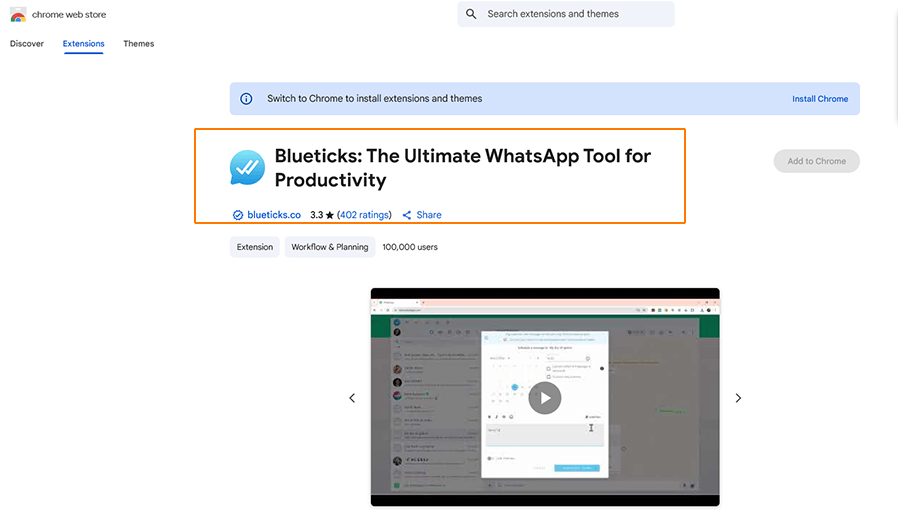
BlueTicks for Gmail for Chrome for Windows 10 - Full description
BlueTicks for Gmail for Chrome is a browser extension for people who send email through Gmail's web interface and want an indication of whether recipients have opened their messages. It adds read-status markers to the Gmail inbox, making it possible to check message activity without switching to a separate tracking dashboard. The extension is designed for Gmail rather than general-purpose email tracking, so its status indicators apply to messages sent through Gmail's web interface.
The extension uses check marks to show the reported state of a sent email. One blue check mark indicates that the message was sent successfully; two blue check marks indicate that it has been opened. Their appearance changes with the message status, allowing users to scan the inbox for updates instead of opening each message individually. Hovering over a message can reveal additional information, including when it was opened, while keeping the user in Gmail.
This workflow can help people follow up on time-sensitive or important messages. For example, a salesperson can use the status to see whether a prospect has opened an offer before deciding when to send a follow-up. The indicators provide a signal that a message was opened, rather than confirmation that the recipient read or understood every part of it. Keeping the information beside the message also makes routine monitoring simpler for users who already manage their correspondence in Gmail.
BlueTicks works only with Gmail and tracks messages sent from a Gmail account through the Gmail web interface to another Gmail account. It does not provide read receipts for other email services, messages handled through other clients, or a universal view of activity across multiple mail platforms. The extension focuses on read-receipt tracking; it does not require access to Google account credentials or store email content, according to its stated privacy approach. It is trialware and is intended for Chrome users on 64-bit Windows 10 and Windows 11.