FET
FET is an open-source timetable generator for schools and other educational institutions. It helps administrators organize teaching activities into schedules for teachers and students, using information ...

clrmamepro is a ROM collection manager for MAME and other emulator users. It compares files with a reference data set, usually a DAT file, to find missing, outdated or incorrectly named items. Scanning reports help diagnose mismatches, while rebuilding tools can reorganize available files to match the reference. It also supports split, merged and unmerged sets, ZIP and 7z archives, profiles and batch processing.
| Author: | Clrmame |
| License: | Freeware |
| Price: | FREE |
| Released: | Oct 29, 2025 |
| File size: | 3.80 MB |
| Downloads: | 289 |
| Keywords: | Emulator backend support, ROM manager, Clrmame developer, Windows 10 compatibility, clrmamepro rom manager, mame rom scanner, unmerge, x64 system architecture, rom set rebuild tool, ROM management tool, dat file rom checker, merge, rom collection manager, Clrmamepro software, ROM game, manage ROM, merge rom sets, rebuild |
| Author URL: | https://mamedev.emulab.it/clrmamepro/ |
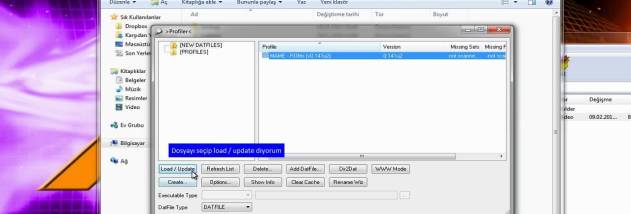
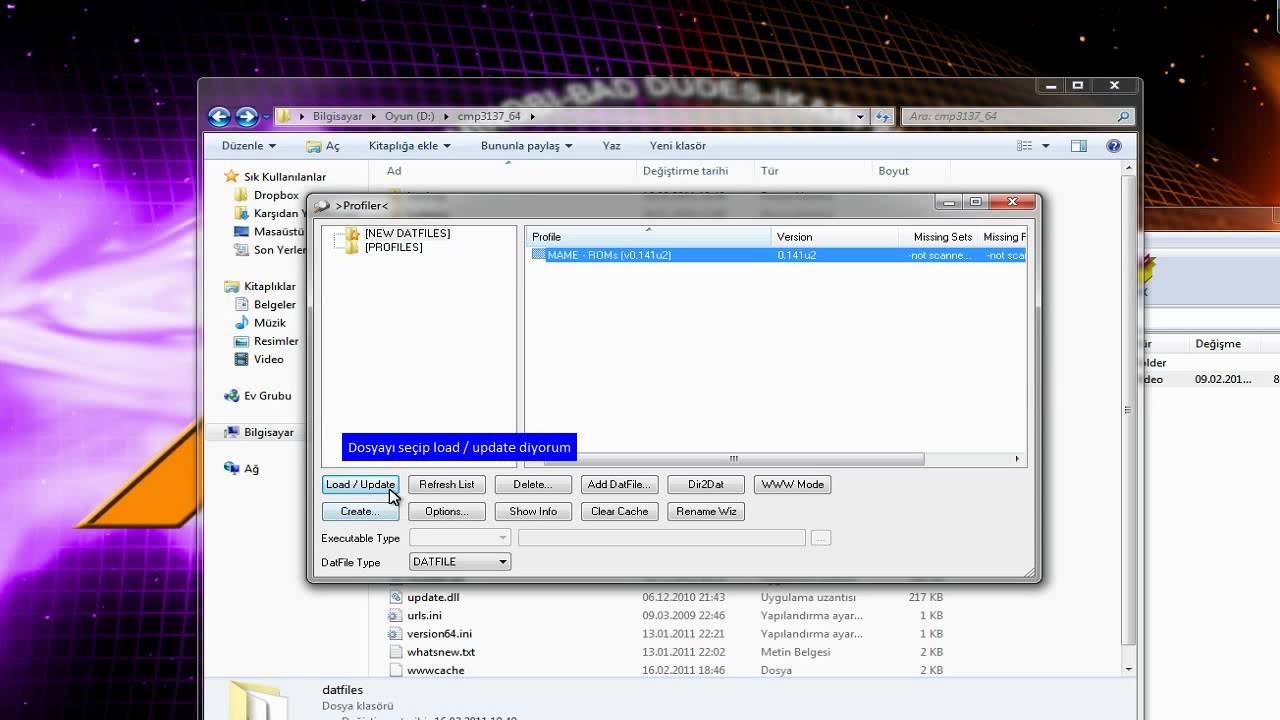



clrmamepro is a ROM collection manager for people who maintain game files used with MAME and other emulators. It checks a collection against a reference data set, usually a DAT file, which records the expected names and contents of ROM sets. This makes it useful for identifying collection problems and organizing files according to the requirements represented by that reference.
The scanner compares files with the selected data and reports missing, outdated, incorrectly named or otherwise mismatched items. Users can review these results to see where a set is incomplete or where a file does not match the reference. Scan criteria can be configured for more focused checks, while detailed reports provide a record of discrepancies to help plan repairs or further checks. The comparison is about the files present in a collection; clrmamepro does not provide the game content itself.
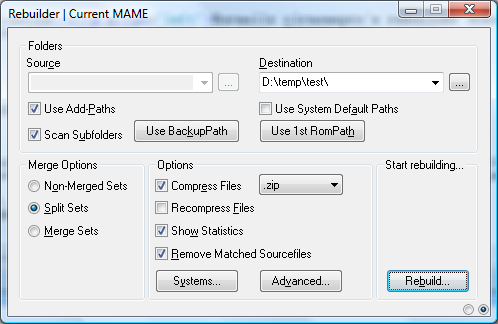
When files need reorganizing, rebuilding tools can use available ROM data to create sets that match the selected reference. The program also supports merging and unmerging sets, allowing users to choose an arrangement suited to their storage or emulator workflow. Split and merged set handling provides options for collections whose files are shared between related games, while support for ZIP and 7z archives lets users work with common compressed ROM formats without making archive handling a separate manual step.
Profile management helps keep work organized around different data sets or collection configurations. Batch processing can apply repetitive operations across multiple files, which is useful when maintaining a large archive rather than repairing sets one at a time. Together, scanning, rebuilding and reporting provide a workflow for checking a collection, locating problems and then bringing its organization into line with a reference. The interface exposes detailed controls, making it better suited to users willing to learn ROM-set terminology than to someone looking for a simple game launcher.
Typical uses include auditing an existing MAME archive, checking which files are missing, correcting names and rebuilding or reshaping sets for an emulator setup. clrmamepro is freeware and runs on Windows, including Windows 10 and Windows 11. Its specialized tools are intended for managing ROM files already held by the user; users should ensure that their files and reference data are obtained and used lawfully.