Driver Booster
Driver Booster is a Windows utility for finding and managing device drivers. It scans a computer for missing, outdated or corrupted drivers, then offers driver downloads and installation from within ...

DriverMax scans a Windows computer to identify its hardware and find suitable driver updates, including drivers for devices Windows does not recognize. Users can review results and choose which drivers to download and install. The utility also backs up installed drivers in a ZIP file and can restore them after Windows is reinstalled, reducing the need to locate installation media or search for drivers again.
| Author: | Innovative Solutions |
| License: | Shareware |
| Price: | $10.39 |
| Released: | Oct 15, 2026 |
| File size: | 64.70 MB |
| Downloads: | 3581 |
| Keywords: | backup drivers, DriverMax, reinstall, system performance enhancement, hardware optimization, import, driver update, driver update utility, update, report, drivers, hardware driver scanner, Innovative Solutions, backup, driver download, download device drivers, restore drivers after reinstall, driver update software, device, install, export, find missing drivers, Windows 10 compatibility, driver, devices |
| Author URL: | http://www.innovative-sol.com |

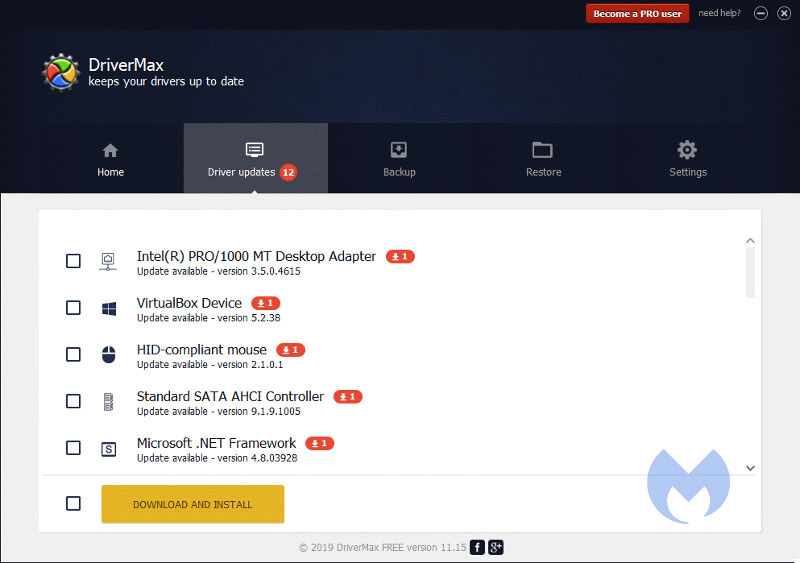
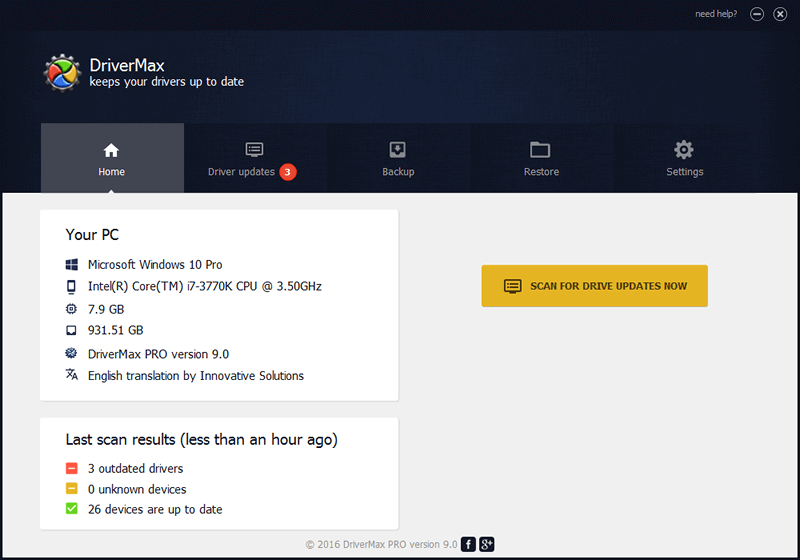


DriverMax is a Windows utility for identifying, downloading and managing hardware drivers. It is intended for people who need to update device software or prepare a system before reinstalling Windows, including when Windows does not recognize a connected device. Instead of searching for drivers manually for each component, users can scan the computer and review available driver updates in one place.
A hardware scan checks the devices installed in the computer and looks for suitable driver versions. DriverMax can locate drivers for recognized hardware as well as devices Windows has not identified, helping users investigate missing or outdated device software. After reviewing the scan results, users can choose whether to download and install the suggested updates. Keeping drivers current can be useful when resolving device problems or maintaining components such as network adapters, printers and other peripherals.
The program also backs up installed drivers to a single ZIP file. This gives users a local copy to keep before making system changes or reinstalling Windows, rather than relying on old installation discs or finding every driver again afterward. Once Windows has been reinstalled, DriverMax can use the saved driver collection to restore the drivers in a single operation. This backup-and-restore workflow is particularly useful when setting up a computer again after a clean installation.
DriverMax is suited to routine driver maintenance as well as preparation for Windows reinstallation. A scan can help identify which devices may need attention, while the backup feature provides a way to retain drivers that are already working on the system. Users who prefer to manage updates selectively can review the available results and decide which downloads to apply, rather than treating every detected update as mandatory.
DriverMax is distributed as demo software. It supports Windows 10 and Windows 11, along with several earlier Windows desktop and server editions. Driver changes can affect device operation, so keeping a backup before updating or reinstalling drivers provides a practical fallback if a change causes problems.