RAM Benchmark
Welcome to the Windows 10 download website, where you can find the latest ... we are excited to introduce you to "RAM Benchmark" developed by VOVSOFT. "RAM Benchmark" is a powerful ...

NovaBench benchmarks a computer's CPU, GPU, RAM and storage drives, then presents scores that help users assess overall and component-level performance. Its simple test workflow suits both routine checks and troubleshooting. Results can be compared with scores from other systems, while built-in recommendations may help identify possible upgrades or optimizations.
| Author: | Novawave Inc. |
| License: | Shareware |
| Price: | $36.00 |
| Released: | Oct 15, 2026 |
| File size: | 429.00 MB |
| Downloads: | 385 |
| Keywords: | pc performance score, graphics card speed, gpu benchmark, program, CPU benchmark, Novawave Inc., NovaBench, CPU, test CPU speed, benchmarking tool, ram performance test, system, computer benchmark tool, x64 software, Windows 10, storage benchmark, disk, cpu speed test, performance testing, RAM, benchmark |
| Author URL: | https://novabench.com/ |
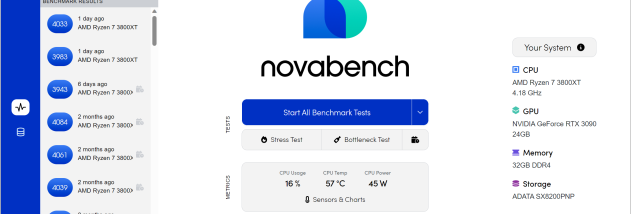


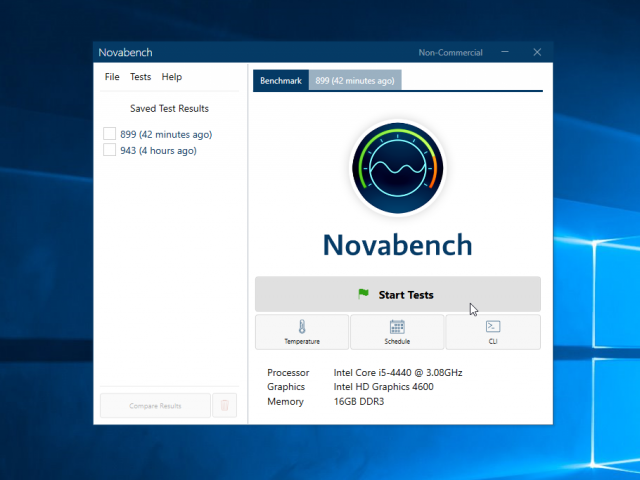

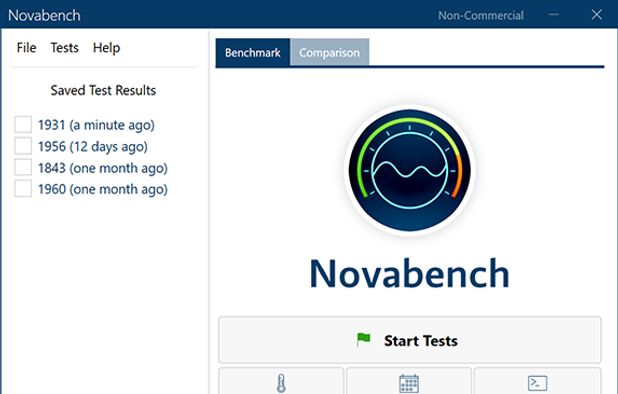


NovaBench is a computer benchmarking utility for people who want a quick overview of how their system performs. It tests the processor, graphics card, memory and storage drives, then presents results as performance scores. The straightforward interface makes it useful both for users who regularly tune hardware and for those who simply want to check a PC's capabilities or investigate a possible slowdown.
The benchmark runs a series of tests across the main hardware components. CPU tests provide a measure of processor performance, while graphics tests assess the GPU. Memory and storage tests add context beyond raw processing and graphics speed, helping users see how different parts of a computer contribute to its overall result. Running the tests together gives a broader snapshot than checking a single component in isolation.
After a run, NovaBench displays the system's scores for review and comparison. Users can compare results with scores from other systems to get a sense of how their hardware ranks against comparable configurations. This can help put an individual score in context, or highlight a component that may be worth examining more closely. The results can also provide a baseline for checking whether a hardware change or system adjustment has affected performance; running tests under similar conditions makes such comparisons more useful.
NovaBench can serve several practical purposes: checking a new computer, comparing systems before a purchase, assessing a gaming or work PC, or gathering evidence when troubleshooting unexpectedly slow performance. Its component-level tests help narrow attention to the CPU, GPU, RAM or storage rather than treating the computer as a single unexplained score. The included recommendations may also point users toward possible upgrades or optimizations, though benchmark results are best treated as measurements for comparison rather than a complete diagnosis of every performance issue.
NovaBench is shareware from Novawave Inc. and is available for 64-bit Windows 10 and Windows 11. A benchmark takes only a short time to run, making it practical for occasional checks as well as before-and-after comparisons. For more representative results, users should close demanding applications and avoid changing system settings between runs. The tests provide a useful performance snapshot, but actual speed in games and applications can vary with software, workloads, drivers and system configuration.