O&O DiskImage Professional x64
O&O DiskImage Professional is a disk imaging and backup utility for ... need to create a complete image each time. O&O DiskImage can create images while the computer is running ...

O&O DiskImage Professional creates disk images to protect files, drives and complete Windows systems, including installed programs and settings. Full and incremental backups support both initial copies and recurring protection that saves only changes. Users can schedule jobs, clone drives and mount images to browse or retrieve individual files. A bootable rescue medium can restore a system when Windows will not start. Password protection, encryption and integrity checks help safeguard backup data.
| Author: | O&O Software GmbH |
| License: | Trialware |
| Price: | $49.95 |
| Released: | Jul 6, 2025 |
| File size: | 122.00 MB |
| Downloads: | 282 |
| Keywords: | O&O DiskImage Professional review, clone hard drive, disk image backup, Disk imaging tool, incremental backup, Disk Image, mount, clone, mount backup image, backup disk, O&O Software GmbH, windows backup software, Windows 10 backup software, System restore software, Data backup and recovery, incremental image, backup, restore system image |
| Author URL: | https://www.oo-software.com/ |
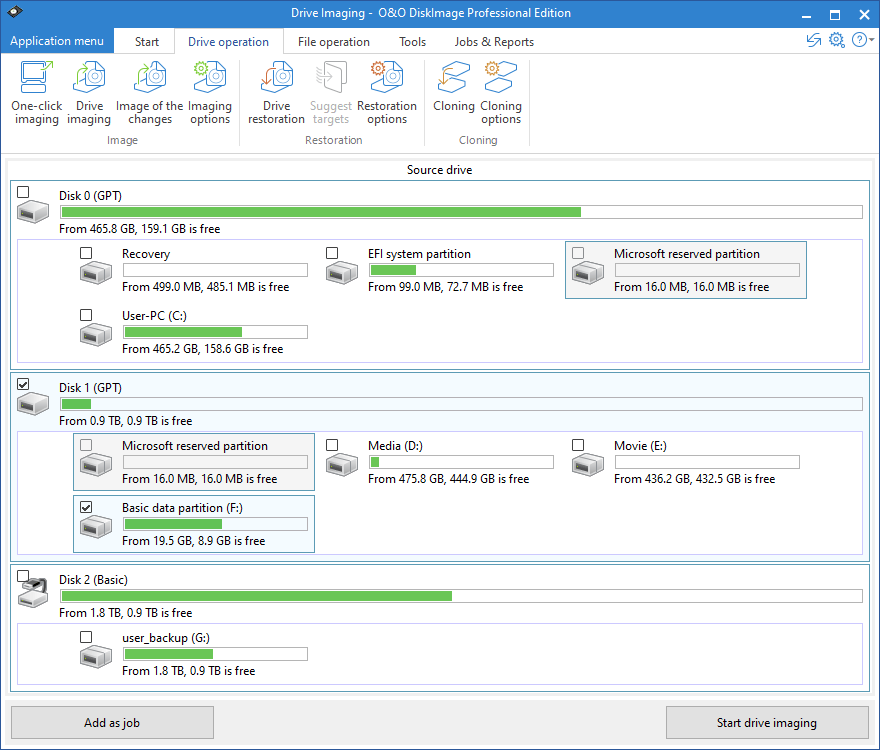


O&O DiskImage Professional is a disk imaging and backup program for Windows users who need to protect files, drives or complete PC installations. It can create an image of a system with its programs, settings and data, giving users a way to restore a working environment after a drive failure or other serious problem. It is aimed at both home users and IT professionals who need a practical recovery plan.
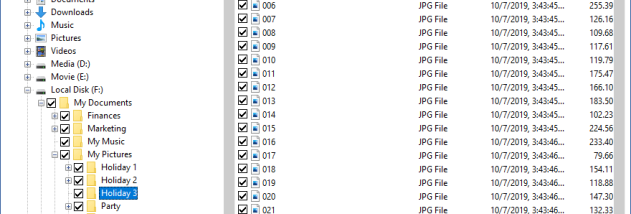
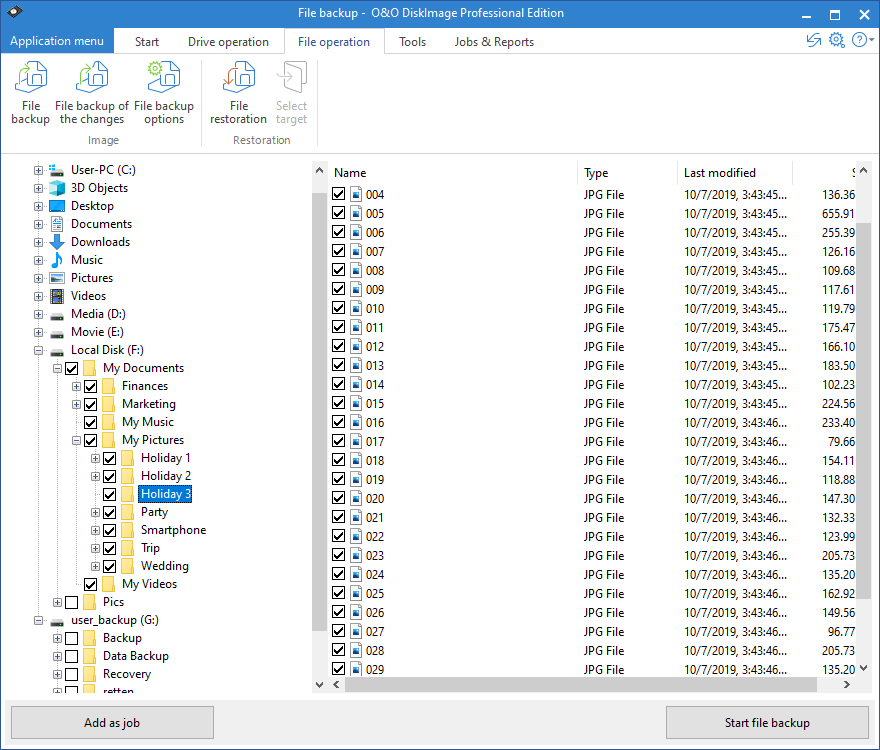
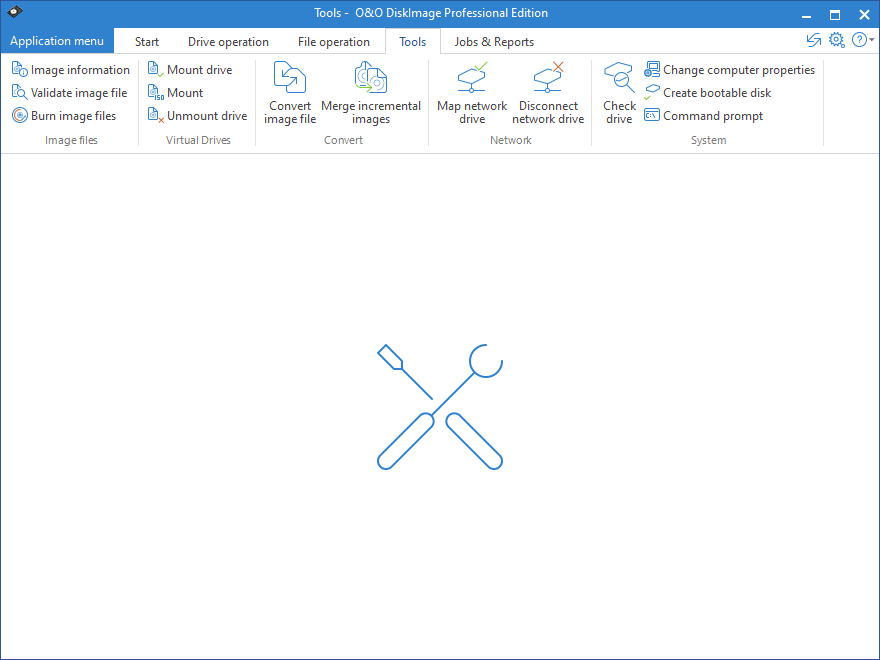
Backups can cover an entire system or selected data, with full and incremental methods available. A full image captures the chosen content, while incremental backups save changes made since an earlier backup to reduce the time and storage needed for recurring protection. The program can also clone drives, which is useful when transferring a Windows installation to another disk, and mount images so their contents can be browsed or files retrieved without restoring the whole backup.
Step-by-step wizards guide common backup and recovery tasks, while scheduling can automate backups at regular intervals. More experienced users can use scripting and command-line operations to incorporate tasks into a managed workflow. Images can be stored on external drives or network locations, and password protection and encryption help restrict access to sensitive backup data. Compression can reduce image size, and an integrity check helps confirm that a backup can be read.
For recovery when Windows will not start, O&O DiskImage Professional can create bootable rescue media. Starting the PC from that media allows a system image to be restored independently of the installed operating system. This makes the program useful for routine file protection as well as preparing for hardware replacement, system corruption or a failed Windows installation.
O&O DiskImage Professional is trialware for 64-bit editions of Windows 10 and Windows 11. Its imaging, cloning and recovery tools are intended for users who want local control over backup tasks and storage destinations. A suitable external or network drive is needed to keep backup images separate from the data they protect.