PT Photo Editor - Pro Edition
... to the ultimate destination for downloading the PT Photo Editor - Pro Edition, a top-tier software developed by the renowned PHOTO-TOOLBOX.COM. This software is a game-changer for photography enthusiasts ...

PhotoLine combines photo editing, vector drawing, and desktop publishing in one application for photographers and designers. Layers and masks support non-destructive image work, while vector tools create scalable shapes and paths for logos and illustrations. It also provides text controls and multi-page documents for print layouts, along with support for RAW, PSD, and PDF files.
| Author: | Computerinsel |
| License: | Demo |
| Price: | $79.00 |
| Released: | Jan 30, 2026 |
| File size: | 32.40 MB |
| Downloads: | 491 |
| Keywords: | layer based image editor, Windows 10 compatible, PhotoLine, Computerinsel, image, vector graphics, image editing, create, image retouching tool, vector graphics editor, photo line, desktop publishing software, photo, editor, desktop publishing, photo manipulation program, photo editing software |
| Author URL: | http://www.pl32.com/ |

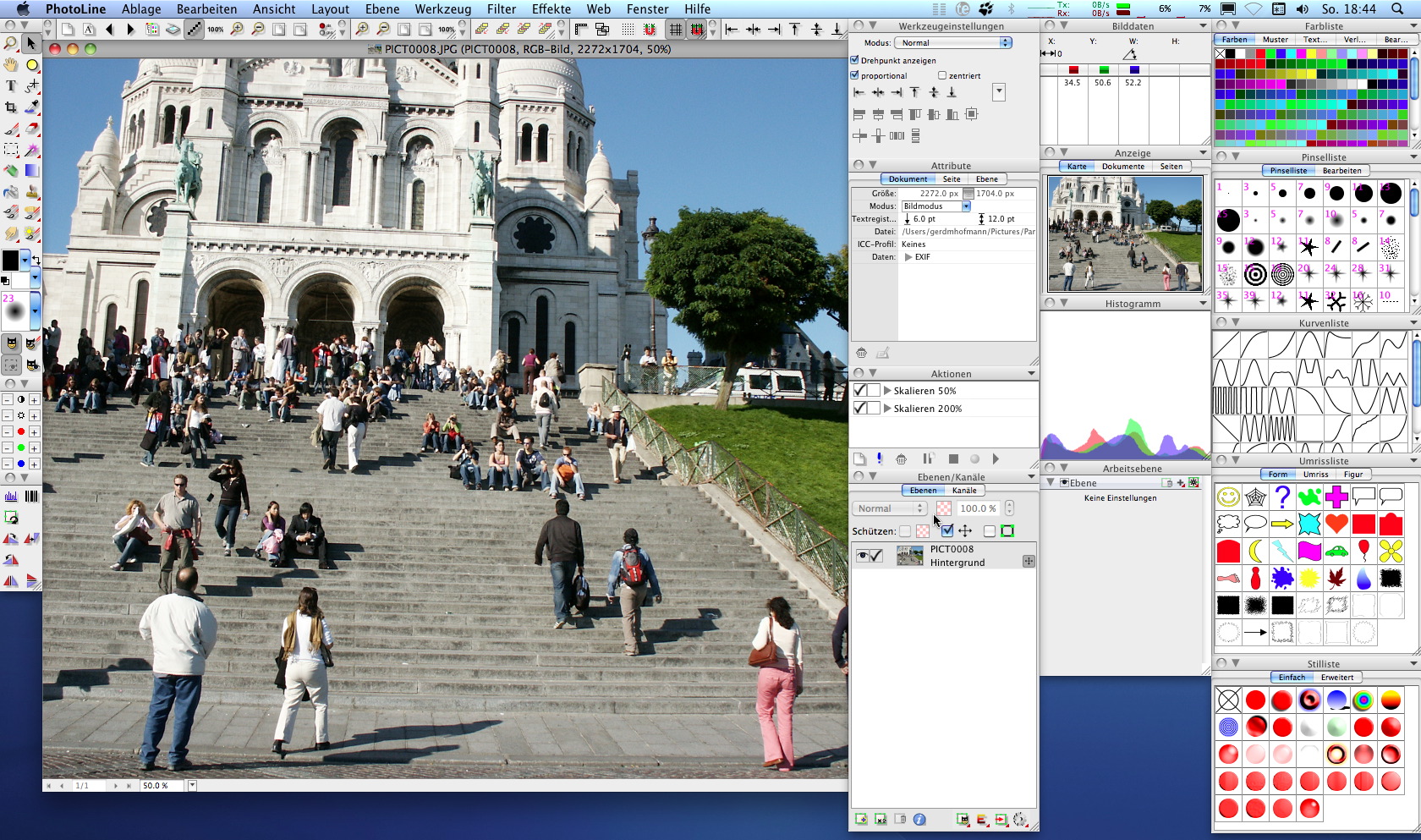

PhotoLine is an image editor and graphics application for photographers, illustrators, and designers who need photo retouching, vector drawing, and page-layout tools in one workspace. It handles raster and vector content, so users can edit photographs, build scalable artwork, and prepare multi-page designs without switching between separate applications.
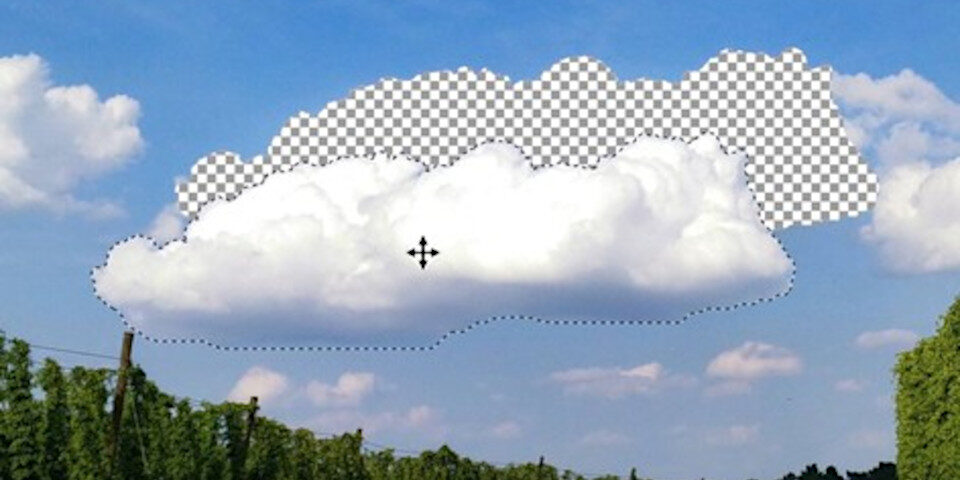
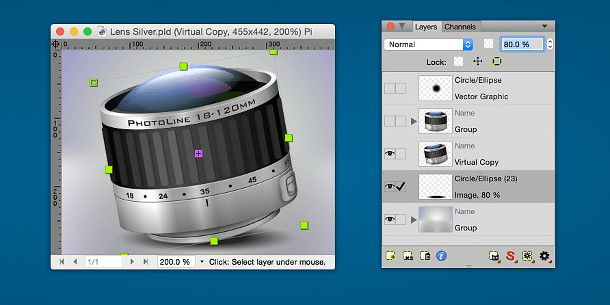
For photo work, PhotoLine provides layers and masks for making adjustments while preserving the underlying image. Layers can contain images, text, or vector objects, with controls for blending modes and opacity. These tools help organize complex composites, isolate edits to selected areas, and combine retouching with graphic elements. The application also supports 16-bit-per-channel editing for fine tonal and color adjustments, along with ICC color profiles for managing color across devices and print output. Filters and effects include image adjustments such as brightness and contrast, as well as HDR and lens-distortion correction.
The vector tools create and edit shapes and paths for logos, icons, and other artwork that needs to scale cleanly. Brushes and pencils support freehand drawing, while editable vector objects can be combined with pixel-based imagery and text in the same layered document. PhotoLine can also be used for desktop publishing: its typography controls include kerning and text flowing along paths, and multi-page documents support projects such as brochures, posters, and flyers. These capabilities make it possible to move from image preparation to layout within a single project.
The application supports formats including RAW, PSD, and PDF, which can help fit it into existing photography and design workflows. Its customizable interface lets users arrange the workspace around image editing, illustration, or page design. Typical projects include retouching photographs, creating digital artwork, preparing vector graphics, assembling image composites, and laying out print materials. The combination of pixel editing, vector drawing, and publishing tools is useful for creative work that spans several of these tasks.
PhotoLine is a demo application from Computerinsel. It is available for 64-bit Windows 10 and Windows 11. Its broad toolset can serve experienced users working on detailed image and layout projects, while the different editing modes also accommodate less specialized creative tasks.