Portable JPEGView for Windows 10 - Full description
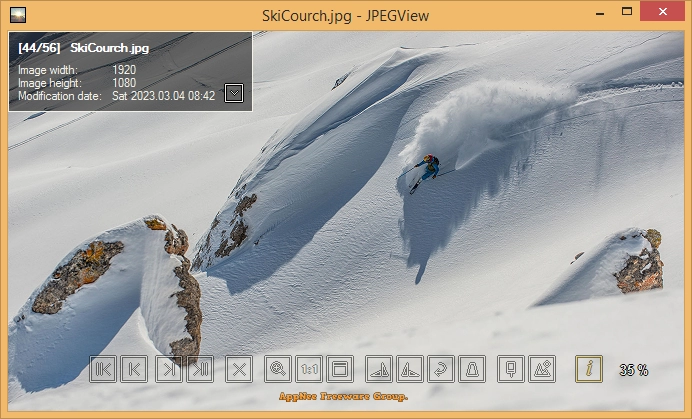
Portable JPEGView is a lightweight image viewer with built-in editing tools for people who want to browse and make quick adjustments to pictures without using a larger photo-editing suite. Its uncluttered interface keeps the image central, while its portable packaging allows it to be run without a conventional installation, making it suitable for quick viewing on compatible Windows computers.
The program opens common formats including JPEG, BMP, PNG, WebP, TGA, GIF and TIFF. Images can be browsed individually or viewed as a slideshow, which is useful for reviewing a folder of photos or displaying a collection. Its focus on fast opening and navigation helps when moving through many files, including large images. Slideshow options include changing how long each image is shown and selecting transitions.
JPEGView provides practical adjustments for improving an image during review. Brightness, contrast, saturation and color balance can be changed, with a real-time preview showing the effect of edits as they are made. Sharpening, blurring and cropping are also available for straightforward refinements, such as improving apparent detail, softening an area or trimming unwanted edges. These controls make the program useful for basic image correction without requiring a separate editor for every small change.
The workflow suits casual browsing as well as simple photo cleanup: open an image, inspect it at full size, adjust its appearance and continue through the collection. Batch processing can apply edits across multiple images, helping reduce repetitive work when several pictures need similar treatment. Since JPEGView works offline, image viewing and editing do not depend on an internet connection.
JPEGView is open-source and free to use. The portable edition is intended for Windows, with support stated for Windows 10 and Windows 11 as well as older Windows releases. Its compact footprint makes it a practical option for users seeking a focused viewer and basic editor rather than a full cataloging or professional image-processing application.